600%
Volume boost
Push quiet videos and tracks past the browser ceiling when you need real punch.
Volume Controller
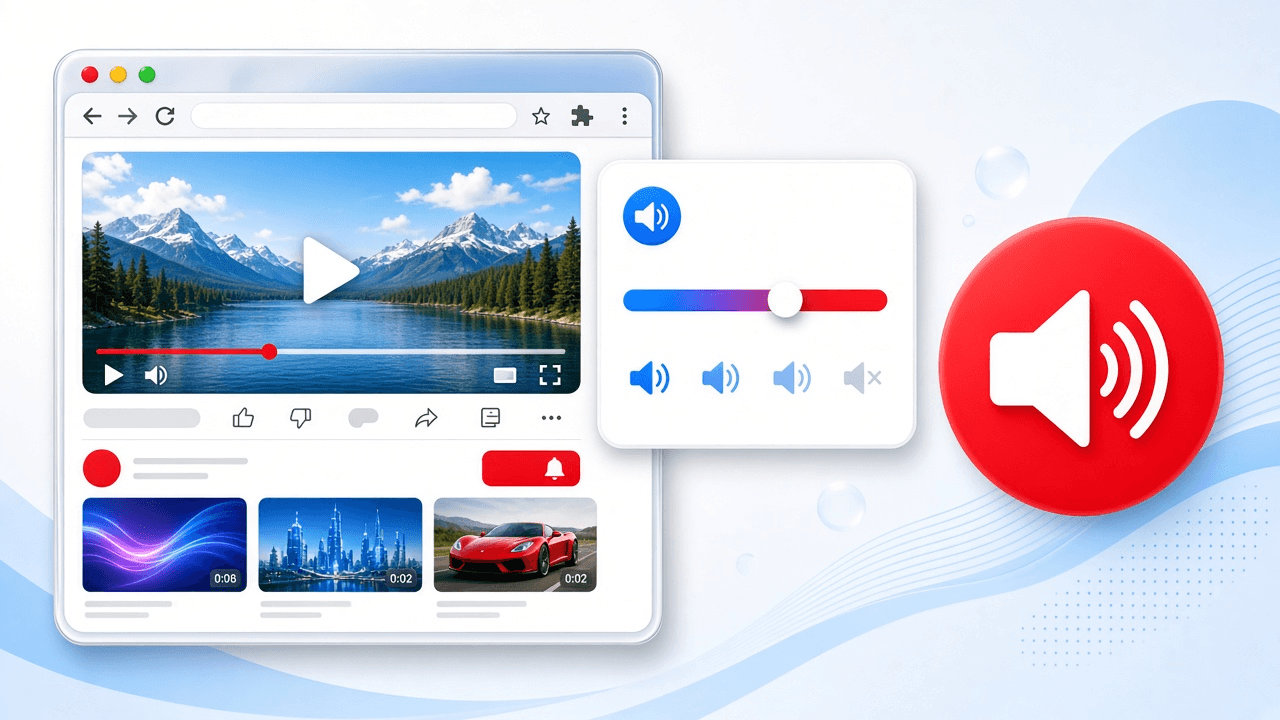
Boost to 600%, tune bass and EQ, mute in one click - all from a minimal Chrome popup.
4.2★ on Chrome Web Store · 20,000+ users · v3.3.1
Capabilities
600%
Push quiet videos and tracks past the browser ceiling when you need real punch.
Per tab
Own each tab separately - soft music, clear tutorials, balanced streams.
Instant
Kill a noisy tab in one click. No pause, no closing the page.
EQ + bass
Shape frequencies and lift bass so every track feels fuller in Chrome.
How it works
Add Volume Controller from the Chrome Web Store and pin the icon.
Play YouTube, Spotify, Twitch - the popup lists every tab with sound.
Boost to 600%, dial EQ, mute, and keep per-tab prefs.
Trust
4.2★
Store rating
20K+
Active users
600%
Max boost
v3.3.1
Current version
FAQ
Yes. It is free on the Chrome Web Store with core features unlocked.
It works with browser tab audio - YouTube, Spotify Web, Twitch, Netflix, and similar sites.
Audio stays local in Chrome. The developer states the extension does not collect personal data.
Install Volume Controller and take per-tab sound under control in seconds.
Audio Volume Controller for Chrome. Set sound level for each tab, boost up to 600%, amplify bass, equalize, mute instantly, and manage tabs with audio from a minimal UI.