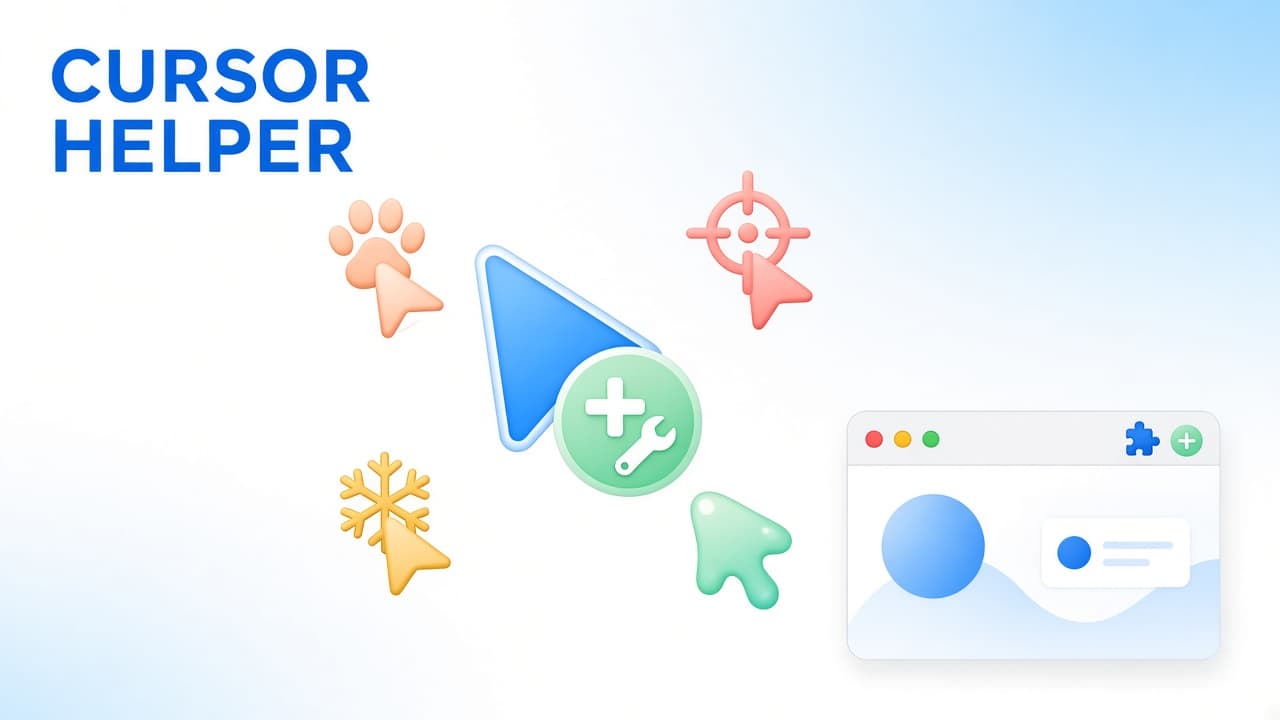
If Chrome's default arrow feels plain, Cursor Helper - Custom Cursors is a custom mouse cursor extension for the web: unique and fun for any taste. This guide covers only Cursor Helper, not a roundup of other cursor apps.
On the Chrome Web Store listing at the time of writing, Cursor Helper is a Featured extension with about a 4.5 rating, roughly 400,000 users, and version 6.4.0 (updated October 4, 2026). The product site is cursor-helper.com. Store stats change; always re-check the live listing before you install.
What Cursor Helper does
Cursor Helper lets you personalize the mouse cursor while you browse. Pick a pack, apply it, and the pointer updates on supported websites. Collections include cute designs, memes, neon styles, holidays, animals, nature, entertainment, sports, gaming-inspired looks, retro designs, and more.
- Change the default mouse cursor on supported websites.
- Browse multiple cursor collections and switch packs anytime.
- Create pack combinations, or build packs from your own images in Cursor Builder.
- Manage preferred designs in the extension and on the Cursor Helper website.
Cursor packs for every vibe
The fun of a custom mouse cursor extension is variety. Soft paws for cozy tabs, neon arrows for late-night focus, holiday motifs for seasonal flair, pixel-retro sets for gaming nostalgia, and meme-style pointers when you want a joke on the screen. Cursor Helper organizes that library so you can preview, add, and rotate packs without hunting through random downloads.
Start with Featured collections on the site, then branch into categories that match how you actually use Chrome - work, creative tabs, or play. Switching packs is meant to be low friction: try a look, keep it if it clicks, swap it if it does not.
Cursor Builder and your own images
Ready-made themes are only half the story. Cursor Builder helps you create personalized combinations: mix available designs, or use your own images so a brand mark, a doodle, or a favorite illustration becomes the pointer you use every day. Upload, preview, then save a pack you can reuse instead of rebuilding it each time.
Practical tip: keep DIY cursors sharp and readable at small sizes. Tiny details that look great in a full-size PNG can disappear at pointer scale. High contrast outlines and simple shapes usually win on busy web pages.
The popup workflow
Day to day, most people live in the extension popup: search or scroll the grid, apply a pack, open more cursors, or jump into upload. That visual shelf of styles is faster than a long settings form, and you can change your selection at any time.
How to install and start
- Open the Cursor Helper listing on the Chrome Web Store and install the extension (confirm ID bogabmgabnjabjbiggmfkdocbjgackfo).
- Pin the toolbar icon so the popup stays one click away.
- Refresh tabs that were already open so sites pick up the new pointer.
- Select a pack, or build one in Cursor Builder. Test on a regular website, not a chrome:// page.
Limits to know before you install
Due to browser security restrictions, custom cursors may not work on Chrome system pages or the Chrome Web Store itself. That is a browser limit, not a broken install. After setup, refresh regular website tabs so the active pack applies cleanly. If a page still shows the default arrow, reload once and confirm the extension is enabled for that site.
Where to get Cursor Helper
Read the overview on Cursor Helper on AddonUp, browse more pointer tools in Custom cursors, then install from the Chrome Web Store listing (extension ID bogabmgabnjabjbiggmfkdocbjgackfo). Extra packs and collections live on cursor-helper.com.
FAQ
Is Cursor Helper a custom mouse cursor extension for Chrome?
Yes. It is built to replace the default web pointer with themed packs and DIY designs while you browse supported websites.
Can I use my own images?
Yes. Cursor Builder lets you combine existing designs or create packs from your own images, then switch them like any store pack.
Why does my custom cursor disappear on some pages?
Chrome system pages and the Chrome Web Store often block custom cursors. Refresh normal website tabs after install, and keep the extension enabled for those sites.
How popular is Cursor Helper right now?
At the time of writing the listing is Featured, with about a 4.5 rating, roughly 400,000 users, and version 6.4.0. Numbers change - check the live Cursor Helper CWS page for the latest snapshot.
Try a brighter pointer today
If you want custom cursors Chrome users actually keep installed, start with a pack you like, then graduate to Cursor Builder when you have a look of your own. Review AddonUp's Cursor Helper page, install from the Chrome Web Store, refresh your tabs, and give the default arrow a day off.