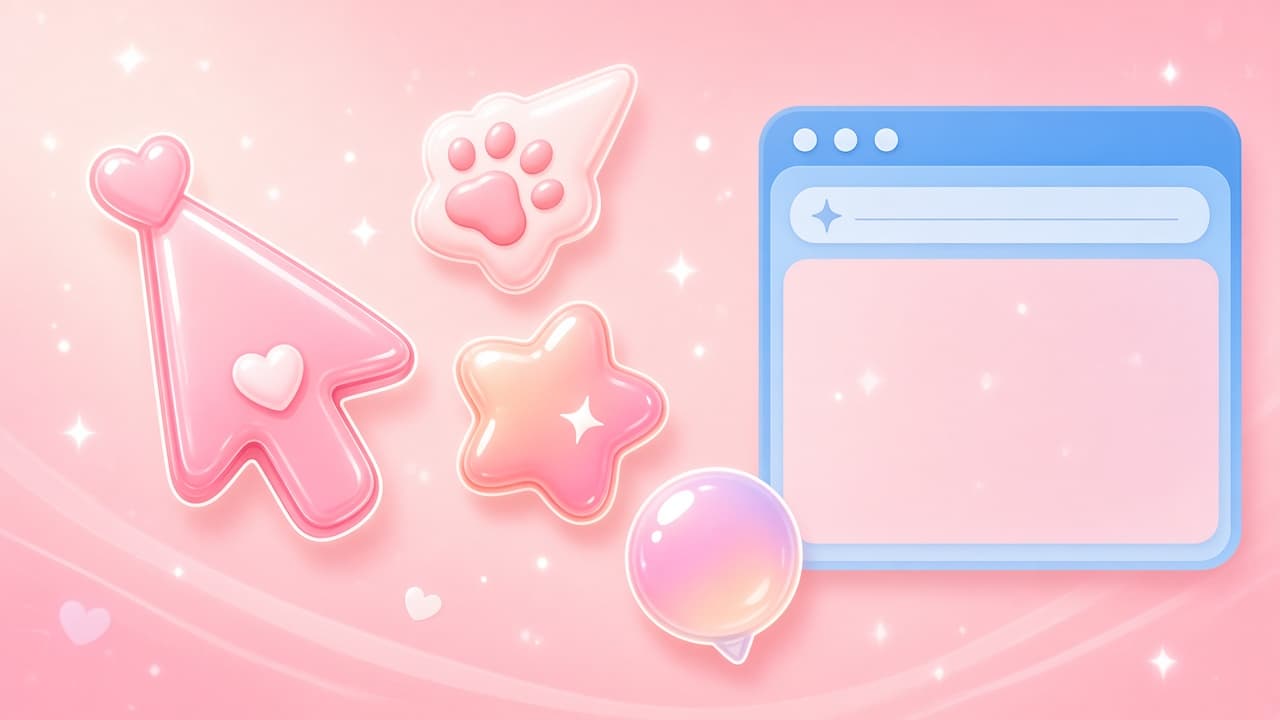
If the default Chrome arrow feels plain, Custom Cursor Changer is built for a brighter, cuter pointer. This free Chrome extension replaces the standard cursor with funny, trendy, and animated designs - think soft pink vibes, game packs, cats, memes, gradients, and clean minimal arrows for work or study.
On the Chrome Web Store listing at the time of writing, Custom Cursor Changer is Featured, shows about a 3.8 rating from roughly 148 ratings, around 10K users, and version 5.3.2. The product site is cutecursors.com. Treat store stats as a snapshot; always re-check the live listing before you install.
Install from the official store: Custom Cursor Changer on the Chrome Web Store. On AddonUp, the matching extension page is Custom Mouse - Cursor Changer.
What Custom Cursor Changer does
Custom Cursor Changer personalizes the mouse pointer you see on regular websites. Open the popup, pick a pack or a single style, and your cursor updates across pages you visit. You can stick with ready-made cute themes or build something of your own when packs are not enough.
- Replace the default cursor: Swap Chrome's plain arrow for cute, funny, or trendy pointers.
- Animated effects: Some designs shimmer, move, rotate, or dance while you browse.
- Free themed packs: Browse game, cartoon, anime-inspired, meme, gradient, cute, cats, mining, Roblox-style, and minimal packs for work or study.
- Create your own: Upload or craft a custom cursor when you want a one-of-a-kind look.
Free cute packs and trending styles
The library leans into a soft pink, playful aesthetic while still covering everyday needs. You can jump between loud meme pointers and quieter minimal arrows without leaving Chrome. Pack names and counts can change over time, so explore the live popup for the current catalog.
- Cute and cats: Soft, adorable pointers that match a pastel browser mood.
- Game, cartoon, and anime-inspired: Expressive styles for entertainment sites and creative browsing.
- Meme and gradient: Trendy looks that stand out on social feeds and dashboards.
- Mining and Roblox-style packs: Playful game-adjacent themes for casual sessions.
- Minimal for work or study: Cleaner arrows when you want personalization without distraction.
Animated cursors that shimmer, move, and dance
Static pointers are only part of the fun. Custom Cursor Changer also highlights animated options that shimmer, move, rotate, or dance. Motion makes the pointer easier to spot on busy pages and keeps the cute aesthetic feeling alive while you scroll, click, and type.
Create your own custom cursor
When ready-made packs are close but not quite right, use the create flow to make your own cursor. Upload an image or craft a DIY pointer, preview it, and apply it across sites. This is the fastest path to a personal brand mark on your own browser - without redesigning your whole desktop theme.
How to install Custom Cursor Changer
- Open the Chrome Web Store listing for Custom Cursor Changer (ID kbpfgmdeadapkkgjealalfgkmoaehiic).
- Click Add to Chrome and confirm the permission prompt.
- Pin the extension, open the popup, and pick a cute pack or create your own cursor.
- Browse a normal website to confirm the new pointer appears.
For a product overview on AddonUp, see /extensions/custom-mouse-custom-cursor. More pack ideas and the wider cute-cursor library live on cutecursors.com.
10 reasons to personalize your Chrome cursor
- Personalization: Make the browser feel like yours in one click.
- Aesthetics: Match a cute pink, cartoon, or minimal look to your mood.
- Ease: Install from the store and switch packs from a simple popup.
- Fun: Animated shimmer, move, rotate, and dance styles keep browsing playful.
- Visibility: A brighter or animated pointer is easier to track on dense pages.
- Variety: Free packs cover games, memes, cats, gradients, and work-friendly minimal arrows.
- Creativity: Build your own cursor when catalogs miss your idea.
- Lightweight vibe: Change only the pointer instead of restyling the whole OS.
- Mood switching: Use loud packs for leisure and minimal ones for study sessions.
- Shareable taste: A distinctive cursor is an easy conversation starter on stream or in screenshots.
Privacy and important limits
The developer discloses that the extension does not collect user data. Still, review the Chrome Web Store privacy disclosures yourself before installing, especially after updates.
Warning: Custom cursors typically do not apply on Chrome Web Store pages or chrome:// internal pages. That is a Chrome platform limit, not a broken install. Test on ordinary websites such as news, docs, or cutecursors.com.
How this differs from other cute cursor tools
Custom Cursor Changer shares the [email protected] developer contact with related mouse-cursor products, but this guide focuses on the Custom Cursor Changer product name and its cute pink aesthetic angle - animated packs, free themed collections, and DIY creation under the store ID kbpfgmdeadapkkgjealalfgkmoaehiic. If you are comparing options, start from the official listing and the AddonUp page Custom Mouse - Cursor Changer so you install the exact extension you intend.
FAQ
Is Custom Cursor Changer free?
Yes. The Chrome extension is free to install, and the listing highlights free packs across cute, game, meme, gradient, and minimal styles. Always confirm current pricing or optional extras on the live store page.
Why is my custom cursor missing on some pages?
Chrome blocks many extensions from changing the UI on chrome:// pages and the Chrome Web Store itself. Open a normal website after applying a pack. If the pointer still does not change, reload the tab or re-select the pack in the popup.
Can I use animated cursors every day?
Yes for casual browsing. For long work or study sessions, switch to a minimal pack so motion does not compete with dense text. Custom Cursor Changer is flexible enough to keep both playful and quiet styles installed.
Where do I learn more or get support?
Visit cutecursors.com for the product site, use the Chrome Web Store support contact ([email protected]), or review the AddonUp overview at /extensions/custom-mouse-custom-cursor.
Ready for a cuter Chrome pointer?
Custom Cursor Changer is a simple way to trade the default arrow for cute pink energy, animated flair, and free themed packs. Install from the Chrome Web Store, explore more on cutecursors.com, and keep the AddonUp page handy at Custom Mouse - Cursor Changer.