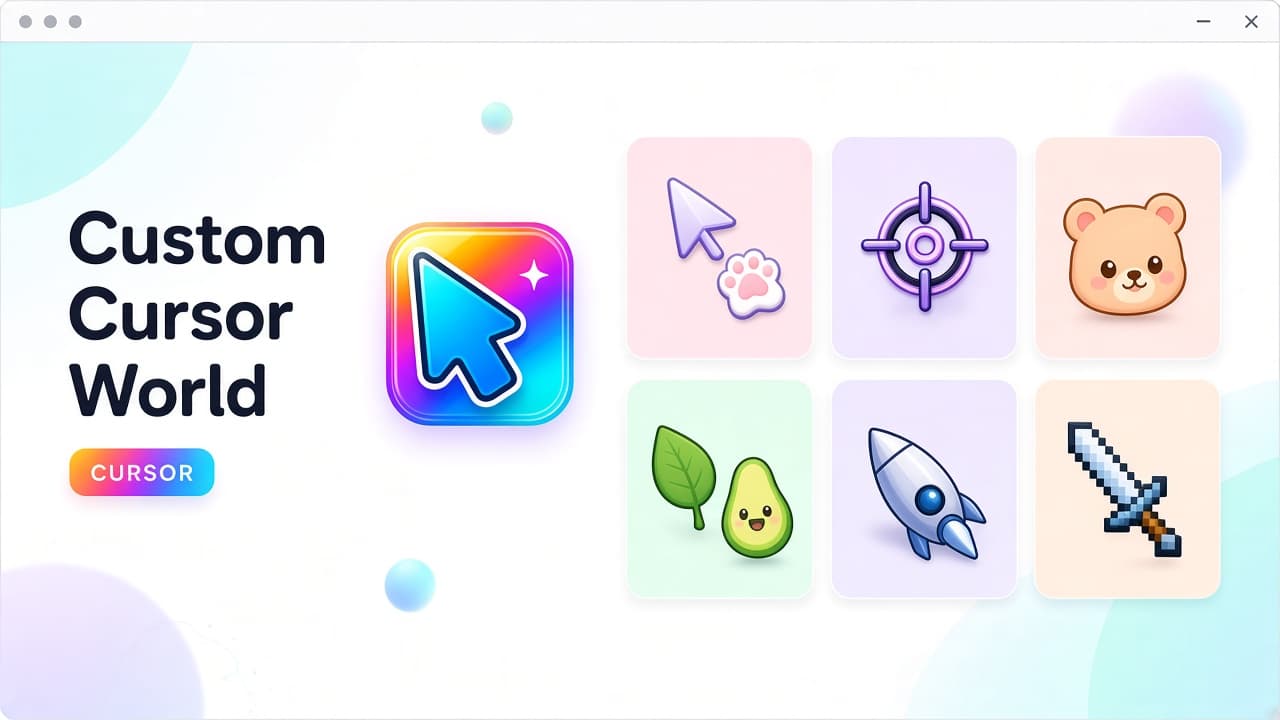
Looking for a custom cursor for Chrome that feels playful instead of plain? Custom Cursor World pairs a free catalog site with a Chrome extension so you can browse themed packs, install once, and swap your mouse pointer across everyday browsing.
Explore packs on custom-cursor.world, then install Custom Cursor World on the Chrome Web Store (ID fflfneomfmjmcmfbegldeflcakinffef). At the time of writing, the listing shows about a 4.6 rating, roughly 4000 users, and version 2.3.26. Treat store stats as a snapshot and re-check the live page before you install.
What Custom Cursor World offers
Custom Cursor World is built around free custom cursors for Chrome, with support for Edge as well. The pitch is simple: a large catalog of packs and collections, no ads, and a short path from browse to apply. You install the extension, pick a theme you like, and personalize the pointer without paying for a premium unlock wall.
- Free custom cursors for Chrome and Edge, with a Windows-friendly catalog story on the site.
- Curated collections across anime, gaming, cute, minimalist, pixel, space, and more.
- Controls for size, speed, and color so the pointer matches how you browse.
- Free to use with no ads; the developer discloses no data collection on the store listing.
Browse packs on custom-cursor.world
The website is the discovery layer. Open custom-cursor.world to explore collections before you commit to a look. Categories cover anime-inspired sets, sharp gaming pointers, soft cute themes, clean minimalist arrows, space motifs, and retro pixel styles - so you can match a mood instead of settling for one forever cursor.
Use Popular, Top Rated, or Newest-style browsing on the site when you want a shortlist fast. Then jump to the extension to apply the pack while you keep Chrome open for work, gaming tabs, or casual scrolling.
Install the extension and apply a cursor
Personalizing a custom cursor for Chrome is mostly a three-step loop: install, browse, apply. After the extension is on your toolbar, open the popup, preview icons, and switch packs until the pointer feels right. Refresh open tabs if a page still shows the default arrow.
- Install Custom Cursor World from the Chrome Web Store.
- Pin the toolbar icon so the popup stays one click away.
- Browse themes on custom-cursor.world or inside the extension UI.
- Apply a pack, then tune size, speed, and color if you want a finer fit.
- Reload regular website tabs so the new pointer shows up cleanly.
Themes, icons, and styles worth trying
A custom mouse cursor only works if you enjoy looking at it all day. Custom Cursor World leans into variety: soft cute icons for cozy browsing, neon gaming arrows for focused sessions, minimal leaf-like pointers for a calmer desktop feel, space and pixel sets when you want something more expressive.
Practical tip: pick high-contrast outlines for busy pages. Tiny decorative details can disappear at pointer size, while simple shapes stay readable on dark dashboards and bright articles alike.
Size, speed, and color controls
Beyond picking a pack, Custom Cursor World lets you adjust size, speed, and color. That matters if a theme looks perfect in a preview but feels oversized on a laptop trackpad, or if you want a calmer motion feel for long reading sessions. Start with the defaults, then nudge one control at a time until the pointer tracks the way you expect.
Free, no ads, and privacy notes
The product story emphasizes free use with no ads. On the Chrome Web Store listing, the developer discloses no data collection - a useful signal if you care about lightweight personalization tools. Still, good hygiene applies: install only from the official store page, review permissions, and remove extensions you no longer use.
Chrome and Edge support
Custom Cursor World targets Chromium browsing. If you use Chrome as your main browser, the Web Store install path is the fastest start. Edge users on Chromium can typically add the same extension from the Chrome Web Store as well. Confirm the live listing still lists your browser before you rely on it for daily work.
Limits to know before you install
Custom cursors often cannot override Chrome system pages or the Chrome Web Store itself. That is a browser restriction, not a broken install. If a normal website still shows the default arrow, reload once, confirm the extension is enabled, and re-apply the pack from the popup.
Where to get Custom Cursor World
Start on the catalog at https://custom-cursor.world/, then install from the Chrome Web Store listing for Custom Cursor World. Extension ID: fflfneomfmjmcmfbegldeflcakinffef.
FAQ
Is Custom Cursor World a good custom cursor for Chrome?
Yes if you want a free, no-ads workflow: browse themed packs on custom-cursor.world, install the extension, and apply styles with size, speed, and color controls.
Does it work on Edge?
Custom Cursor World is positioned for Chrome and Edge. Use the official store listing and confirm compatibility on your browser version before installing.
Are the cursors free?
The site and extension pitch free custom cursors with no ads. Always verify pricing and permissions on the live Chrome Web Store page.
What styles can I find?
Collections commonly include anime, gaming, cute, minimalist, pixel, space, and similar vibes - enough range to rotate looks without hunting random downloads.
Ready to personalize Chrome?
If Chrome's default arrow feels tired, Custom Cursor World is a low-friction way to try a custom cursor for Chrome: browse free packs on custom-cursor.world, install Custom Cursor World, and apply a theme that actually feels like yours.