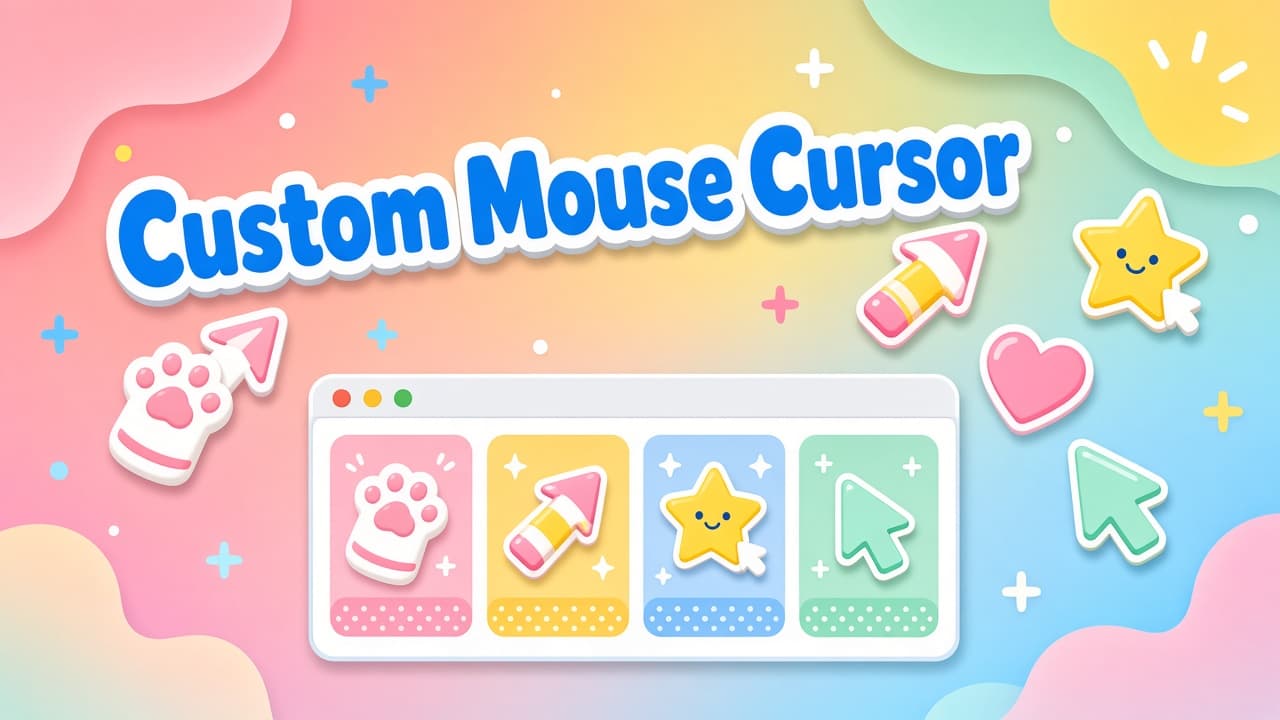
A custom mouse cursor is one of the fastest ways to make Chrome feel like yours. Mouse Cursor - Custom Cursor focuses on cute and stylish pointers, free packs sorted by collection, and animated cursors that can move or dance while you browse - without replacing your whole desktop theme.
On the Chrome Web Store listing at the time of writing, the extension is Featured, shows about a 4.0 rating from roughly 132 ratings, around 20K users, and version 4.2.4. The product site is cutecursors.com. Treat store stats as a snapshot; always re-check the live listing before you install.
What Mouse Cursor - Custom Cursor offers
This Chrome extension is built around a library of free custom mouse cursor packs. You pick a collection mood, apply a pack, and your pointer updates on regular web pages. Animated options add motion so the cursor can feel playful instead of static - useful when you want personality without heavy UI chrome.
- Browse free packs by collection: game, cartoon, anime-inspired styles, meme, gradient, cute, cats, Roblox-themed sets, and minimal looks for work or study.
- Try seasonal Editor's Picks when you want a quick Featured-style refresh.
- Use animated cursors that move or dance for a livelier pointer.
- Create your own custom mouse cursor by uploading an image.
Free cursor collections worth trying
Collection browsing is the main loop. Soft cute and cat packs suit cozy tabs. Gradient and minimal sets stay readable when you study or work. Game and cartoon packs add energy for entertainment sites. Meme styles are for short-lived fun. Seasonal Editor's Picks help when you want something fresh without scrolling the whole catalog.
Tip: keep one "focus" pack and one "fun" pack ready. Switch when your tab mood changes instead of hunting a new download every time.
Create your own pointer with image upload
Ready-made packs cover most tastes, but DIY is where a custom mouse cursor becomes personal. Upload an image, preview the pointer, and apply it as your active cursor. Simple shapes with clear outlines work best at small sizes; busy photos often lose detail on busy web pages.
If you design assets yourself, export a transparent PNG, keep contrast high, and test the hotspot feel on a few sites. A pointer that looks cute in a full-size preview should still read clearly next to dense text.
How to install and start
- Open the Mouse Cursor - Custom Cursor listing on the Chrome Web Store and install the extension.
- Pin the toolbar icon so pack switching stays one click away.
- Refresh open website tabs so the new custom mouse cursor can apply.
- Pick a free collection pack, try an animated style, or upload your own image.
Limits, privacy, and good habits
Custom cursors generally do not work on the Chrome Web Store or chrome:// system pages. That is a browser restriction, not a broken install. After setup, reload ordinary website tabs if the default arrow still shows.
On privacy, the developer discloses no data collection on the store listing. Still review the live privacy details yourself before installing any extension, and only keep packs and uploads you trust.
Where to get Mouse Cursor - Custom Cursor
Read the overview on Cute Cursors on AddonUp, then install from the Chrome Web Store listing for Mouse Cursor - Custom Cursor (extension ID kinfihfgknmecicjmadebldjeknakbpj). For more pack browsing and product context, visit cutecursors.com.
FAQ
Is Mouse Cursor a custom mouse cursor extension for Chrome?
Yes. Mouse Cursor - Custom Cursor replaces the default web pointer with free themed packs, animated styles, and DIY uploads while you browse Chrome.
Are the cursor packs free?
The extension emphasizes free packs organized by collection. Always confirm current pricing and unlock rules on the live Chrome Web Store page and on cutecursors.com.
Can cursors be animated?
Yes. Some packs include animated cursors that can move or dance, so the pointer feels more playful than a static arrow.
Why does my custom mouse cursor disappear on some pages?
Chrome blocks custom cursors on the Chrome Web Store and chrome:// pages. Reload regular websites after install, and confirm the extension is enabled for those tabs.
Does the extension collect my data?
The developer discloses no data collection on the store listing. Re-check the privacy section on the live listing whenever you update or reinstall.
Final take
If you want a custom mouse cursor for Chrome with cute free packs, animated options, and simple image upload, Mouse Cursor - Custom Cursor is a focused place to start. Install from the Chrome Web Store, skim collections on cutecursors.com, and keep a minimal pack handy for deep-work tabs.