600%
Volume boost
Amplify quiet videos, music, and podcasts by up to 6× when you need more punch.
Volume Control
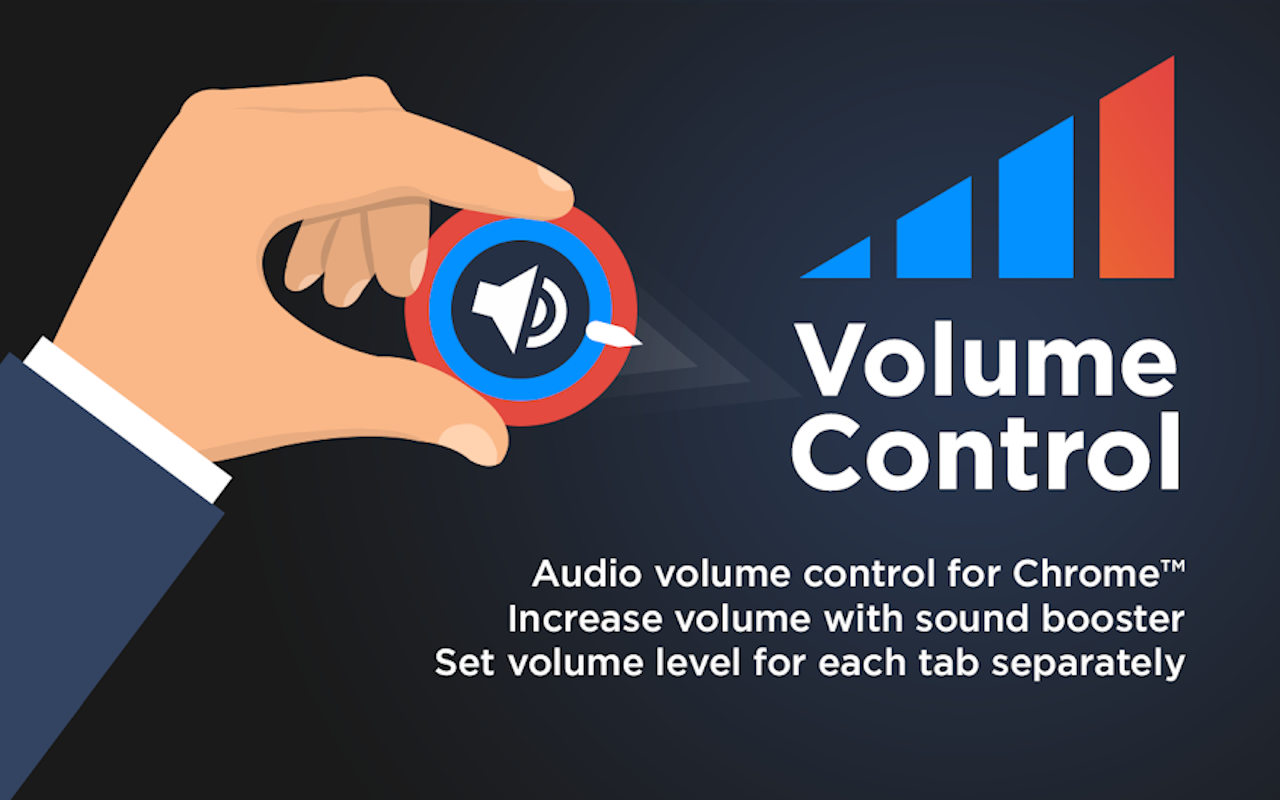
Boost quiet tabs, mute noisy ones, and keep every audio source under control from a simple Chrome popup.
Free · Up to 600% boost · Privacy-first
Capabilities
600%
Amplify quiet videos, music, and podcasts by up to 6× when you need more punch.
Per tab
Set different volumes for music, videos, and streams at the same time.
Instant
Silence any tab without pausing or closing the page.
Simple
Clean sliders and controls that stay out of your way.
Local
Audio processing stays in your browser. No tracking of your listening.
Free
No subscriptions, pop-ups, or premium paywalls - forever free.
Use cases
Keep Spotify or YouTube Music at your level while other tabs stay quieter.
Boost quiet videos or tame loud ads on YouTube, Netflix, Hulu, and Twitch.
Lift speech clarity for podcasts, lessons, and long-form audio.
Balance game audio and live streams without fighting system volume.
How it works
Add Volume Control from the Chrome Web Store and pin the icon.
Play YouTube, Spotify, Twitch - open the popup on any tab with sound.
Slide to boost up to 600%, mute instantly, and keep per-tab levels.
Feedback
“Per-tab control is exactly what I needed - music and videos without jumping around.”
“Works wonders for low-volume YouTube videos. Free and ad-free.”
“Spotify in one tab, tutorials in another, each at its own volume.”
“Privacy-first and no ads - clean UI that stays out of the way.”
FAQ
Yes. Volume Control is free on the Chrome Web Store with no hidden fees or premium locks.
It works with browser tab audio - YouTube, Spotify Web, Twitch, Netflix, SoundCloud, and similar sites.
No. Processing is local in Chrome. It does not collect or transmit personal browsing or audio data.
Up to 600% (6×) of the original volume for quiet content.
Yes. Each tab can have its own level at the same time.
It is lightweight and designed for minimal resource use.
It can coexist with many extensions, but multiple volume tools may conflict - use one at a time.
See the How to Use page linked from this landing for step-by-step tips.
Install Volume Control and boost, mute, and balance every tab in seconds.
Volume Control for Chrome. Per-tab volume, boost up to 600%, one-click mute, privacy-first and free.