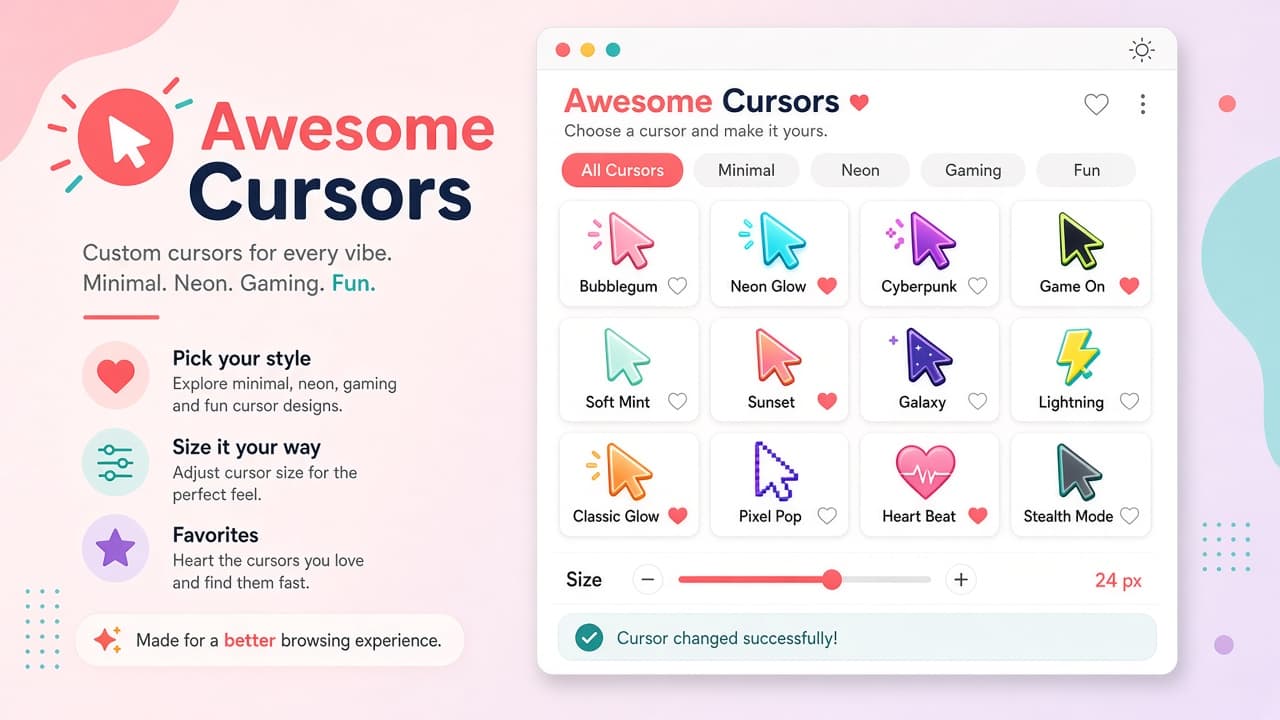
About this extension
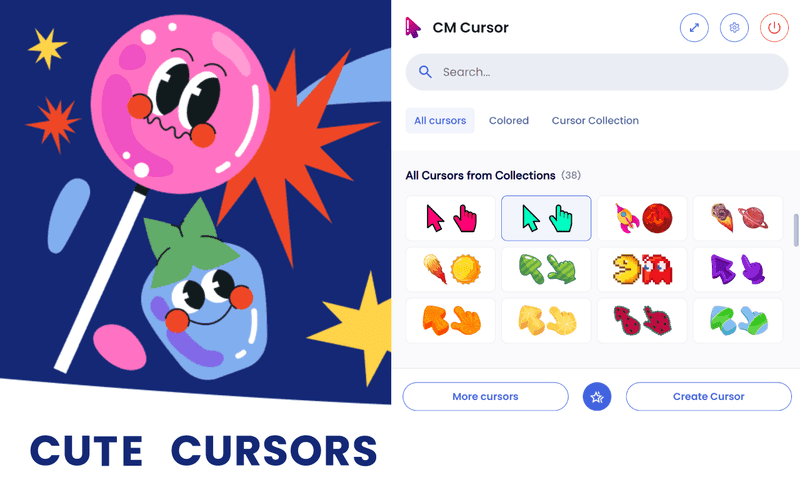
Awesome Cursors turns your Chrome pointer into a colorful style upgrade. Change and customize the cursor on any website with 100+ ready-made looks - minimal, neon, gaming, fun, and creative - or upload your own PNG, JPG, or image URL.
From BiLike, Awesome Cursors focuses on fast personalization: size adjust, favorites, dark and light UI, and a one-click on/off toggle. Settings stay local and the extension is privacy first with no data collection. Chrome Web Store snapshot used for this page: about 4.0 (4 ratings), about 56 users, version 2.0.2, size 5.08MiB - always re-check the live listing before you install.
Why choose Awesome Cursors?
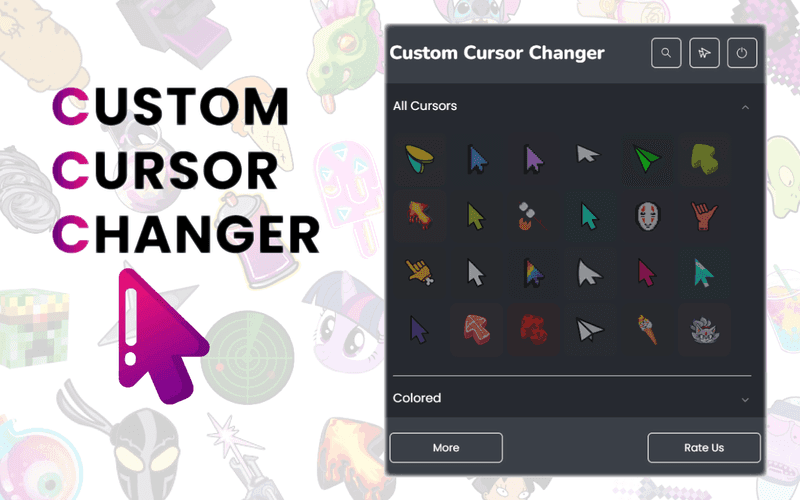
- 100+ ready-made cursors: Browse elegant colored styles across minimal, neon, gaming, fun, and creative vibes.
- Upload your own: Add custom cursors from PNG/JPG files or an image URL when packs are not enough.
- Size and favorites: Tune pointer size and keep favorite cursors handy for quick switches.
- Dark and light UI: Use a clean interface that matches how you like to browse.
- Privacy first: No data collection - settings stay local in your browser with a one-click toggle.
Install Awesome Cursors from the Chrome Web Store, pick a cursor that fits your mood, and make everyday browsing feel more you. See more custom cursors on AddonUp under Custom Cursors.