About this extension
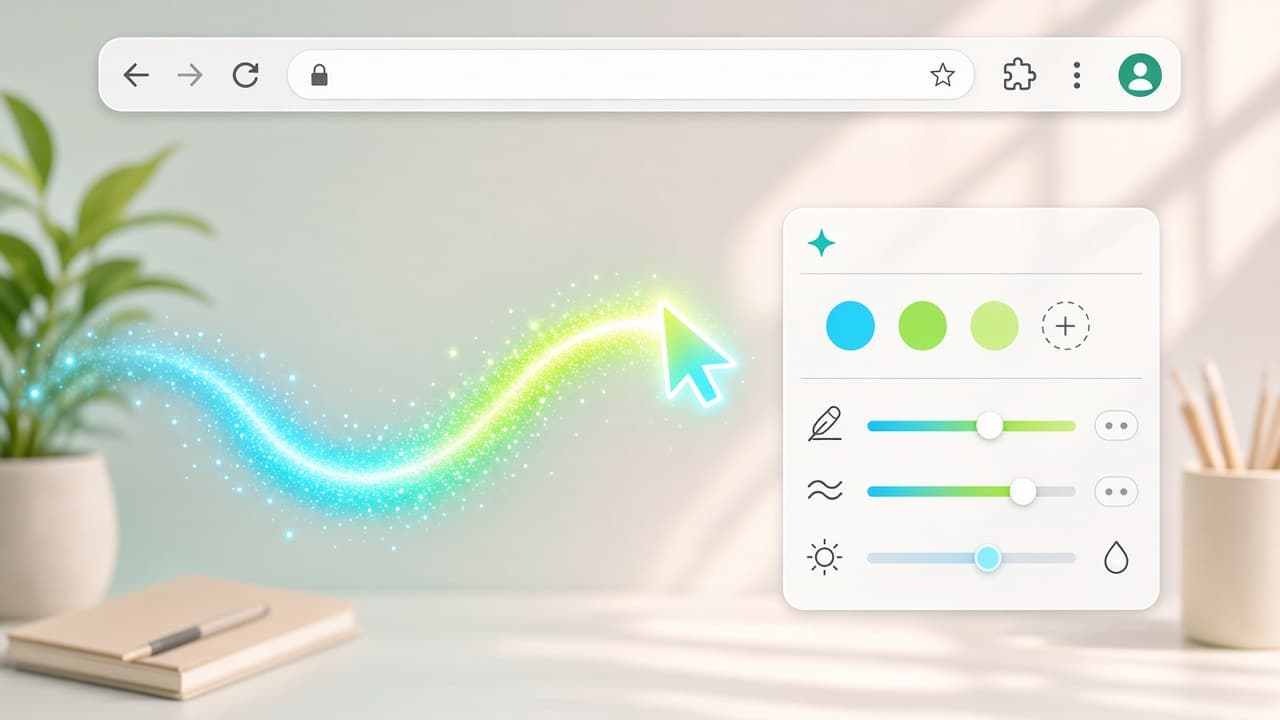
Cursor Trail personalizes a cursor trail effect that follows your mouse as you browse. Pick styles, colors, and shapes, then tune length, thickness, and transparency so the trail stays fun without burying the page.
Offered by Cursor Trail (developer contact [email protected]), the extension adds interactive physics for a lively particle feel and works as a focus aid on large or multi-monitor setups and during presentations. It is described as lightweight, with privacy disclosed as no data collection. Chrome Web Store snapshot for this page: about 4.4 rating (18 ratings), roughly 2,000 users, version 1.3.0 - always re-check the live listing before you install. Extension ID: olepgfgeagbdahhpodppmkenhejfhdcj.
Why choose Cursor Trail?
- Trail that follows you: Keep a clear glowing path behind the pointer so movement stays easy to track.
- Styles, colors, and shapes: Match the trail to your vibe with look options beyond a plain line.
- Fine-tune the feel: Adjust length, thickness, and transparency until the effect fits work or play.
- Interactive physics: Add a lively particle motion that reacts as you move the mouse.
- Focus on big screens: Help viewers follow the pointer on large displays, multi-monitor desks, and presentations.
- Lightweight and private: Built to stay light; the listing discloses no data collection.
Install Cursor Trail from the Chrome Web Store, dial in your trail, and make the pointer easier to follow. Browse more pointer styles on AddonUp under Custom Cursors.