
About this extension
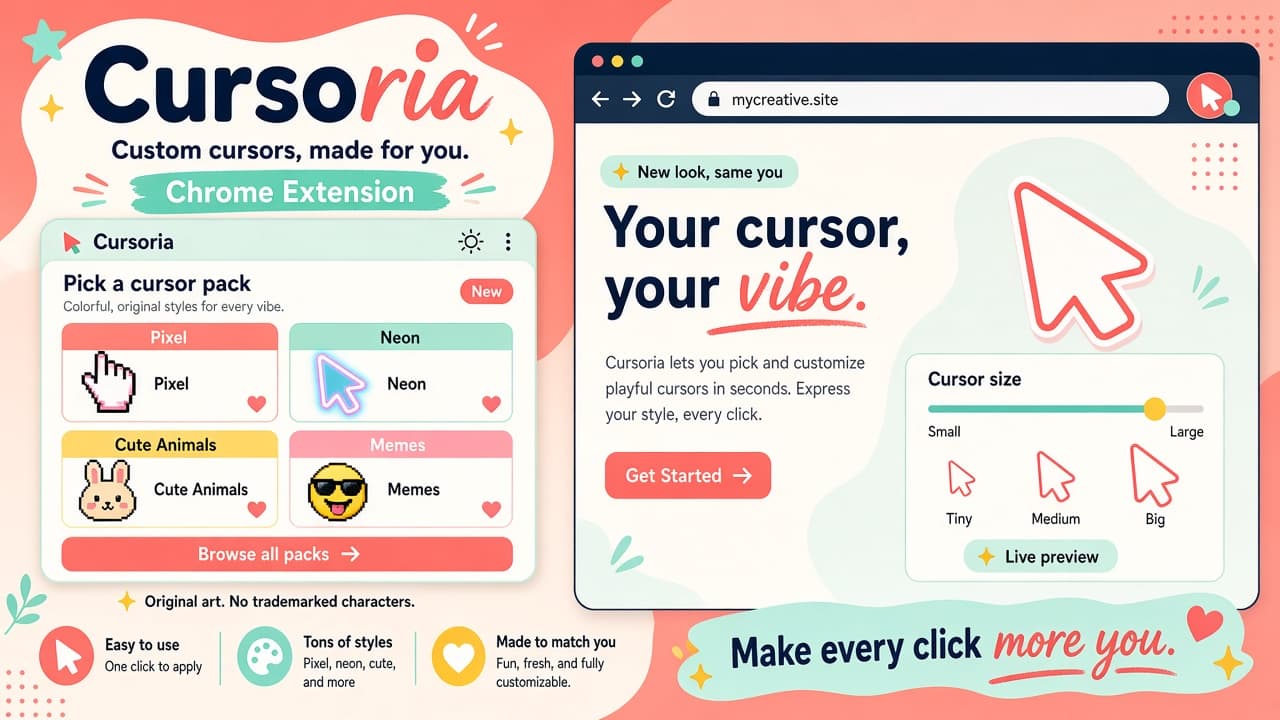
Cursoria - Custom Cursors turns your Chrome pointer into a playful style kit. Browse thousands of packs - pixel art, cute animals, neon, memes - then search, favorite, and apply a look in one click.
From BDriver Labs, Cursoria is built for fast personalization: live cursor size adjust, dark mode, hotkeys for on/off/random, site allow/block lists, and a collection that syncs. On the Chrome Web Store snapshot used for this page: rating 5.0 (2 reviews), about 29 users, version 1.0.0 - always re-check the live listing before you install.
Why choose Cursoria?
- Huge pack library: Explore colorful cursor themes from pixel and neon to cute animals and meme vibes.
- One-click apply: Search packs, save favorites, and switch cursors without digging through menus.
- Live size control: Tune pointer size on the fly so cursors stay readable on busy pages.
- Hotkeys and site rules: Toggle on/off/random quickly, and allow or block Cursoria per site.
- Synced collection: Keep your preferred packs handy across sessions with collection sync.
Install Cursoria from the Chrome Web Store, pick a pack that matches your mood, and make everyday browsing feel a little more you. See more custom cursors on AddonUp under Custom Cursors.