About this extension
Custom Cursor App - Custom Cursors
Custom Cursor App: Free, fun, and unique mouse cursors to personalize your browser!
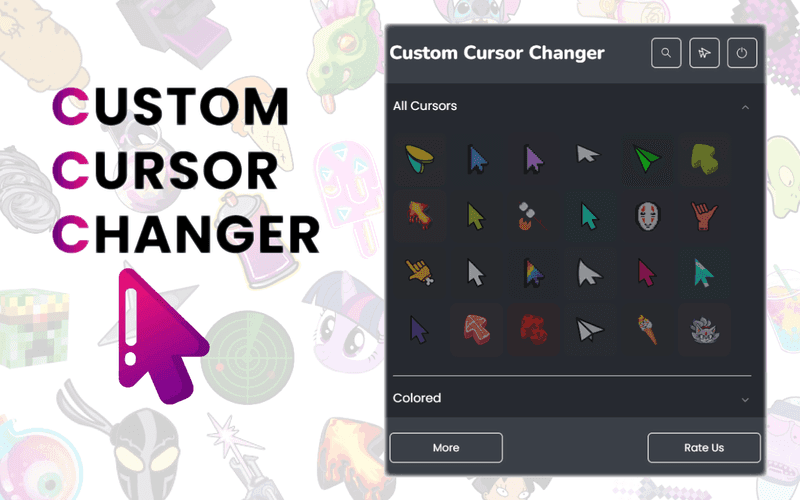
The Custom Cursor app is a real explosion of creativity for those who are tired of the standard gray cursor and want to add some magic to their Chrome browser. Here you will find a custom cursor for every taste: from cute and funny to epic and magical. And best of all, it's absolutely free!
If you love anime, you'll love our collection of anime cursors: turn your cursor into Naruto, Goku from Dragon Ball, or choose a character from Attack on Titan or Sailor Moon. Fan of Totoro? No problem - it can also become your cursor! And don't forget we have cute cursors for those who want a dose of cuteness with every click!
And now for the real geeks! If epic battles and magic are your thing, check out our collection of fantastic cursors. Brave heroes from The Lord of the Rings, majestic dragons or even a cursor in the style of Game of Thrones - it's all waiting for you. Want your cursor to look like a sword or a magic wand? Light! Fantastic cursors will add real epicness to your browser.
If you are a fan of cartoons, be sure to try UniKitty - the cute and bright unicorn cat from the show of the same name! It's a really cute cursor that will cheer you up at first glance. But that's not all: Mickey Mouse, SpongeBob, Bugs Bunny and other popular characters are also ready to become your cursors.
Do you like video games? There is something epic for you too! Our collection includes cursors from popular games: Fortnite, Minecraft, League of Legends and other famous titles. Set your cursor in the form of your favorite character or even a weapon from the game - and every click will be like a small victory.
What you get with Custom Cursor:
- A free extension that allows you to personalize your cursor.
- A huge variety of cursors, including anime, fantasy, cute, game and cartoon options.
- Anime characters: Naruto, Goku, Eren, Sailor Moon and others.
- Fantastic cursors from worlds like Lord of the Rings, Game of Thrones, dragons and wizards.
- UniKitty is a fun cartoon cursor for lovers of colorful characters.
- Cursors from popular games: Fortnite, Minecraft, League of Legends and others.
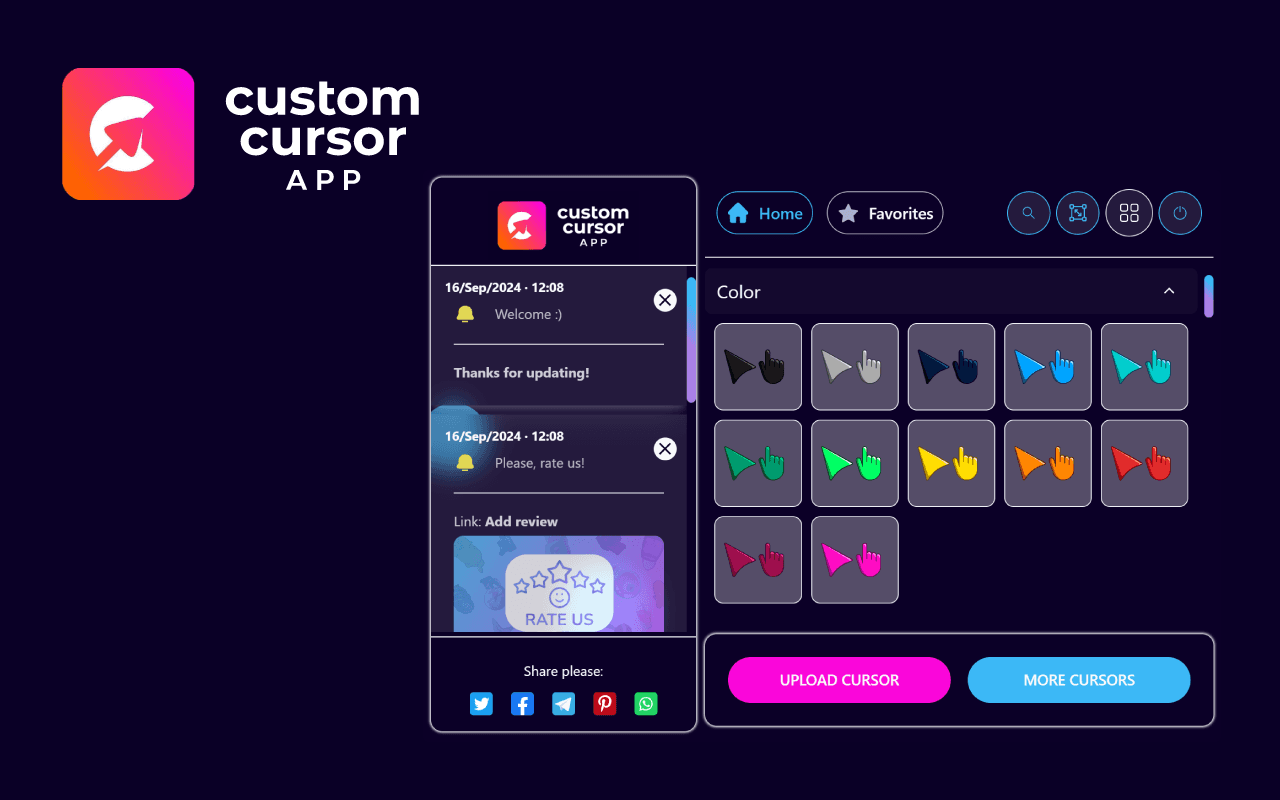
- The ability to create your own cursors and impress everyone with unique designs.
- Custom Cursor is the best way to make your time unforgettable! Set your favorite cursors from anime, fantasy, games or cartoons and turn your browser into a magical world of adventure.