About this extension
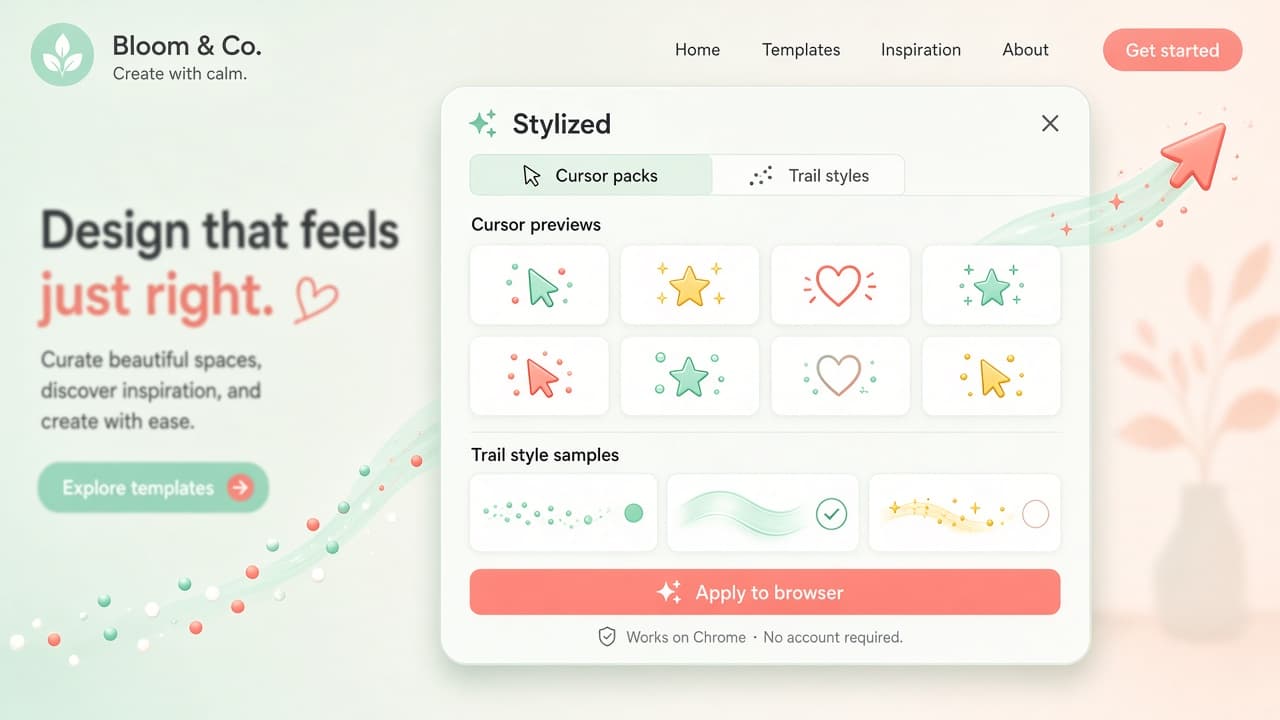
Custom Cursor & Cursor Trails lets you personalize the Chrome pointer on any website with custom cursors, animated cursor trails, and click effects. Pick ready-made styles or upload your own look, then browse with particles, glow, and tails that follow every move.
Beyond presets, pro trail settings cover density, interval, and easing so trails feel smooth rather than noisy. Click effects such as ripple, highlight, and pulse add feedback on every tap. Settings stay local with no data collection disclosed. Chrome Web Store snapshot for this page: about 4.5 rating (23 reviews), roughly 1,000 users, version 1.3.2 - always re-check the live listing before you install. Official site: custom-cursor-trails.com.
Why choose Custom Cursor & Cursor Trails?
- Custom cursors your way: Use ready-made styles or upload your own so the pointer matches your vibe on any site.
- Animated cursor trails: Add tails, particles, and glow that follow the mouse without burying page content.
- Pro trail controls: Tune density, interval, and easing for trails that feel polished and readable.
- Click effects: Ripple, highlight, and pulse feedback make clicks clearer on busy pages.
- Local privacy: Preferences stay in the browser; the listing discloses no data collection.
Install Custom Cursor & Cursor Trails from the Chrome Web Store, pick a cursor and trail style, and make everyday browsing brighter. Explore more options on AddonUp under Custom Cursors.