custom-dark-mode

Custom Dark Mode - Just for Fun

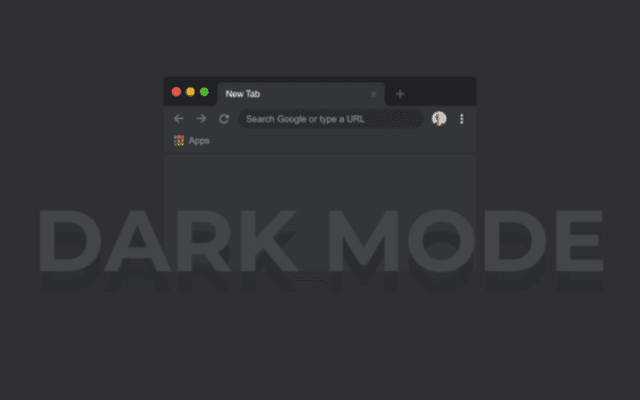
Custom Dark Mode for Chrome: 50+ dark themes with an easy toggle. Reduce eye strain on popular sites across the web.

2025
Launched
Verified & Safe to Install
addonup.com/extensions/custom-dark-mode
custom-dark-mode

About This Extension

Custom Dark Mode 3.0 for Youtube, Facebook, Whatsapp

Activate a customDark Modefor Chrome, Windows 10, PC, Mac, and beyond! 🌙

🔹 One-click activation - Switch to a comfortable dark theme instantly.

🔹 50+ themes - Select your ideal appearance in the settings.

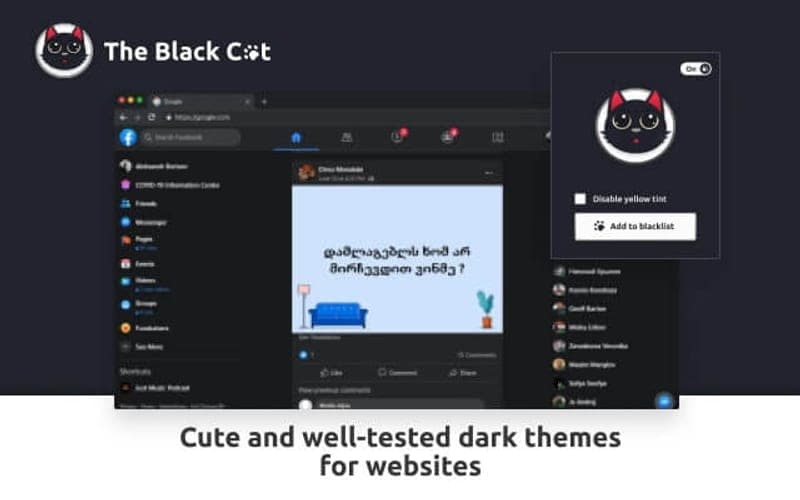
🔹 Compatible with popular sites - Facebook, YouTube, Google, and more.

🔹 Simple toggle - Turn it on or off whenever you like.

Give your eyes the break they need! 🚀
Discover similar extensions that might interest you

About Custom Dark Mode

What is this extension?

Custom Dark Mode for Chrome: 50+ dark themes with an easy toggle. Reduce eye strain on popular sites across the web.

Key Features

This extension provides a range of features designed to improve your productivity and browsing experience. Whether you're looking to enhance functionality, improve security, or add new capabilities to your browser, Custom Dark Mode has you covered.

How to Install

Installing this extension is quick and easy. Simply click the 'Install Extension' button above, and the extension will be added to your browser automatically. You can start using it right away.

All extensions in our collection are safe to install and have been reviewed for quality and security. You can manage your installed extensions through Chrome's extension management page.

Frequently Asked Questions

What is Custom Dark Mode?

Custom Dark Mode for Chrome: 50+ dark themes with an easy toggle. Reduce eye strain on popular sites across the web.

Is Custom Dark Mode free?

Yes. Custom Dark Mode is free to install (price: $0). Use the Install Extension button on https://addonup.com/extensions/custom-dark-mode to add it from the Chrome Web Store or Microsoft Edge Add-ons store.

How do I install Custom Dark Mode?

Open https://addonup.com/extensions/custom-dark-mode, click Install Extension, and confirm in your browser. The extension is added to Chrome or Edge after store approval.

What category is Custom Dark Mode in?

Custom Dark Mode is listed in the Just for Fun category on AddonUp.