Tools for YouTube Chrome extension icon

Tools for YouTube™ - YouTube

Customize YouTube playback, appearance, and controls: speed, quality, EQ, themes, shortcuts, cinema mode, and side panel tools.

2026
Launched
Verified & Safe to Install
addonup.com/extensions/tools-for-youtube
Tools for YouTube side panel with playback and appearance controls

About This Extension

Tools for YouTube™ helps you customize how YouTube looks and plays. Adjust playback speed, quality, volume, themes, and player layout - all from a dedicated options page and an optional side panel while you browse YouTube.

Built for viewers who want more control, the extension offers autoplay rules, mini and pop-up players, video filters, loop mode, screenshot capture, and 40+ assignable keyboard shortcuts - with settings stored locally in your browser.

Why choose Tools for YouTube™?

  • Playback and audio tools: Default speed, quality selection, volume booster, 10-band EQ, loop, and reverse playlist.
  • Player and layout options: Wide player, theater mode, cinema dimming, mini player, and customizable control bar.
  • Autoplay control: Block or fine-tune autoplay, pause when switching tabs, and ignore rules for playlists.
  • Productivity features: Side panel on YouTube tabs, 40+ shortcuts, JSON backup, and optional user scripts.
  • Privacy-first design: No personal data collected or sold - all preferences stay local on your device.

Install Tools for YouTube™ in Chrome, open any YouTube page, and toggle the features you want for a tailored viewing experience.
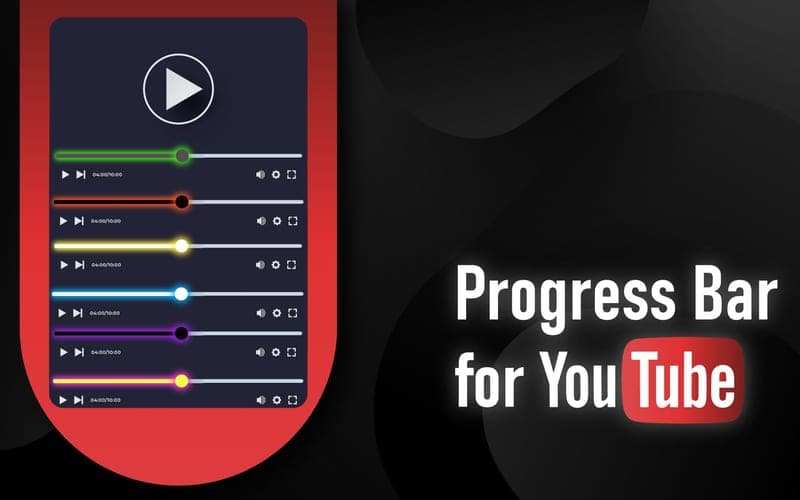

About Tools for YouTube™

What is this extension?

Customize YouTube playback, appearance, and controls: speed, quality, EQ, themes, shortcuts, cinema mode, and side panel tools.

Key Features

This extension provides a range of features designed to improve your productivity and browsing experience. Whether you're looking to enhance functionality, improve security, or add new capabilities to your browser, Tools for YouTube™ has you covered.

How to Install

Installing this extension is quick and easy. Simply click the 'Install Extension' button above, and the extension will be added to your browser automatically. You can start using it right away.

All extensions in our collection are safe to install and have been reviewed for quality and security. You can manage your installed extensions through Chrome's extension management page.

Frequently Asked Questions

What is Tools for YouTube™?

Customize YouTube playback, appearance, and controls: speed, quality, EQ, themes, shortcuts, cinema mode, and side panel tools.

Is Tools for YouTube™ free?

Yes. Tools for YouTube™ is free to install (price: $0). Use the Install Extension button on https://addonup.com/extensions/tools-for-youtube to add it from the Chrome Web Store or Microsoft Edge Add-ons store.

How do I install Tools for YouTube™?

Open https://addonup.com/extensions/tools-for-youtube, click Install Extension, and confirm in your browser. The extension is added to Chrome or Edge after store approval.

What category is Tools for YouTube™ in?

Tools for YouTube™ is listed in the YouTube category on AddonUp.