
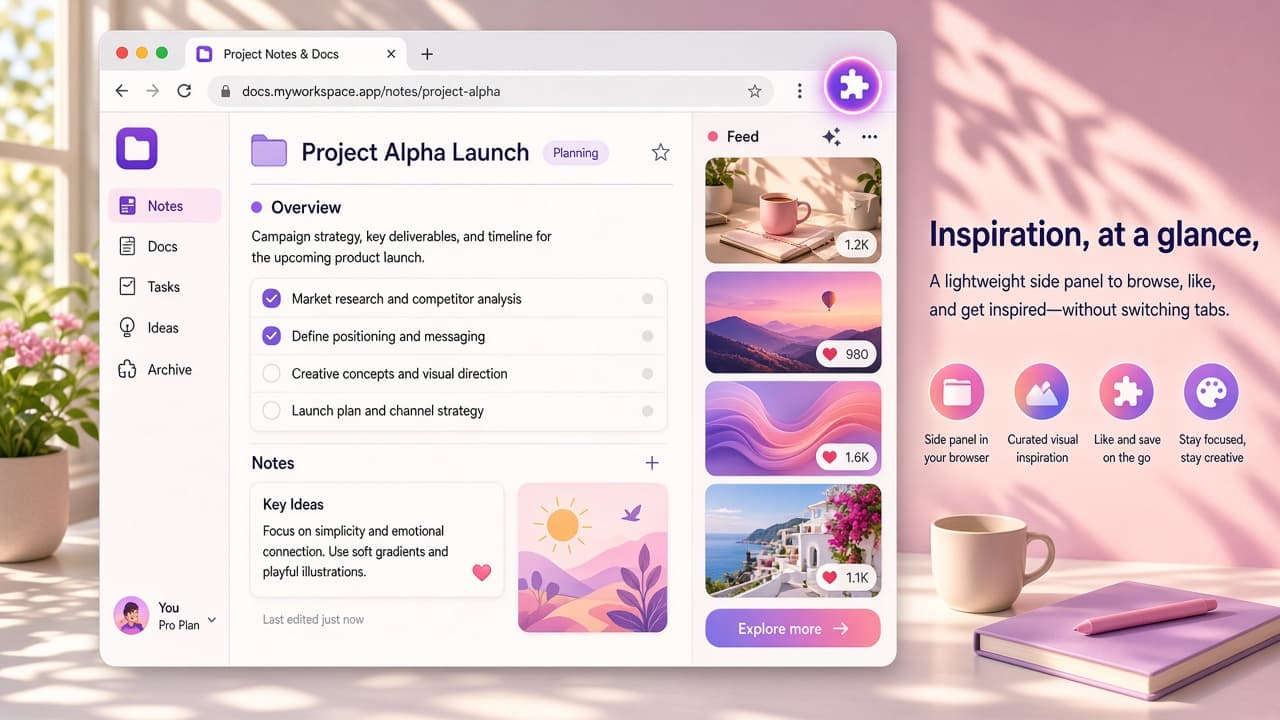
About this extension
Web Client - Web Gram keeps Instagram open in your browser side panel so your feed can sit next to the work you are already doing. It is an independent Chrome extension from Tools4Life, not affiliated with Meta.
Web Gram loads the normal instagram.com site - you sign in as usual for stories, comments, posts, and DMs. Snapshot from the Chrome Web Store used for this page: about 3.8 stars (183 ratings), about 3000 users, version 2.0.87 - always re-check the live listing before you install. Privacy disclosure: no data collection; no analytics, no trackers, no servers of its own; layout choice stays local in your browser. Trademark note: Instagram is a trademark of Meta Platforms, Inc.; this extension is independent and not made, endorsed, or sponsored by Instagram or Meta.
Why choose Web Gram?
- Side panel multitasking: Keep the social feed beside docs, mail, or tabs without constant tab switching.
- Toolbar or Alt+E: Open the panel from the extension icon or keyboard; change the shortcut in chrome://extensions/shortcuts.
- Device frame layouts: Prefer a full-page iPad or iPhone style frame; switch layouts and the choice is remembered locally.
- Save photos and videos: Send a copy straight to your downloads folder when you are allowed to keep the media.
- Privacy-first client: No analytics, no trackers, no extension servers - your password stays on instagram.com.
Install Web Client - Web Gram from the Chrome Web Store when you want Instagram beside your workflow without leaving Chrome. Explore more social tools on AddonUp under Social Networking.