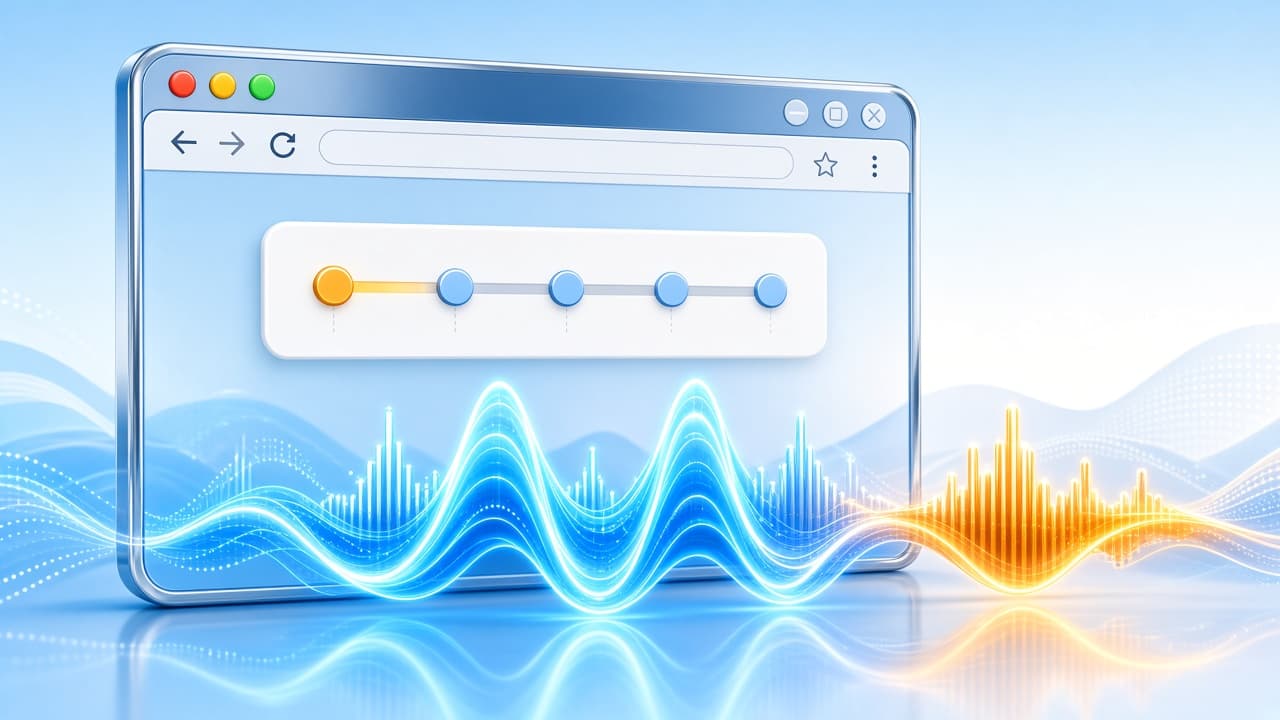
Searching for a bass booster online usually means one thing: you want thicker low end right now, in the browser, without installing a heavy desktop suite. You are streaming YouTube, Spotify Web, Netflix, or a game tab - and laptop speakers or earbuds feel thin. An online bass booster should feel as frictionless as opening another tab.
This guide explains what "bass booster online" really delivers, how it differs from desktop apps and sketchy upload tools, and why a Chrome extension is the practical online solution that works on almost any site that plays audio. For product discovery, start with AddonUp's bass booster extension page.
What "bass booster online" usually means
People type bass booster online when they want browser-side low-end lift without a local installer. In practice that maps to three buckets:
- Chrome (or Chromium) extensions that process tab audio live - the safest "online" path for everyday listening.
- Web pages that ask you to upload an MP3 so a server can "boost" the file - slow, privacy-risky, and useless for streaming sites.
- Desktop or mobile apps marketed as online tools even though they still require an install and often ignore browser tabs.
If your goal is stronger bass on whatever is playing in Chrome, an extension is the online tool that matches the keyword intent: no EXE, no APK, and no waiting for a re-encoded download.
Online browser boost vs desktop apps vs upload sites
Chrome extension (true online for tabs)
A Chrome bass booster sits in the browser and shapes the audio graph for the active tab (or selected tabs). You stay on YouTube or Spotify Web, open a small popup, raise bass, and keep listening. Install friction is limited to Add to Chrome from a trusted listing - after that it feels online every day. AddonUp lists options on /extensions/bass-booster, and you can also review store pages such as Bass Booster Extreme on the Chrome Web Store.
Desktop bass apps
Desktop equalizers and system-wide boosters can sound excellent, but they are not "online" in the searcher's sense. You download software, grant system audio access, and manage updates. That is the right tool for production or whole-PC routing - not for a quick YouTube session. If you are weighing app vs browser, see our bass booster app guide.
Sketchy web upload "boosters"
Upload-an-MP3 pages sell the idea of an online bass booster, then ask for your audio file. Problems pile up fast: privacy (your file leaves your machine), wait time, one-file-at-a-time workflow, and zero help for Netflix or live streams. Many of those sites also push adware-style download buttons. Prefer tools that never need your media files.
Why a Chrome extension is the practical online bass booster
For the keyword bass booster online, the winning product shape is a lightweight extension:
- Works on any site that plays audio in the tab - not only one upload form.
- No desktop installer and no system-wide driver risk.
- Instant A/B: boost, listen, dial back - without re-encoding a file.
- Discoverable via AddonUp and the Chrome Web Store with ratings and permission visibility.
That combination is why "online" searchers often land on Chrome tools even when they never type the word extension. The browser is the online environment where the music already lives.
How to use an online bass booster in Chrome
- Open AddonUp's bass booster listing (or a Chrome Web Store page you trust) and install the extension.
- Pin the icon, play audio in a tab, then open the popup and raise the bass or low-shelf control gently.
- Compare against the site's own volume: keep site volume moderate and let the booster shape low end so you avoid clipping.
- If overall loudness is still too quiet, pair with a volume tool such as Volume Control or Volume Controller instead of slamming only the bass slider.
- When you need multi-band shaping (not just bass), move to a fuller EQ like Nexolut EQ or read the bass booster equalizer guide.
Tips for clean online bass (less mud, more punch)
- Start small. A few dB of low-shelf often beats maxing a single "bass" knob.
- Watch for rattle on laptop speakers - if the cabinet buzzes, ease the boost and raise volume elsewhere.
- Prefer trusted installs over free "online converter" mirrors. For free-tool checklists, see free bass booster for Chrome; for safe download habits, see download bass booster for Chrome.
- Disable conflicting audio extensions if the mix sounds double-processed or harsh.
FAQ
Is a Chrome extension really a bass booster online?
Yes for most searchers. You boost bass inside the browser while content streams from the web - no desktop suite and no file upload. That is the practical online workflow.
Do I need to upload songs to use an online bass booster?
No. Upload sites are a different (and usually worse) category. A Chrome bass booster works on the tab's audio stream.
Will it work on every website?
Most HTML5 audio and video tabs work. Some DRM-heavy or special players can behave differently. If one site fails, try another tab or check the extension's permissions and site-access settings.
Bass booster online vs equalizer - which should I pick?
Choose a bass-focused tool when low end is the only gap. Choose a multi-band equalizer when you also need mids, treble, or genre presets. AddonUp's Nexolut EQ covers broader shaping.
Get started on AddonUp
Ready for a bass booster online that stays in Chrome? Browse /extensions/bass-booster, add a trusted extension, and boost the tab you are already watching - no desktop install friction and no sketchy upload detour.