
Web Client - Web Gram
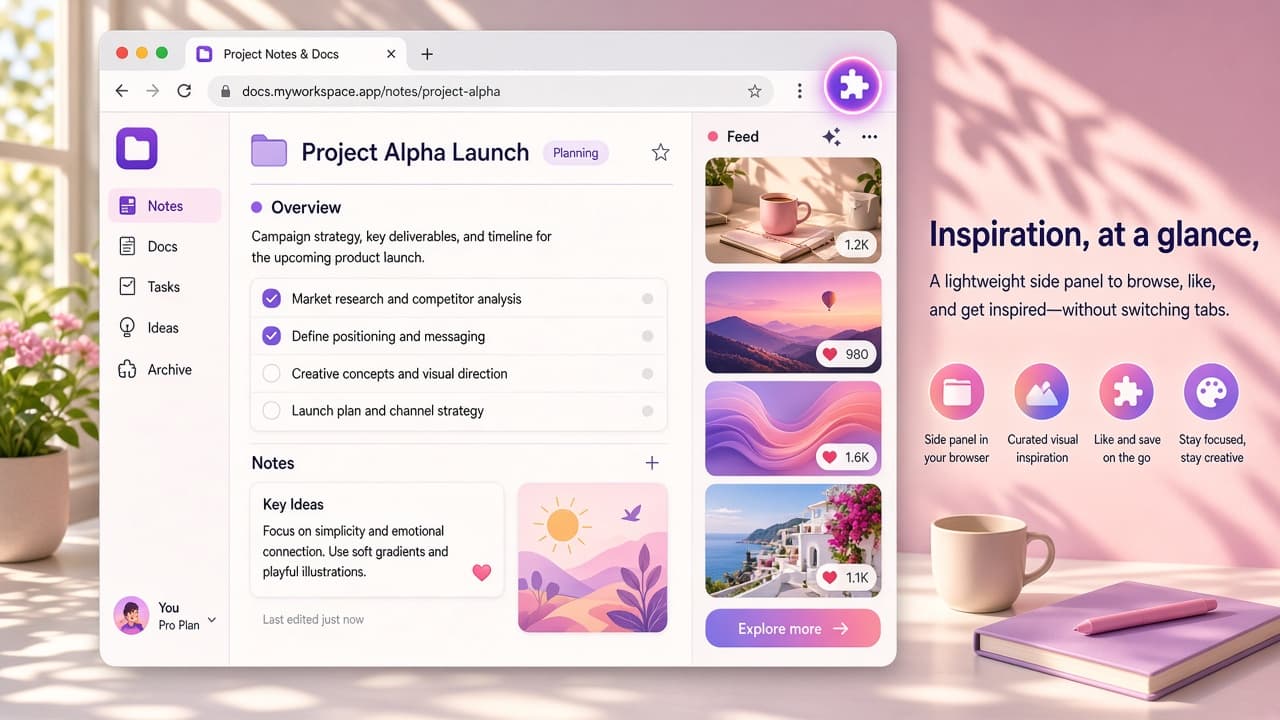
Keep Instagram in a Chrome side panel while you work. Independent Web Gram by Tools4Life - Alt+E, device frames, save media, no trackers.

Successfully uninstalled
The extension was removed from your browser. You can reinstall it anytime, share feedback, or discover something new.

If something did not work as expected with 5 Ways To Delete Facebook Messages, we would love to hear from you. Your feedback helps us improve.
Yes. Use the Reinstall button above, or install it again from the Chrome Web Store or Edge Add-ons.
Local extension data is usually removed with the uninstall. Cloud-synced data may remain depending on the extension privacy policy.
No problem. You can reinstall anytime and return to the extension page on AddonUp whenever you need.
Explore other extensions you might like after uninstalling.
Keep Instagram in a Chrome side panel while you work. Independent Web Gram by Tools4Life - Alt+E, device frames, save media, no trackers.
Instagram Web Client for Chrome: browse, post, and view stories from your PC. Handy unofficial desktop access to Instagram.
Allows you to delete all messages on Facebook. Simply delete all Facebook™ messages in Chrome just in 2 clicks
Mass Friends Deleter for Chrome: remove Facebook friends in bulk with a few clicks. Clean up your list quickly and easily.