
About this extension
Add Some Adorable Charm To Your Browser With Cute Cursors
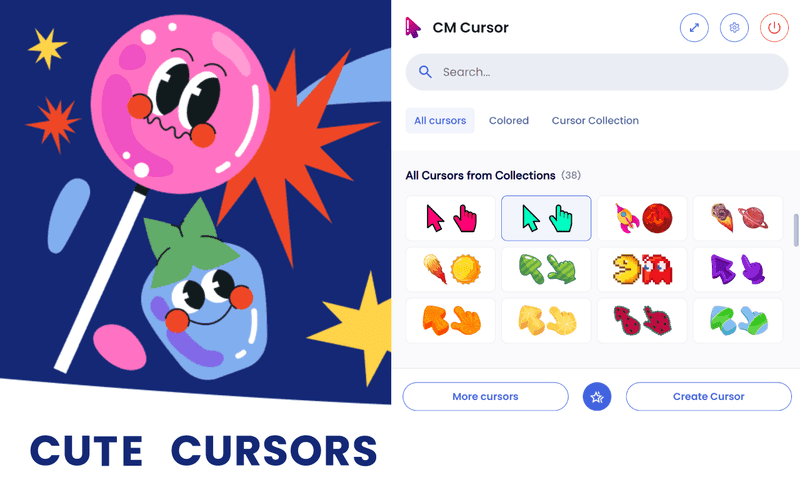
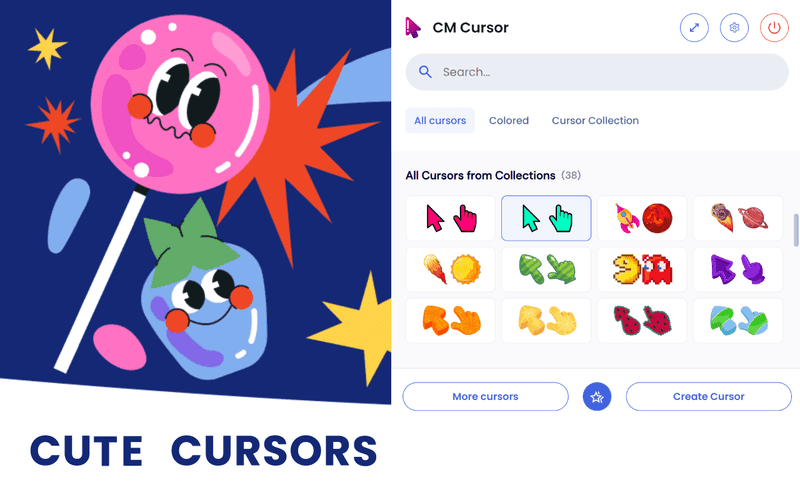
In the world of customization, even the tiniest details matter. If you're someone who loves adding a touch of cuteness to your browsing experience, then cute cursors are the perfect solution. These delightful little icons provide a fun and whimsical way to personalize your browser and bring a smile to your face. In this blog, we'll explore the world of cute cursors and share some adorable options to enhance your online adventures.
Cute cursors offer a myriad of benefits beyond their visual appeal. They can:
Let your personality shine through by exchanging the standard cursor for an eye-catching and distinctive design that resonates with your individual style. From adorable animals to cute food-themed icons, the options are endless.
Using cute cursors can infuse a delightful dose of joy into your daily internet routine. These small details can make a big difference, transforming browsing from mundane to delightful.
- Cute Cursor Options:There is a vast array of cute cursor styles to choose from. Here are a few popular options to consider:
- Animal Cursors:Express your love for animals with cursor designs featuring cute cats, dogs, pandas, or even mythical creatures like unicorns. Each movement of your cursor will bring a touch of whimsy to your browsing experience.
- Food-Themed Cursors:If you're a foodie at heart, why not opt for cursors inspired by your favorite treats? From delightful cupcakes to adorable sushi icons, these food-themed cursors are sure to make you grin.
- Cartoon Characters:Bring your favorite cartoon characters to life on your screen with cursors featuring beloved characters from classic animations or modern-day favorites. Nostalgia and cuteness go hand in hand!
- Nature-Inspired Cursors:Immerse yourself in the beauty of nature with cursors showcasing flowers, plants, or serene landscapes. These cursors can help create a calming and refreshing atmosphere as you navigate the online world.
To customize your cursor, access your browser's settings and locate the section that allows you to change the cursor appearance. Upload the downloaded cursor file, and voila! Your browser is now graced with a new adorable cursor.
Inject some charm and personality into your online escapades with cute cursors. Express your individuality and add a touch of playfulness to your browsing experience. Whether you opt for animal-themed icons, food-inspired designs, or beloved cartoon characters, these small customizations can have a big impact on your overall enjoyment. So, why wait? Explore the world of cute cursors and make your browser truly your own. Happy browsing!