
logo cursors for chorme

Cursors for Google Chrome - Custom Cursors

Cursors for Google Chrome: customize and collect cute cursor designs to brighten your browsing every day.

2024
Launched
Verified & Safe to Install
addonup.com/extensions/cursors-for-chrome
Cursors for Google Chrome

About This Extension

Cursors for Google Chrome

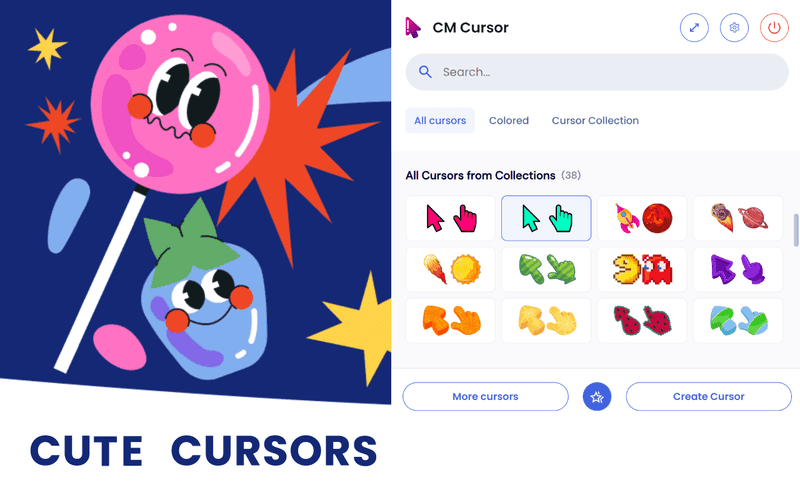
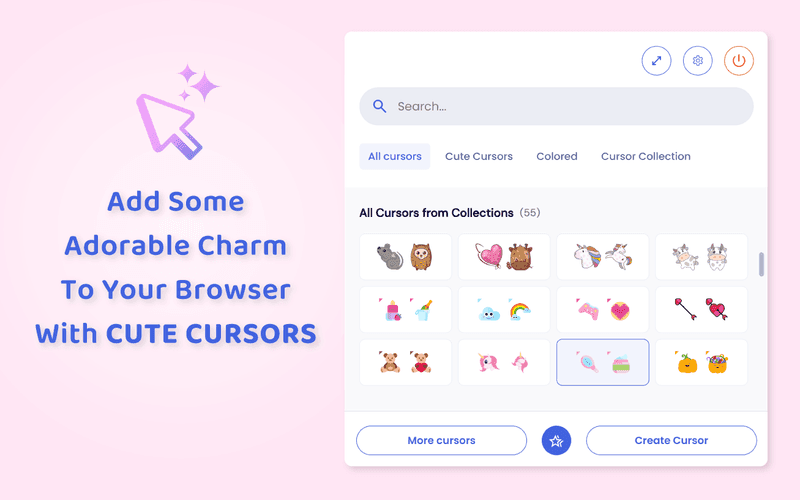
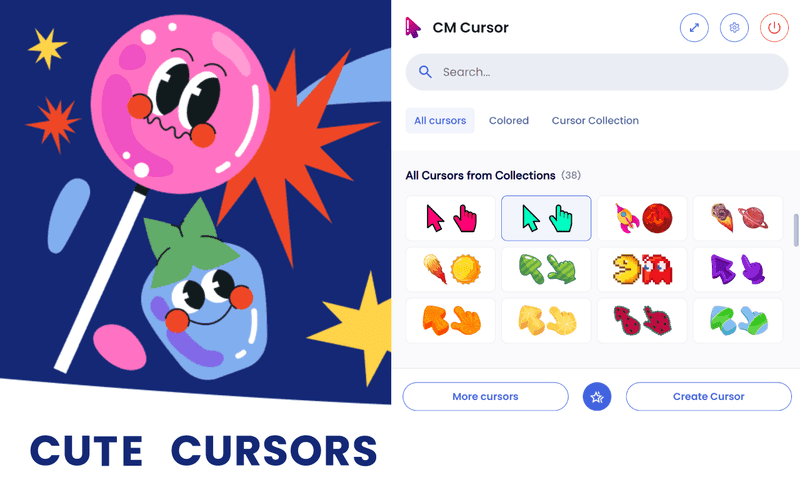
Cute Cursors for Chrome is a cheerful Chrome extension that aims to make your day a bit more colorful while browsing for stuff. Choose a cursor from a decent collection of models. Enrich your collection with dozens of new cursor skins and beef up the pointer's size.

Each cursor has two shapes that emulate the simple arrow pointer as well as the hand.

Click on a model to instantly apply it

The extension requires the user to constantly access the options layout. To quickly move between the UI to your chrome tasks, pinning the icon to the extension tab would be most wise.

Once installed, open the menu, and sift through the default collection. Cute Cursors will provide you with some predefined models and build up a favorites list. The Favorites are always displayed at the beginning of the list and consist of 12 slots only. With an increasing collection, you will learn the use of this particular list. Drag and drop a model to replace a model within a certain slot.

Get more cursors

Look for a button similar to this subtitle. That will open the extension's main menu. From there the user can add new individual cursors or entire collections. Search through the New Cursor menu to add new individual models. Collections are sets of different-themed icons such as video games, shows, and pop culture.

Adjust the cursor's size

One cool feature Cute Cursor provides is the pointer size changer. Click on the double cursor icon to display the size ranges. One can increase the size of the cursor by 2x, up to 5x.

In summary, Cute Cursors for Chrome is a neat extension that brings the user a ton of cursor models to play with. Despite its default, thin collection, dozens of new models can be freely added, making this add-on a hefty repository for pointer skins.

Discover similar extensions that might interest you

About Cursors for Google Chrome

What is this extension?

Cursors for Google Chrome: customize and collect cute cursor designs to brighten your browsing every day.

Key Features

This extension provides a range of features designed to improve your productivity and browsing experience. Whether you're looking to enhance functionality, improve security, or add new capabilities to your browser, Cursors for Google Chrome has you covered.

How to Install

Installing this extension is quick and easy. Simply click the 'Install Extension' button above, and the extension will be added to your browser automatically. You can start using it right away.

All extensions in our collection are safe to install and have been reviewed for quality and security. You can manage your installed extensions through Chrome's extension management page.

Frequently Asked Questions

What is Cursors for Google Chrome?

Cursors for Google Chrome: customize and collect cute cursor designs to brighten your browsing every day.

Is Cursors for Google Chrome free?

Yes. Cursors for Google Chrome is free to install (price: $0). Use the Install Extension button on https://addonup.com/extensions/cursors-for-chrome to add it from the Chrome Web Store or Microsoft Edge Add-ons store.

How do I install Cursors for Google Chrome?

Open https://addonup.com/extensions/cursors-for-chrome, click Install Extension, and confirm in your browser. The extension is added to Chrome or Edge after store approval.

What category is Cursors for Google Chrome in?

Cursors for Google Chrome is listed in the Custom Cursors category on AddonUp.