Clean Search Extension icon

Clean Search Extension - Search Tools

Auto-clean popular search engine URLs for a faster, cleaner experience

2025
Launched
Verified & Safe to Install
addonup.com/extensions/clean-search-extension
Clean Search Extension screenshot

About This Extension

Clean Search Extension

Auto-clean popular search engine URLs for a faster, cleaner experience

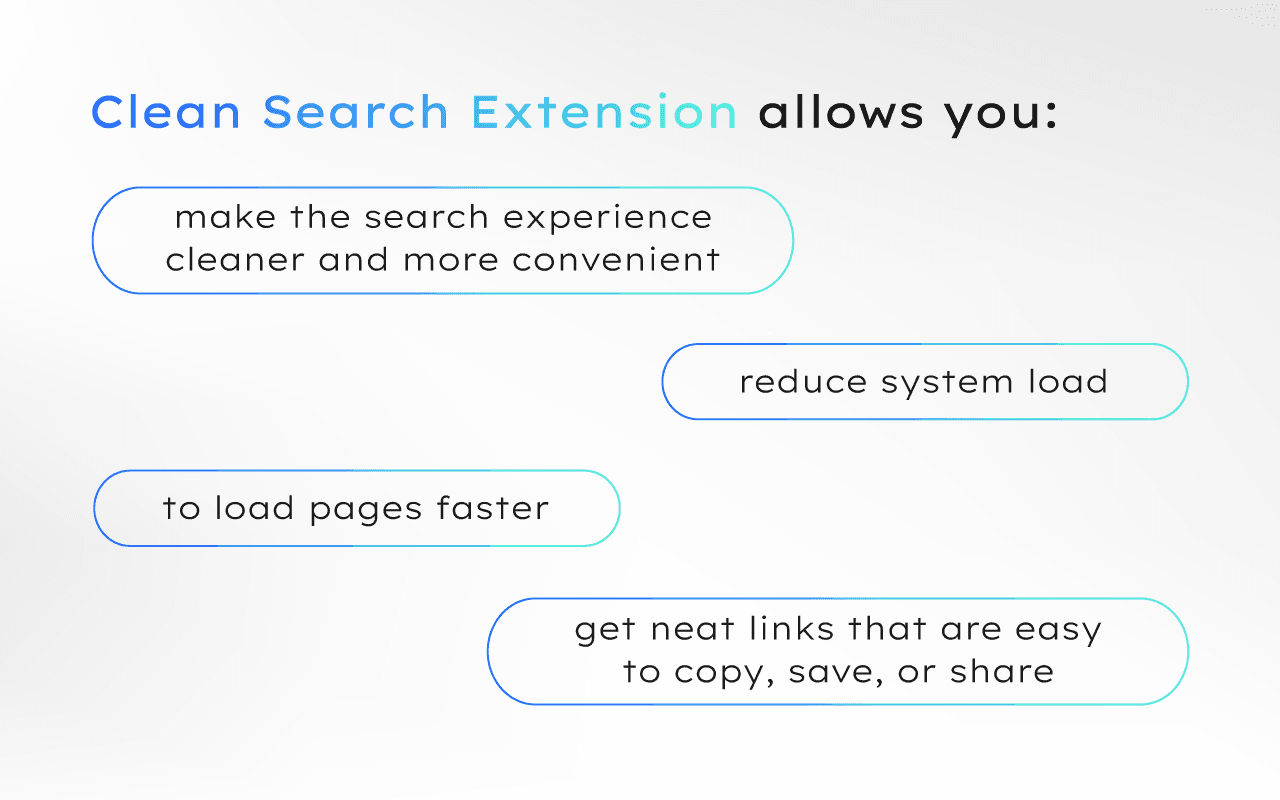
Clean Search Extension is an extension that automatically cleans URLs of popular search engines (Google, Bing, Yahoo, etc.) from unnecessary parameters and trackers.

This allows you to load pages faster, reduce system load, and make the search experience cleaner and more convenient.

You will get neat links that are easy to copy, save, or share without unnecessary "garbage" in the address bar.

A simple solution for those who value speed, order, and privacy.
Discover similar extensions that might interest you

About Clean Search Extension

What is this extension?

Auto-clean popular search engine URLs for a faster, cleaner experience

Key Features

This extension provides a range of features designed to improve your productivity and browsing experience. Whether you're looking to enhance functionality, improve security, or add new capabilities to your browser, Clean Search Extension has you covered.

How to Install

Installing this extension is quick and easy. Simply click the 'Install Extension' button above, and the extension will be added to your browser automatically. You can start using it right away.

All extensions in our collection are safe to install and have been reviewed for quality and security. You can manage your installed extensions through Chrome's extension management page.

Frequently Asked Questions

What is Clean Search Extension?

Auto-clean popular search engine URLs for a faster, cleaner experience

Is Clean Search Extension free?

Yes. Clean Search Extension is free to install (price: $0). Use the Install Extension button on https://addonup.com/extensions/clean-search-extension to add it from the Chrome Web Store or Microsoft Edge Add-ons store.

How do I install Clean Search Extension?

Open https://addonup.com/extensions/clean-search-extension, click Install Extension, and confirm in your browser. The extension is added to Chrome or Edge after store approval.

What category is Clean Search Extension in?

Clean Search Extension is listed in the Search Tools category on AddonUp.