Search Tools
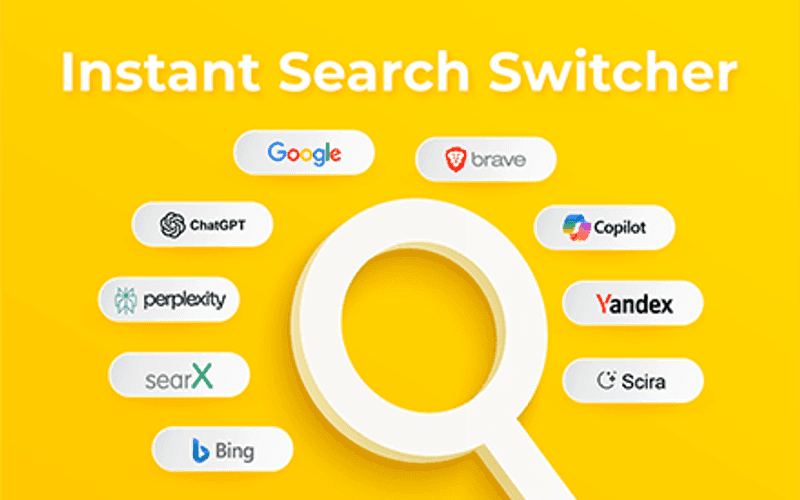
Enhance Google Search with sidebars, engine switchers, URL cleaners, and SERP utilities for power users.
Category extensions
Search Tools Extensions
About Search Tools Extensions
Explore our curated collection of Search Tools extensions for Chrome. These extensions are carefully selected to help you enhance your browsing experience and productivity.
All extensions in the Search Tools category have been tested and verified for quality, security, and performance. Browse through our collection to find the perfect extension for your needs.
Why Choose Search Tools Extensions?
Search Tools extensions offer specialized functionality designed to improve your Chrome browsing experience. Whether you're looking to boost productivity, enhance security, or add entertainment features, our Search Tools category has something for everyone.
How to Install Extensions
Installing Chrome extensions is quick and easy. Simply browse our collection, find an extension that interests you, and click the 'Install Extension' button. The extension will be added to your browser automatically.
All extensions in our collection are safe to install and have been reviewed for quality and security. You can manage your installed extensions through Chrome's extension management page.
Popular categories:
Frequently Asked Questions
What is the Search Tools category on AddonUp?
Google Search Chrome extensions: custom sidebars, engine switchers, clean URLs, and SERP tools for faster, smarter searching.
How many Search Tools extensions are on AddonUp?
AddonUp lists 5 extensions in the Search Tools category. See the full list at https://addonup.com/categories/search-tools.
How do I install a Search Tools extension?
Open any extension from https://addonup.com/categories/search-tools, click Install Extension, and confirm in Chrome or Edge. All installs go through the official browser store.