Custom Cursor Effects Customizer icon

Custom Cursor Effects Customizer - Custom Cursors

Change cursor style and add animated cursor trail effects on any website. Customize your Chrome cursor instantly.

2026
Launched
Verified & Safe to Install
addonup.com/extensions/custom-cursor-effects-customizer
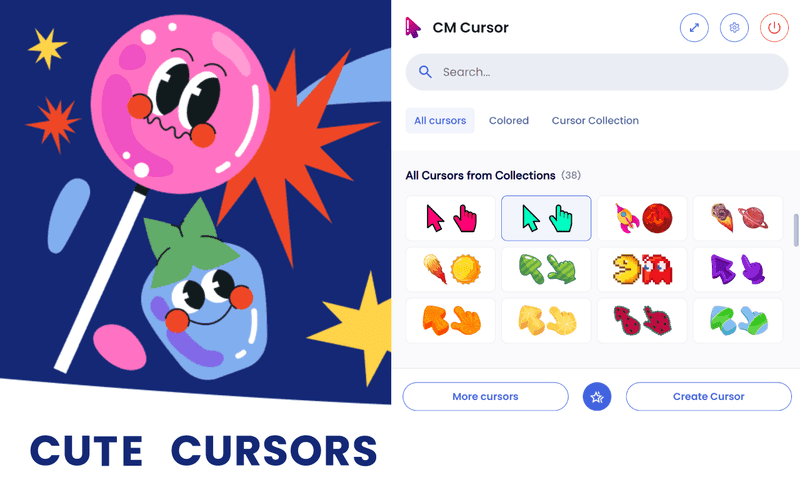
Custom Cursor Effects Customizer screenshot

About This Extension

Custom Cursor Effects Customizer

Custom Cursor for Chrome is a lightweight and powerful Chrome extension that lets you change cursor style and add animated cursor trail effects on any website.

Easily replace the default Chrome cursor with custom designs or upload your own cursor files. Enhance your browsing experience with smooth cursor trail Chrome effects, including particles, glowing lines, streaks, and animated trails. All cursor and trail effects apply instantly without page reloads.

With advanced customization options, you can control cursor size, animation speed, easing, and trail density. You can also enable click effects such as ripple, pulse, and highlight to make interactions more visual and engaging.

No tracking. No analytics. No data collection.

All cursor and cursor trail settings are stored locally.

Fast, lightweight, and optimized for smooth performance, Custom Cursor for Chrome is the perfect way to change cursor Chrome behavior, add cursor trail effects, and personalize your browsing experience.
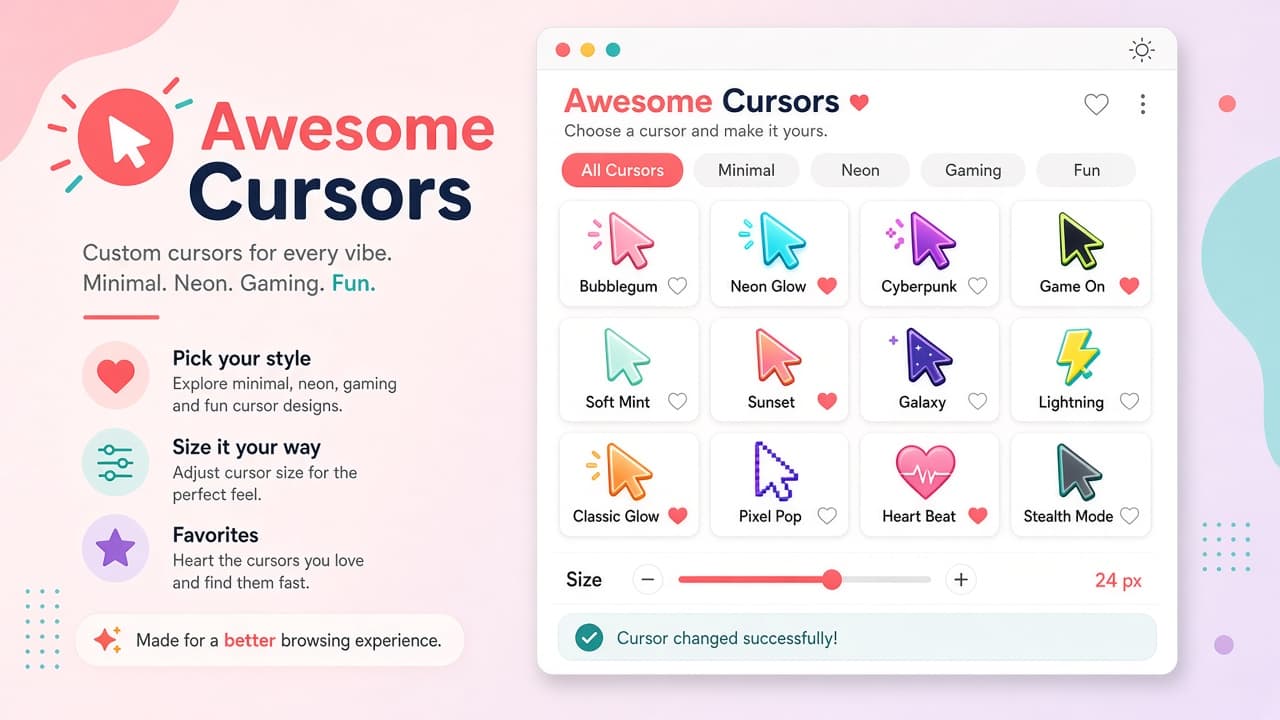

Discover similar extensions that might interest you

About Custom Cursor Effects Customizer

What is this extension?

Change cursor style and add animated cursor trail effects on any website. Customize your Chrome cursor instantly.

Key Features

This extension provides a range of features designed to improve your productivity and browsing experience. Whether you're looking to enhance functionality, improve security, or add new capabilities to your browser, Custom Cursor Effects Customizer has you covered.

How to Install

Installing this extension is quick and easy. Simply click the 'Install Extension' button above, and the extension will be added to your browser automatically. You can start using it right away.

All extensions in our collection are safe to install and have been reviewed for quality and security. You can manage your installed extensions through Chrome's extension management page.

Frequently Asked Questions

What is Custom Cursor Effects Customizer?

Change cursor style and add animated cursor trail effects on any website. Customize your Chrome cursor instantly.

Is Custom Cursor Effects Customizer free?

Yes. Custom Cursor Effects Customizer is free to install (price: $0). Use the Install Extension button on https://addonup.com/extensions/custom-cursor-effects-customizer to add it from the Chrome Web Store or Microsoft Edge Add-ons store.

How do I install Custom Cursor Effects Customizer?

Open https://addonup.com/extensions/custom-cursor-effects-customizer, click Install Extension, and confirm in your browser. The extension is added to Chrome or Edge after store approval.

What category is Custom Cursor Effects Customizer in?

Custom Cursor Effects Customizer is listed in the Custom Cursors category on AddonUp.