
Softtrail
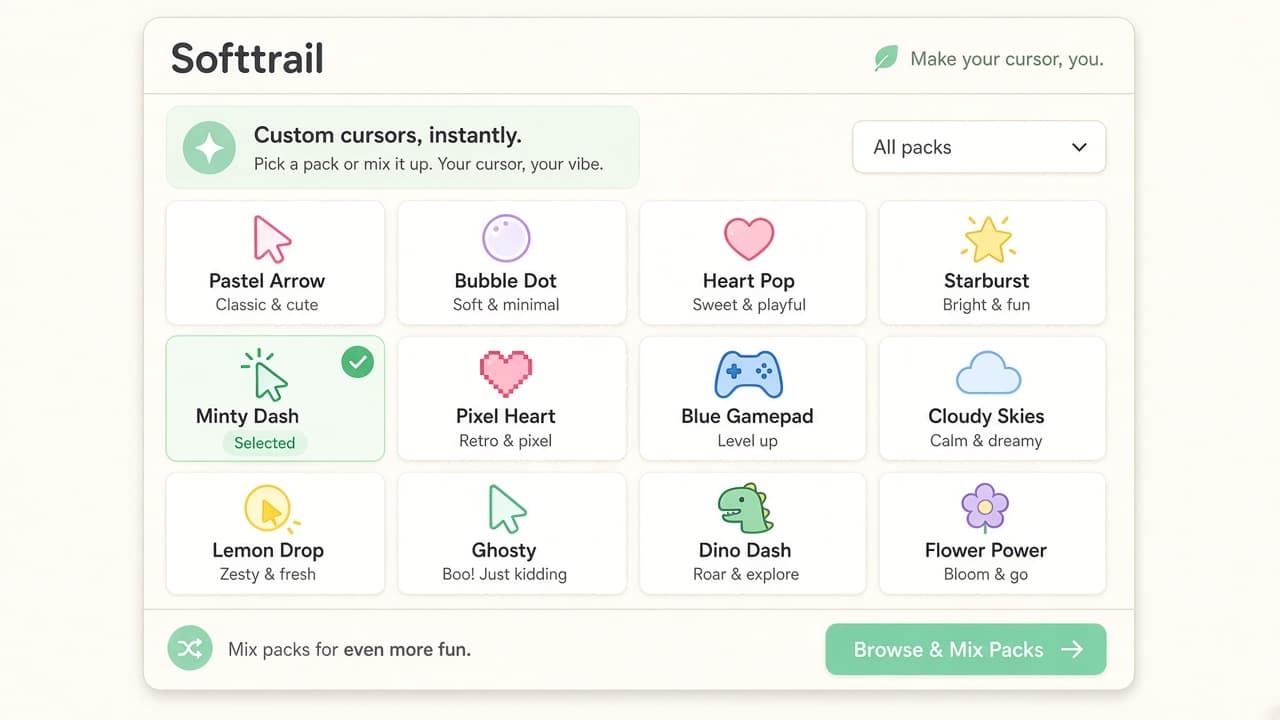
Replace Chrome pointer with Softtrail custom cursor packs. Browse cute, minimal, playful, gaming-style cursors. Apply in one click, resize or reset.

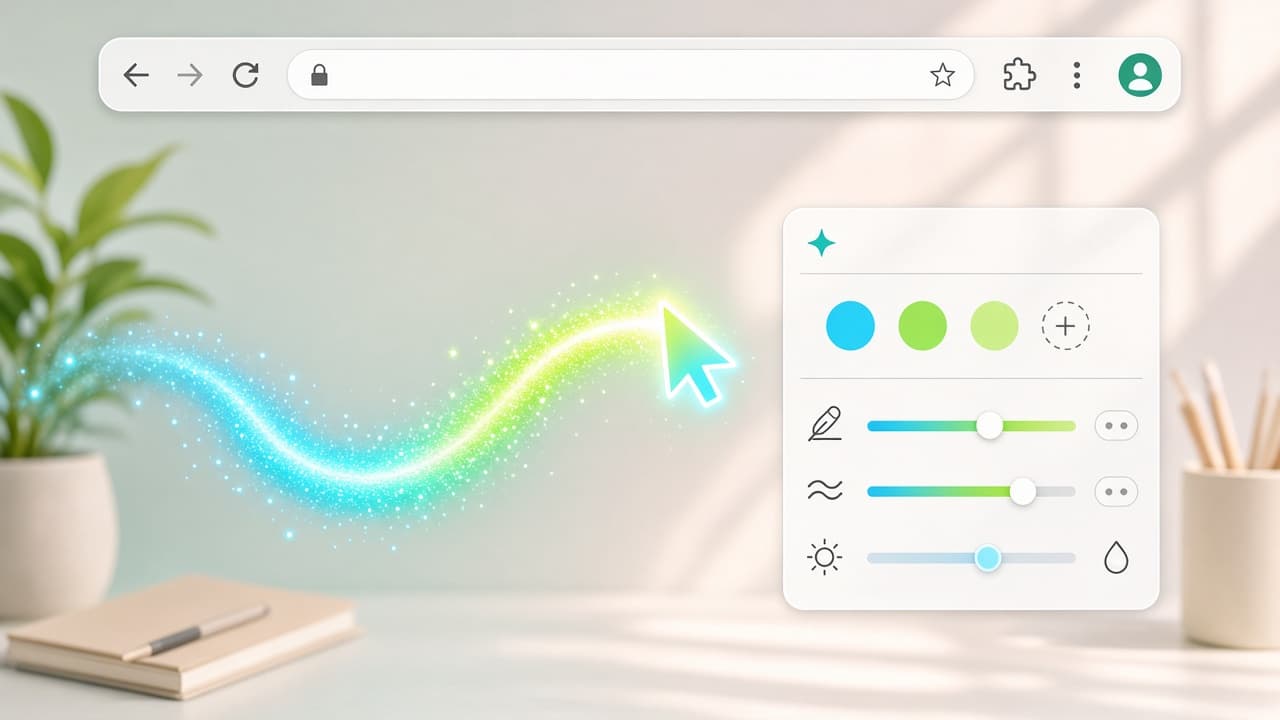
Change cursor style and add animated cursor trail effects on any website. Customize your Chrome cursor instantly.

Custom Cursor for Chrome is a lightweight and powerful Chrome extension that lets you change cursor style and add animated cursor trail effects on any website.
Easily replace the default Chrome cursor with custom designs or upload your own cursor files. Enhance your browsing experience with smooth cursor trail Chrome effects, including particles, glowing lines, streaks, and animated trails. All cursor and trail effects apply instantly without page reloads.
With advanced customization options, you can control cursor size, animation speed, easing, and trail density. You can also enable click effects such as ripple, pulse, and highlight to make interactions more visual and engaging.
No tracking. No analytics. No data collection.
All cursor and cursor trail settings are stored locally.
Fast, lightweight, and optimized for smooth performance, Custom Cursor for Chrome is the perfect way to change cursor Chrome behavior, add cursor trail effects, and personalize your browsing experience.
Share your experience with Custom Cursor Effects Customizer. Your review helps other users make informed decisions about this extension.
Discover more extensions from the same category.
Replace Chrome pointer with Softtrail custom cursor packs. Browse cute, minimal, playful, gaming-style cursors. Apply in one click, resize or reset.
Personalize a glowing cursor trail that follows your mouse - styles, colors, shapes, length, thickness, transparency, and physics for Chrome.
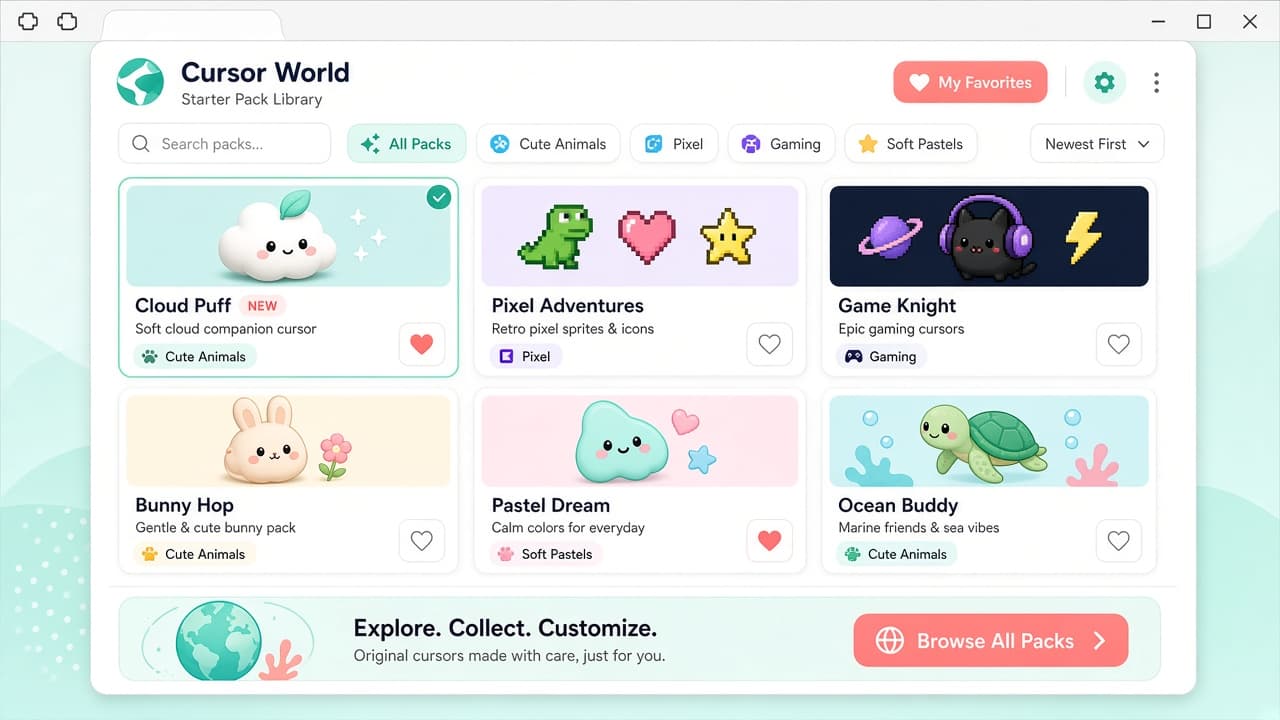
Custom cursors from Cursor World packs. Starter library, one-click install from cursor-world.com, favorites, size control, privacy-first.
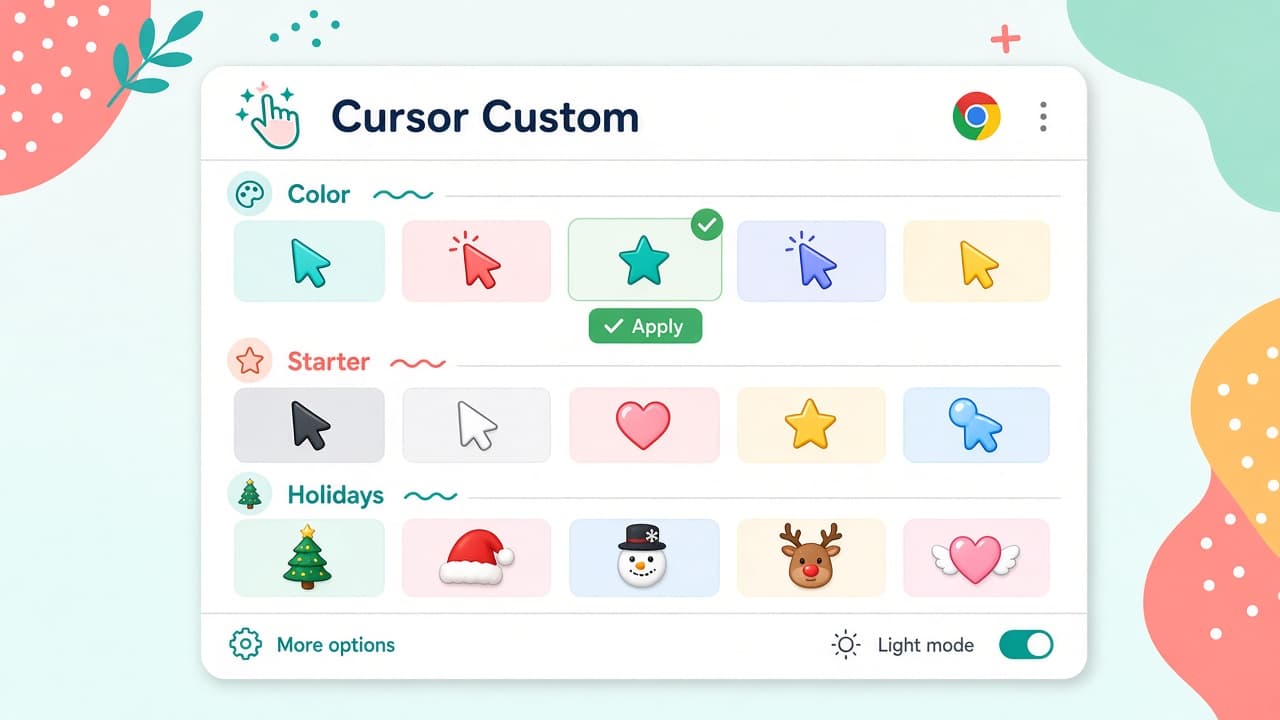
Custom cursors for any website. Browse Color, Starter, and Holidays packs, apply instantly, adjust size, and toggle - lightweight.
One-click install
Free to install, ready in seconds. Open it from Chrome or Edge and start exploring right away.