Equalizer Yellow Chrome extension icon

Equalizer Yellow - Audio & Volume

10-band Chrome equalizer with 22 presets, volume booster, and per-tab control. Louder, clearer audio for YouTube, Spotify, and streaming.

2026
Launched
Verified & Safe to Install
addonup.com/extensions/equalizer-yellow
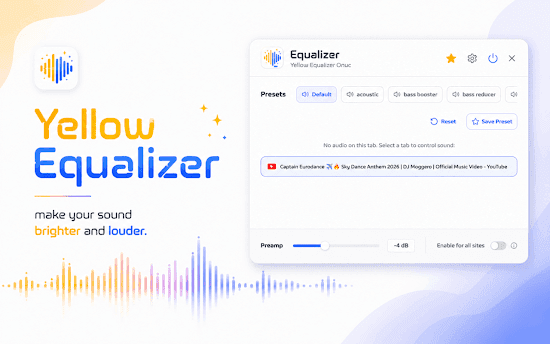
Equalizer Yellow popup with presets, tab selector, and preamp control

About This Extension

Equalizer Yellow is a free Chrome audio equalizer that makes browser tab sound louder, clearer, and richer. Tune bass, mids, and treble from 32 Hz to 16 kHz on YouTube, Spotify, SoundCloud, Twitch, Netflix, podcasts, and online radio.

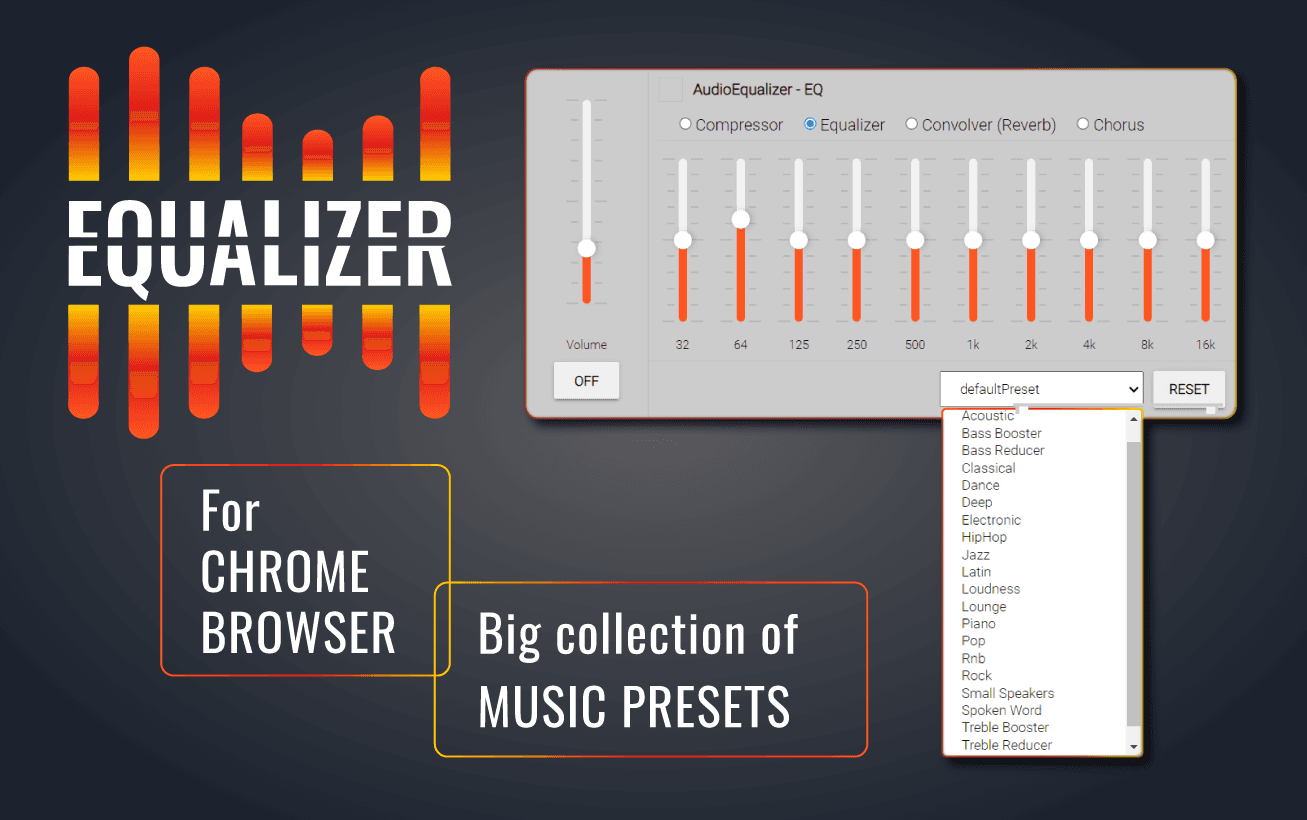
Choose from 22 ready-made presets - Rock, Jazz, Classical, Bass Booster, Vocal Booster, Small Speakers, and more - or fine-tune each band with vertical sliders. A built-in volume booster and preamp help when laptop speakers feel too quiet or flat.

Why choose Equalizer Yellow?

  • True 10-band EQ: Full graphic equalizer from 32 Hz to 16 kHz - not just a loudness slider.
  • 22 genre presets: Start with Rock, Jazz, Vocal Booster, Small Speakers, or Loudness and customize from there.
  • Flexible save modes: Apply settings globally, per domain, or per tab depending on how you listen.
  • Export and import: Save custom presets and back up your EQ settings as JSON.
  • Privacy-first processing: 100% local Web Audio processing - no account, analytics, or audio upload to servers.

Install Equalizer Yellow in Chrome, enable EQ in one click from the toolbar, and transform any tab into a custom listening experience.
About Equalizer Yellow

What is this extension?

10-band Chrome equalizer with 22 presets, volume booster, and per-tab control. Louder, clearer audio for YouTube, Spotify, and streaming.

Key Features

This extension provides a range of features designed to improve your productivity and browsing experience. Whether you're looking to enhance functionality, improve security, or add new capabilities to your browser, Equalizer Yellow has you covered.

How to Install

Installing this extension is quick and easy. Simply click the 'Install Extension' button above, and the extension will be added to your browser automatically. You can start using it right away.

All extensions in our collection are safe to install and have been reviewed for quality and security. You can manage your installed extensions through Chrome's extension management page.

Frequently Asked Questions

What is Equalizer Yellow?

10-band Chrome equalizer with 22 presets, volume booster, and per-tab control. Louder, clearer audio for YouTube, Spotify, and streaming.

Is Equalizer Yellow free?

Yes. Equalizer Yellow is free to install (price: $0). Use the Install Extension button on https://addonup.com/extensions/equalizer-yellow to add it from the Chrome Web Store or Microsoft Edge Add-ons store.

How do I install Equalizer Yellow?

Open https://addonup.com/extensions/equalizer-yellow, click Install Extension, and confirm in your browser. The extension is added to Chrome or Edge after store approval.

What category is Equalizer Yellow in?

Equalizer Yellow is listed in the Audio & Volume category on AddonUp.