Volume Controller & Booster icon

Volume Controller & Booster - Audio & Volume

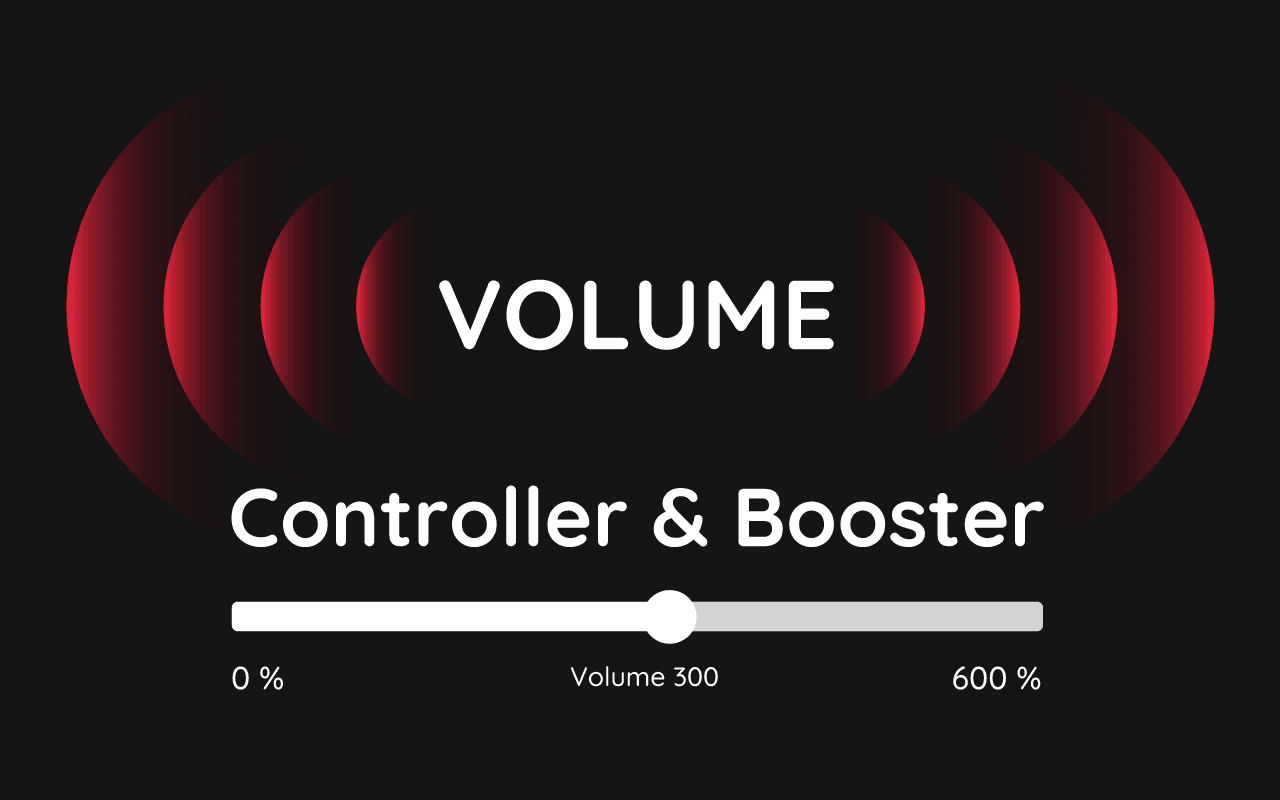
Volume Controller and Booster for Chrome: boost tab sound up to 600%. Per-tab volume, bass boost, and full audio control.

2025
Launched
Verified & Safe to Install
addonup.com/extensions/volume-controller-booster
Volume Controller & Booster screenshot

About This Extension

🔊 Sound Volume Booster for Chrome - Boost Audio Up to 600%

Looking for the best volume booster for Chrome? Our powerful sound booster, volume master, and bass booster enhances your browser’s audio, allowing you to amplify sound by up to 600%. Whether you're streaming music, watching videos, or attending online meetings, this Chrome volume booster ensures crystal-clear and louder audio.

🎵 Key Features of Volume Booster & Bass Booster:

  • ✅ Boosts audio volume up to 600% on any website
  • ✅ Volume master control - adjust sound levels for each tab separately
  • ✅ Bass booster for richer and deeper sound
  • ✅ User-friendly interface - simple, clean, and distraction-free
  • ✅ No extra pop-ups - just a smooth and efficient sound enhancement

🎛️ How to Use the Sound Booster:

  1. Add the volume booster extension to Chrome
  2. Click the popup icon
  3. Adjust the volume slider for each tab

Upgrade your browser’s audio with this volume booster, bass booster, and volume master. Get louder, clearer, and more immersive sound today! 🚀
Discover similar extensions that might interest you

About Volume Controller & Booster

What is this extension?

Volume Controller and Booster for Chrome: boost tab sound up to 600%. Per-tab volume, bass boost, and full audio control.

Key Features

This extension provides a range of features designed to improve your productivity and browsing experience. Whether you're looking to enhance functionality, improve security, or add new capabilities to your browser, Volume Controller & Booster has you covered.

How to Install

Installing this extension is quick and easy. Simply click the 'Install Extension' button above, and the extension will be added to your browser automatically. You can start using it right away.

All extensions in our collection are safe to install and have been reviewed for quality and security. You can manage your installed extensions through Chrome's extension management page.

Frequently Asked Questions

What is Volume Controller & Booster?

Volume Controller and Booster for Chrome: boost tab sound up to 600%. Per-tab volume, bass boost, and full audio control.

Is Volume Controller & Booster free?

Yes. Volume Controller & Booster is free to install (price: $0). Use the Install Extension button on https://addonup.com/extensions/volume-controller-booster to add it from the Chrome Web Store or Microsoft Edge Add-ons store.

How do I install Volume Controller & Booster?

Open https://addonup.com/extensions/volume-controller-booster, click Install Extension, and confirm in your browser. The extension is added to Chrome or Edge after store approval.

What category is Volume Controller & Booster in?

Volume Controller & Booster is listed in the Audio & Volume category on AddonUp.