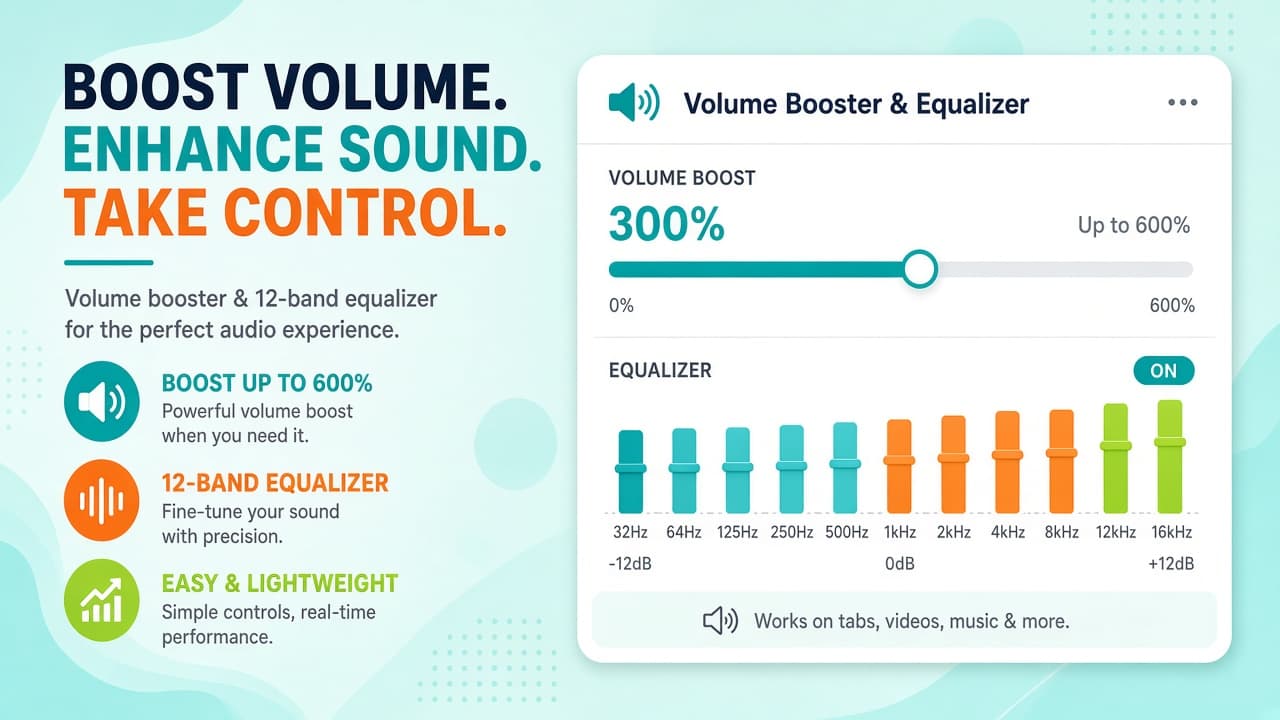

Charge Audio: Volume & Bass EQ
Boost Chrome volume to 600%, tune a 12-band EQ, fix one-ear audio, and smart-mute tabs on YouTube and Spotify - per site and tab.

Chrome audio equalizers, volume boosters, and bass enhancers. Improve sound on YouTube, music sites, and streaming with powerful browser audio tools.
23 extensions
Boost Chrome volume to 600%, tune a 12-band EQ, fix one-ear audio, and smart-mute tabs on YouTube and Spotify - per site and tab.
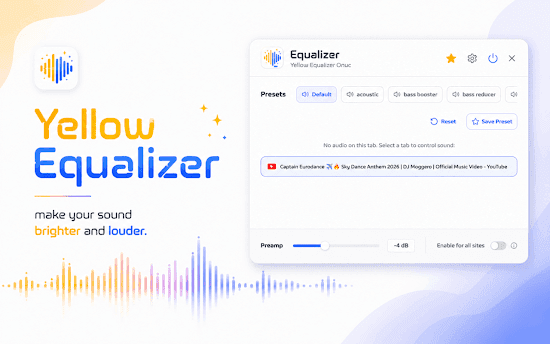
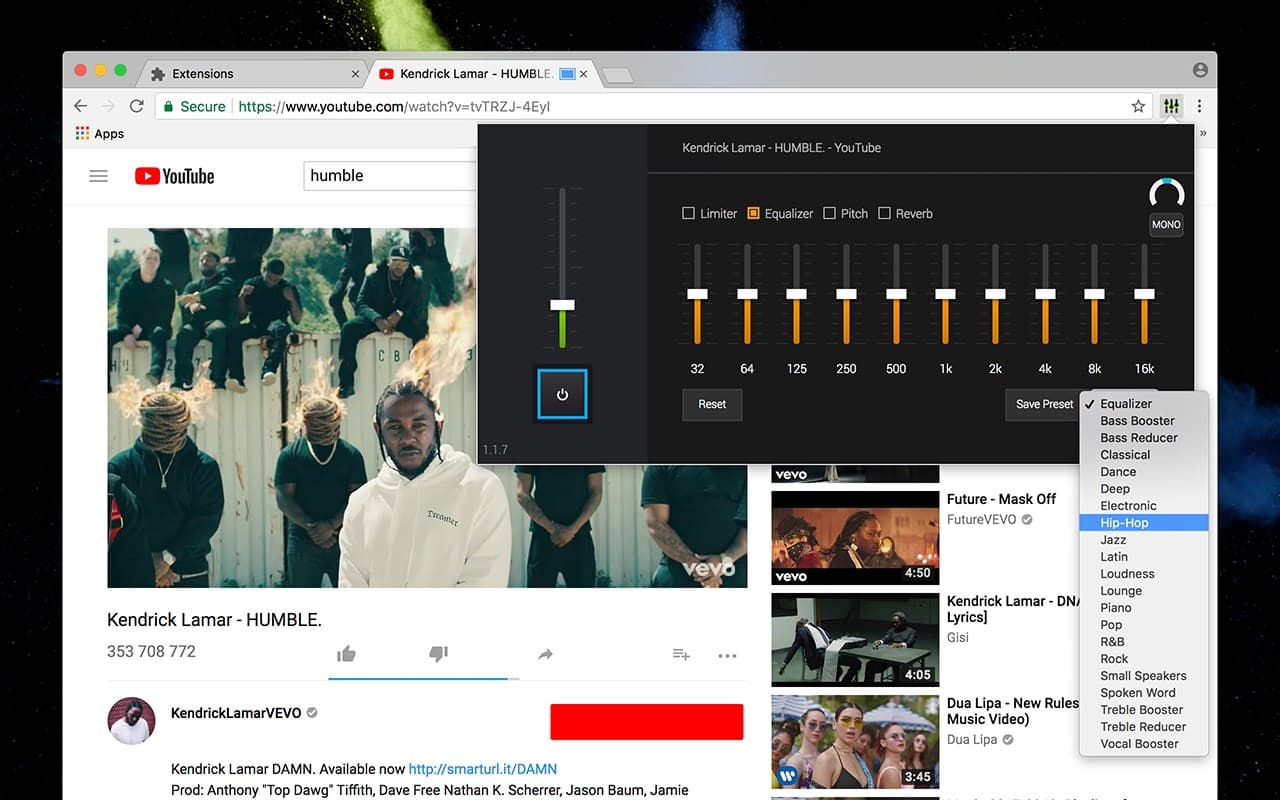
10-band Chrome equalizer with 22 presets, volume booster, and per-tab control. Louder, clearer audio for YouTube, Spotify, and streaming.
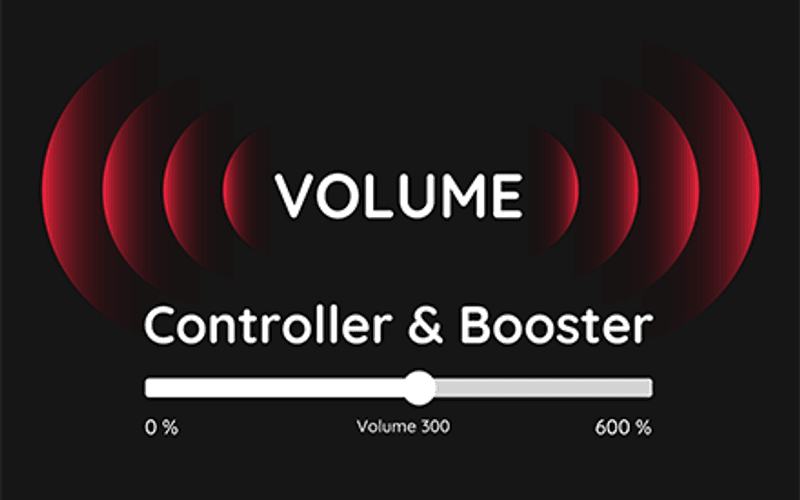
Boost browser tab volume up to 600% in Chrome. Free sound amplifier for YouTube, music, podcasts, and video when 100% is too quiet.
Audio equaliser with most popular music genre presets. Make own settings of sound, bass, volume, acoustic
Winamp Classic Equalizer for Chrome: presets, bass boost, and acoustics. Customize web audio with ready-to-use music settings.
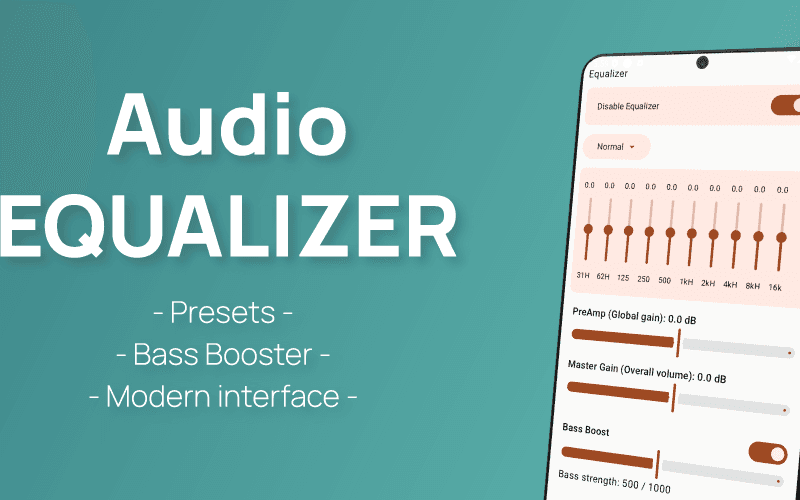
Audio Equalizer for Android
Volume Controller and Booster for Chrome: boost tab sound up to 600%. Per-tab volume, bass boost, and full audio control.
Audio Equalizer for Chrome. Adjust volume, effects, and more. Enjoy the best sound!
Get Audio Booster Plus, the ultimate Chrome extension to increase volume by 500% for a superior audio experience.
Boost your sound quality with the Browser Equalizer & Sound Amplifier. Customize the audio to suit your liking on any site!
Customize music file by volume booster tool. Allow you to increase the volume of your audio and video files
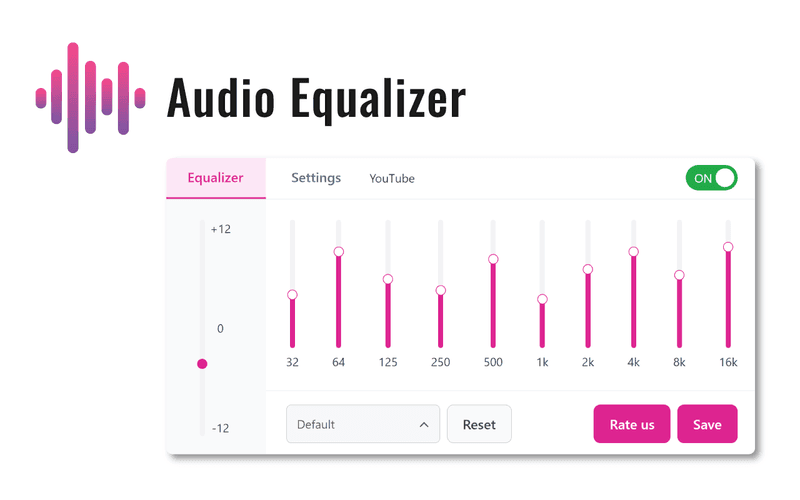
Equalizer for Chrome adjusts frequencies, improves sound quality, and helps music match your listening preferences on any site.
Smart Volume Adjuster for Chrome: control tab audio with precision. Adjust volume per site for clearer, balanced listening.
Audio Eq for Chrome: customize sound levels with a classic equalizer and enjoy enhanced audio on every site.
Classic Audio Equalizer for Chrome: tune bass, treble, and volume for optimal sound on any website you visit.
Boost Chrome tab volume up to 600% with the Bass Boost extension.Control sound individually per tab.
Low Volume In Chrome? Increase tab audio up to 600% with Volume Master and enjoy clearer sound on any site.
Low YouTube volume in Chrome? Boost tab audio up to 1000% on YouTube, Netflix, and other streaming sites fast.
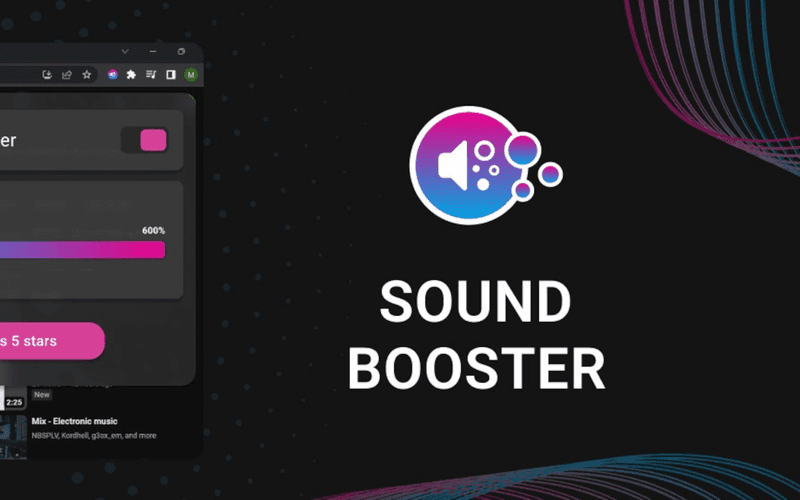
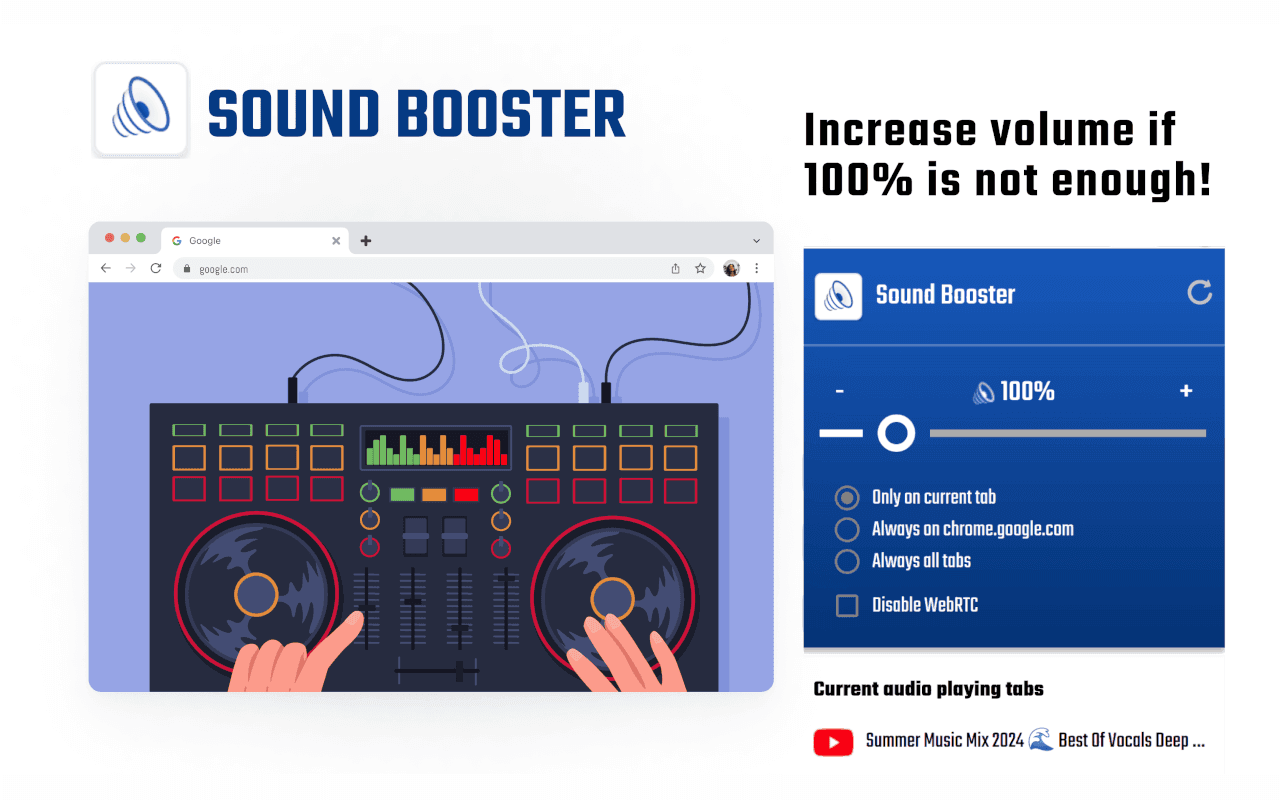
Sound Booster for Chrome: boost bass and raise volume on music and videos for better audio quality online.
Bass Booster Extension:Boost bass easily on YouTube or VK. Adjust bass levels from Low to Very High!
Boost tab volume, fine-tune bass and treble, and get richer sound on any website with Chrome equalizers and volume boosters.