About this extension
Audio Equalizer
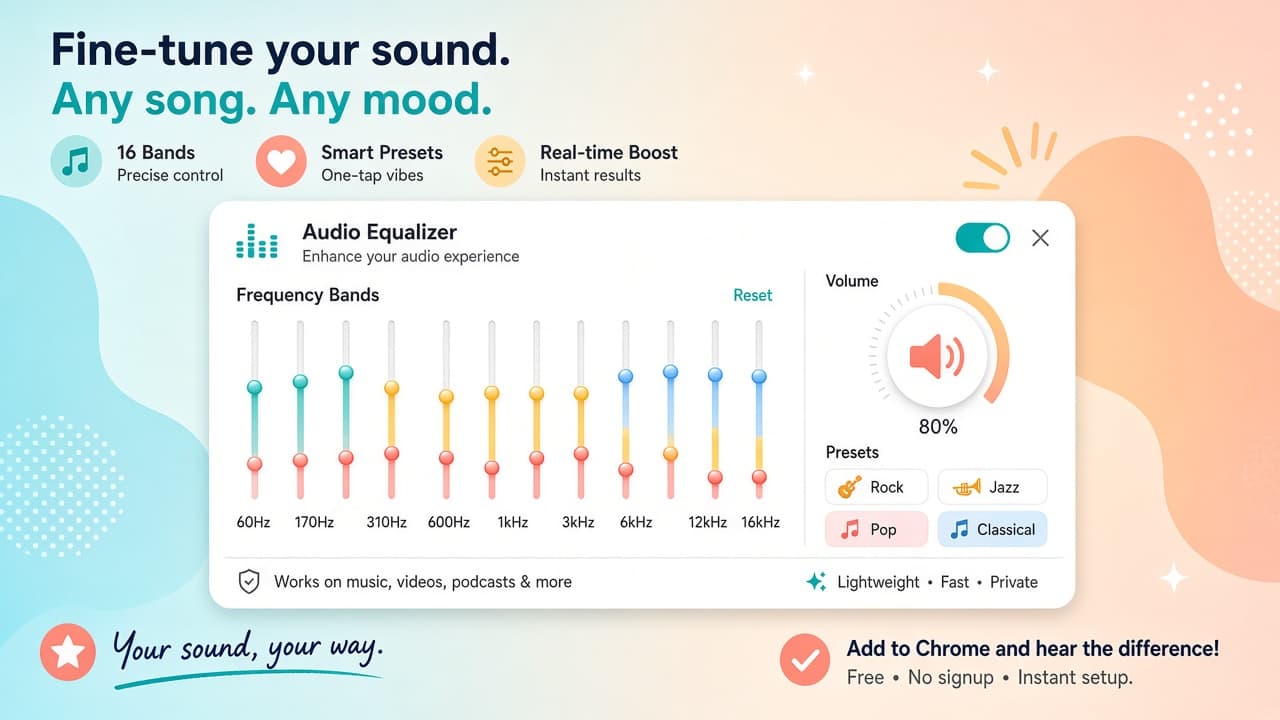
If you're someone who spends a lot of time online, listening to music, watching videos, or streaming movies, you might be interested in a powerful and simple audio equalizer for your Chrome browser. With this extension, you can get the perfect sound on any site on the web.
The Classic Audio Equalizer is a reliable tool that lets you adjust the volume of the sound and increase it if your speakers are not enough. It's ideal for users who face problems with their speakers or want to increase the volume levels without damaging their hearing.
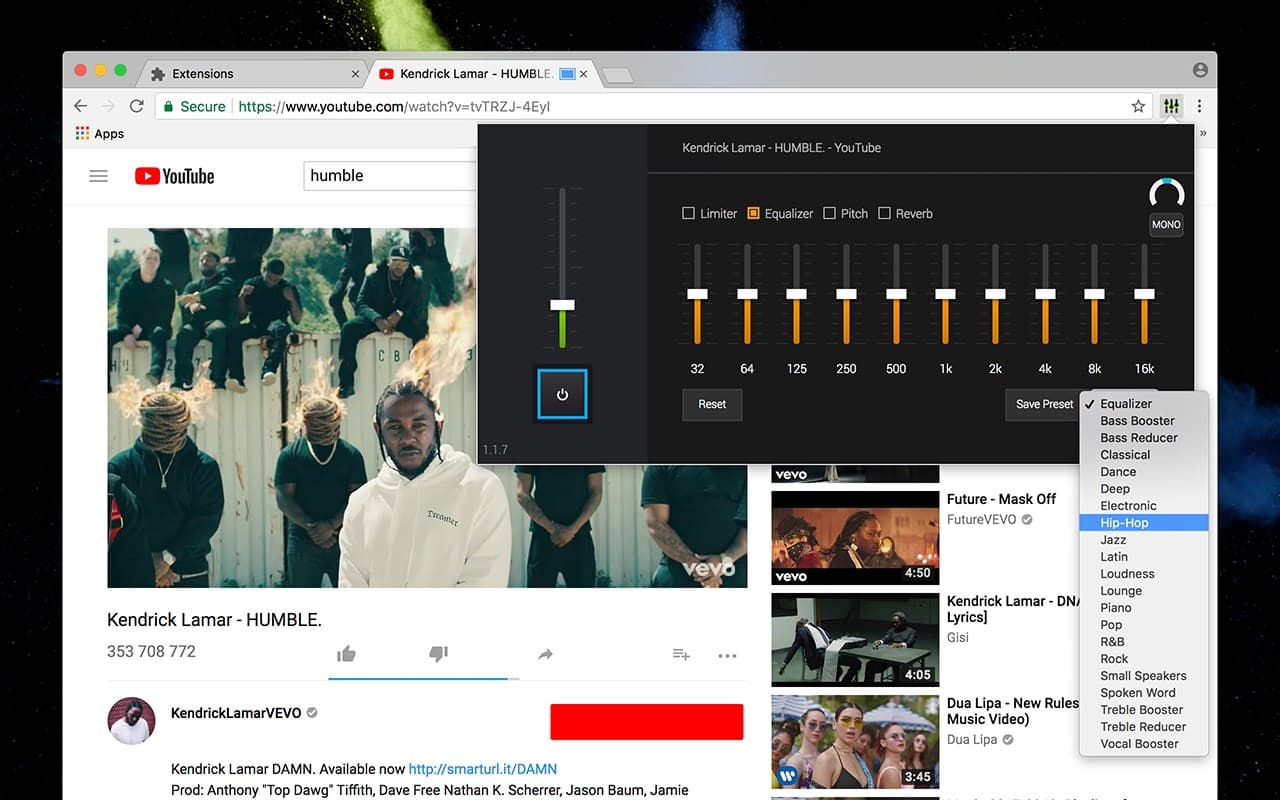
One of the most significant advantages of the Classic Audio Equalizer is its compatibility with all websites. Whether you're watching a YouTube video or streaming music online, you can adjust the sound levels to enhance your listening experience.
Moreover, using it as a flexible YouTube equalizer while watching videos is a great way to bring out the best in the sound effects. You can adjust the levels of the sound effects to bring out your favorite songs to the max.
With its flexibility, the Chrome equalizer extension can handle it all, bringing you the best sound every time. You can adjust the bass, treble, and other sound frequencies to get the perfect balance for your favorite songs.
Classic Audio Equalizer is an excellent tool for users who value high-quality audio experiences. It's a powerful and simple extension that is easy to use and provides a seamless audio experience across all websites.