logo audio eq

Audio Eq - Audio & Volume

Audio Eq for Chrome: customize sound levels with a classic equalizer and enjoy enhanced audio on every site.

2024
Launched
Verified & Safe to Install
addonup.com/extensions/audio-equalizer
audio eq

About This Extension

Classic audio equalizer.

Adjust the sound volume and increase it if your speakers lack power. If you frequently listen to music, watch videos, or stream movies online, you might be interested in a powerful yet simple audio equalizer for your Chrome browser. This extension helps you achieve the perfect sound on any website.

The Classic Audio Equalizer is a reliable tool for adjusting sound volume, especially if your speakers are inadequate. It's ideal for users who face speaker issues or wish to increase volume levels without harming their hearing.

One major advantage of the Classic Audio Equalizer is its compatibility with all websites.

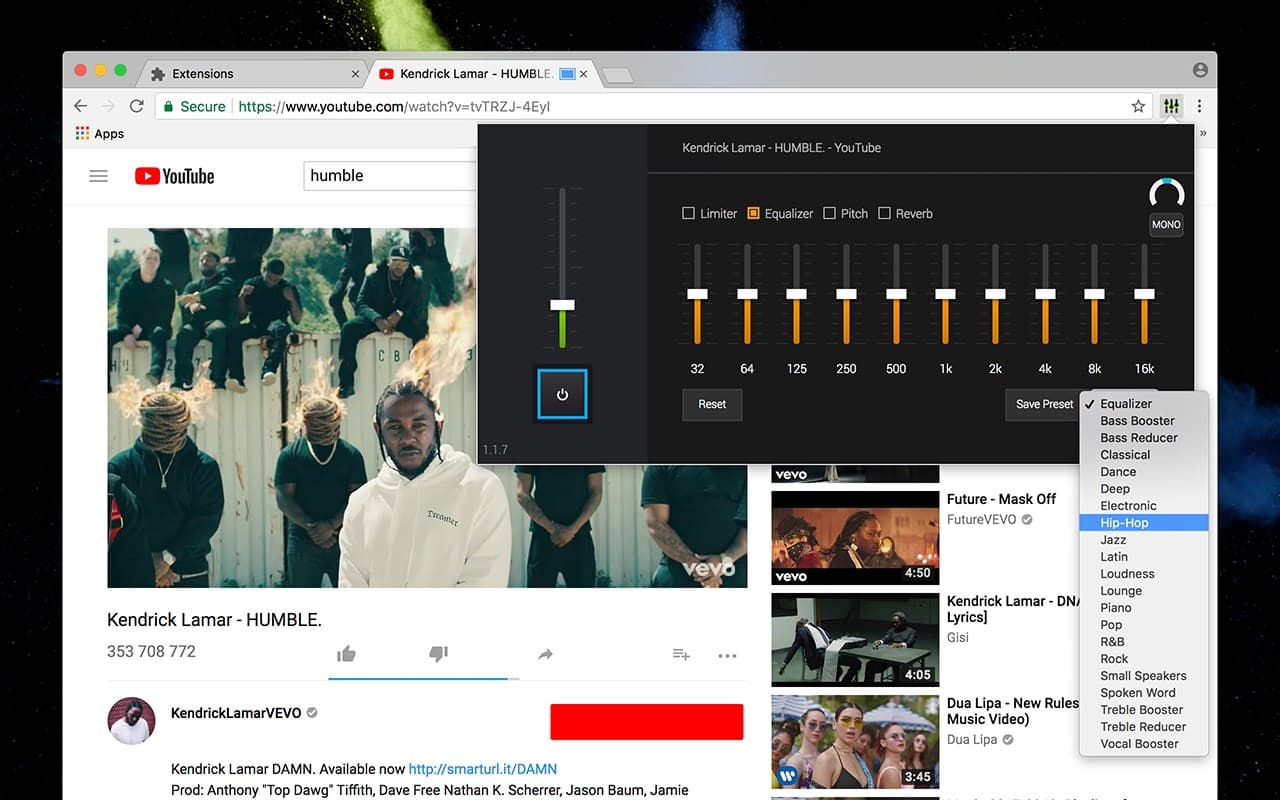
Whether you're watching a YouTube video or streaming music online, you can adjust sound levels to enhance your listening experience. Additionally, using it as a flexible YouTube equalizer while watching videos enhances sound effects.

You can adjust sound effect levels to optimize your favorite songs. With its flexibility, the Chrome equalizer extension handles everything, delivering the best sound every time.

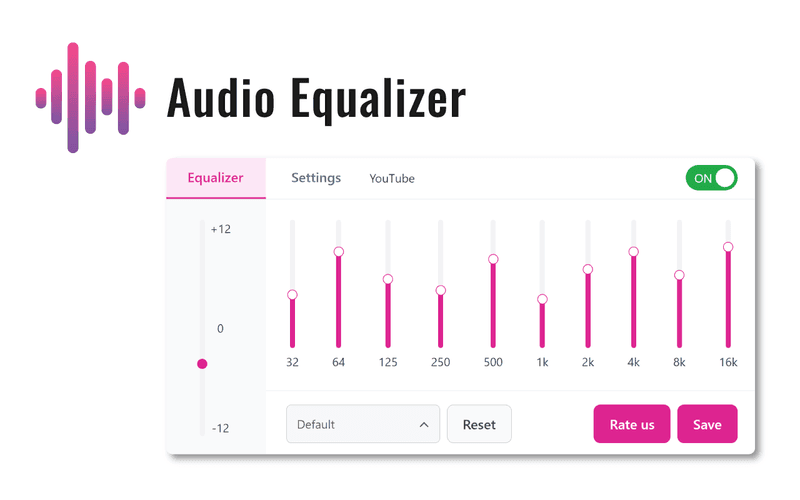
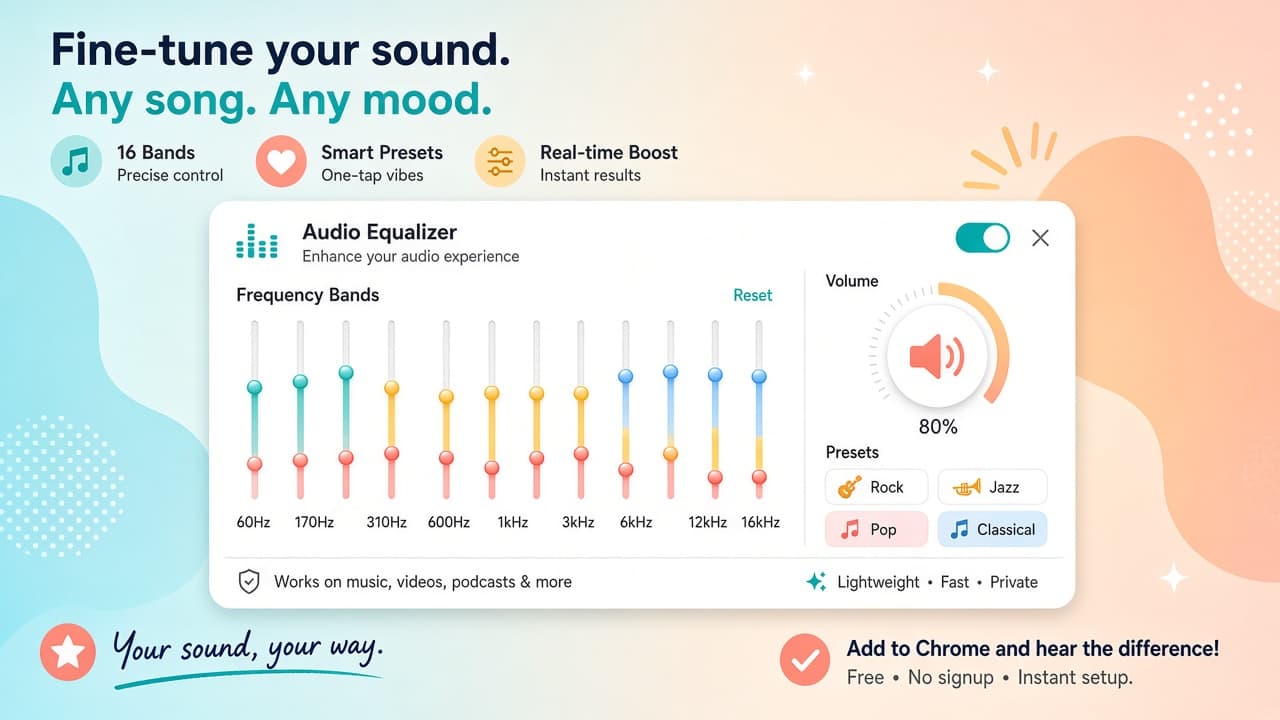
You can adjust bass, treble, and other sound frequencies to achieve the perfect balance for your favorite songs. Classic Audio Equalizer is an excellent tool for users who value high-quality audio experiences. It's a powerful and simple extension that is easy to use and provides a seamless audio experience across all websites.

Discover similar extensions that might interest you

About Audio Eq

What is this extension?

Audio Eq for Chrome: customize sound levels with a classic equalizer and enjoy enhanced audio on every site.

Key Features

This extension provides a range of features designed to improve your productivity and browsing experience. Whether you're looking to enhance functionality, improve security, or add new capabilities to your browser, Audio Eq has you covered.

How to Install

Installing this extension is quick and easy. Simply click the 'Install Extension' button above, and the extension will be added to your browser automatically. You can start using it right away.

All extensions in our collection are safe to install and have been reviewed for quality and security. You can manage your installed extensions through Chrome's extension management page.

Frequently Asked Questions

What is Audio Eq?

Audio Eq for Chrome: customize sound levels with a classic equalizer and enjoy enhanced audio on every site.

Is Audio Eq free?

Yes. Audio Eq is free to install (price: $0). Use the Install Extension button on https://addonup.com/extensions/audio-equalizer to add it from the Chrome Web Store or Microsoft Edge Add-ons store.

How do I install Audio Eq?

Open https://addonup.com/extensions/audio-equalizer, click Install Extension, and confirm in your browser. The extension is added to Chrome or Edge after store approval.

What category is Audio Eq in?

Audio Eq is listed in the Audio & Volume category on AddonUp.