About this extension
Classic Audio Equalizer for Chrome - Perfect Sound Control
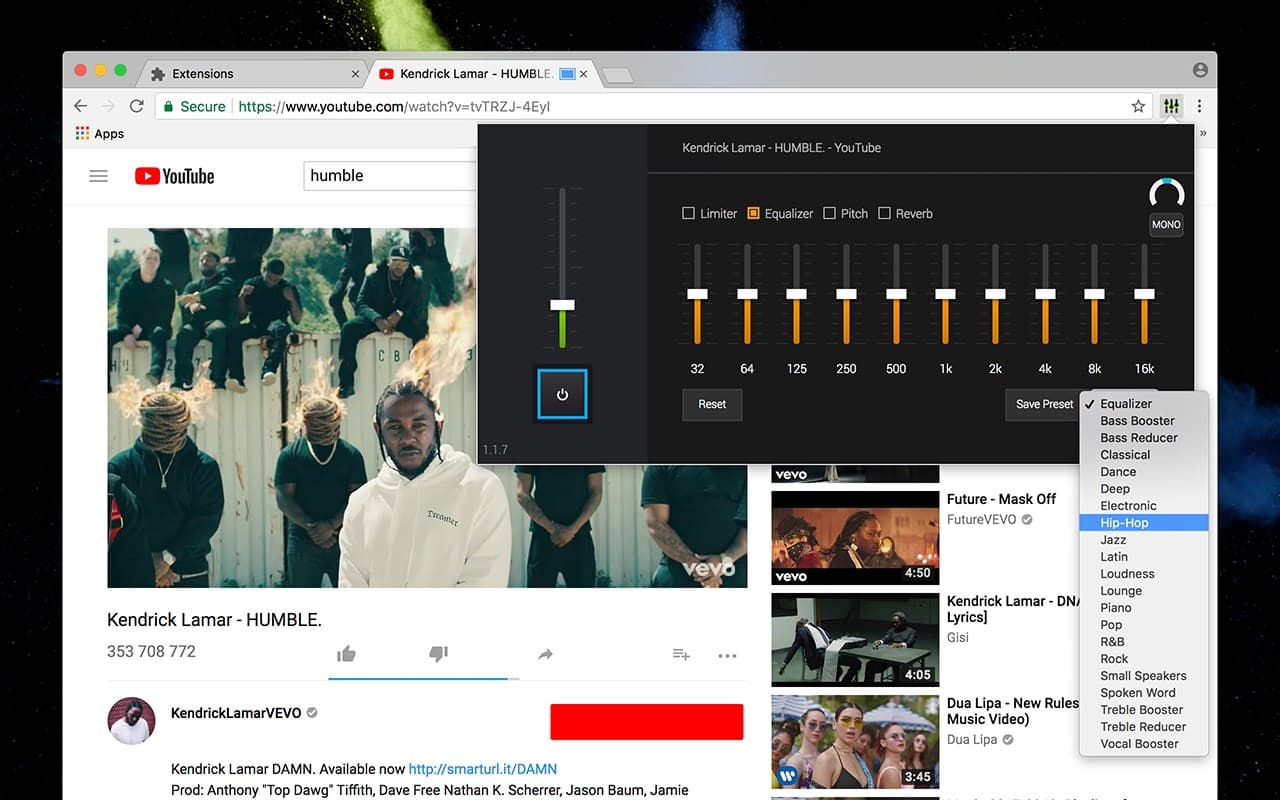
Enjoy crystal-clear sound with Classic Audio Equalizer for Chrome, the ultimate tool for boosting volume, adjusting frequencies, and enhancing audio quality. Whether you're streaming music, watching YouTube videos, or listening to podcasts, this Chrome sound equalizer ensures the perfect sound balance for any content.
🔊 Why Use an Audio Equalizer?
Audio equalization helps improve sound quality by adjusting different frequency levels. With this Chrome equalizer extension, you can:
- ✅ Boost volume up to 3x for louder and clearer audio
- ✅ Enhance bass & treble for a richer sound experience
- ✅ Reduce distortion & balance frequencies with a built-in audio limiter
- ✅ Create custom presets or switch between pre-configured sound modes
- ✅ Control sound effects to match different audio environments
🎬 Perfect for All Your Audio Needs
This audio equalizer for Chrome works seamlessly on YouTube, Netflix, Spotify, Twitch, online radio stations, and any other website using HTML5 audio and video. Whether you need a bass booster for music, clearer dialogue for movies, or optimized sound effects for gaming, this extension delivers outstanding performance.
🎵 Advanced Features of Classic Audio Equalizer
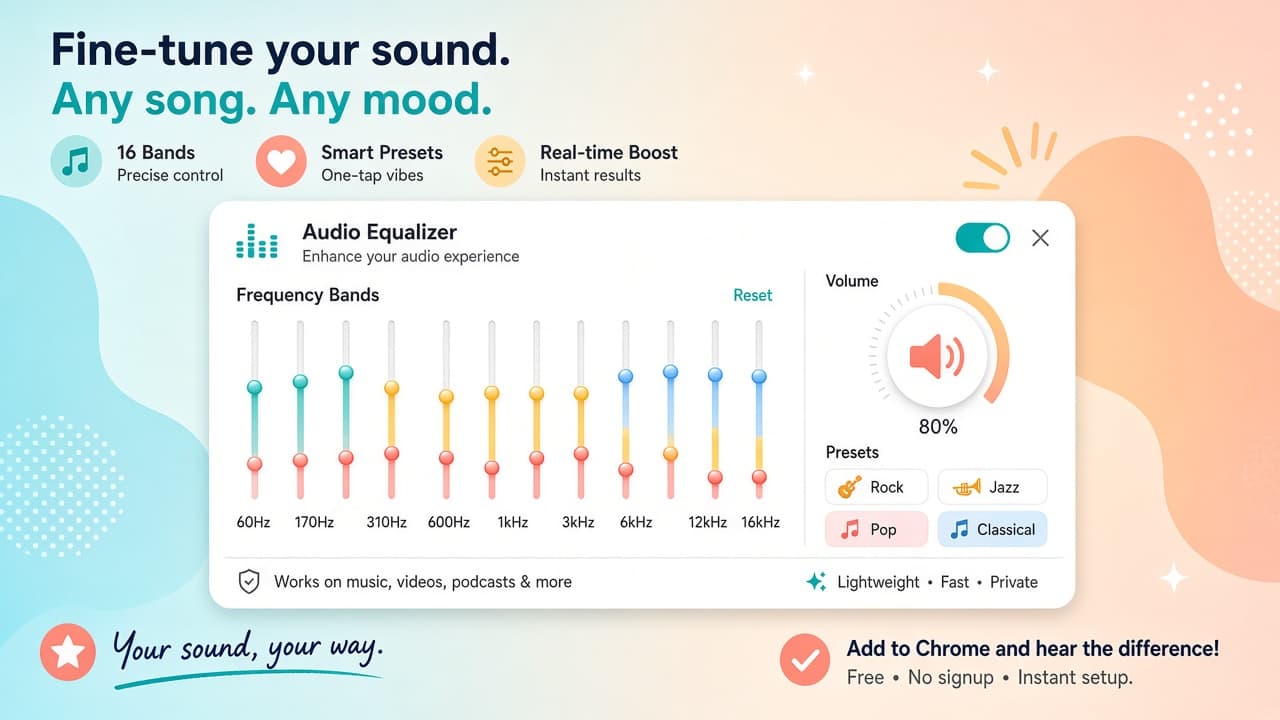
- 🔹 12-band parametric equalizer - fine-tune every frequency
- 🔹 Audio limiter & noise reduction - prevent distortion
- 🔹 Custom & preset audio modes - switch between genres instantly
- 🔹 Stereo & mono sound adjustment - optimize playback for any setup
- 🔹 Simple & lightweight interface - no ads, pop-ups, or interruptions
🎧 How to Use Classic Audio Equalizer?:
- 1️⃣ Install the extension on your Chrome browser
- 2️⃣ Click the icon to open the equalizer panel
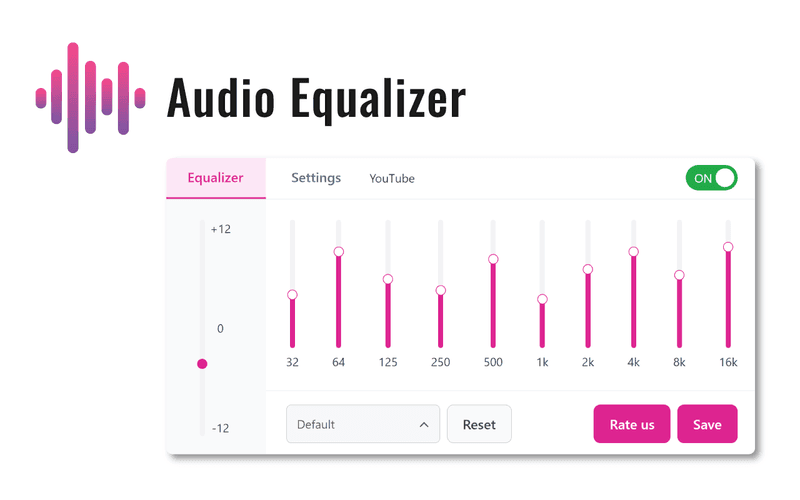
- 3️⃣ Adjust sound settings using the intuitive slider controls
- 4️⃣ Save presets for different music genres, movies, or podcasts
- 5️⃣ Enjoy a fully customized audio experience!
Upgrade your listening experience with Classic Audio Equalizer for Chrome - the perfect sound booster, volume controller, and frequency adjuster for all your online content!