About this extension
Sound Booster
How to boost the bass of a song with Volume Sound Booster?
To enhance the bass of a song, start by downloading the Sound Booster Chrome extension. You can easily download it using the button provided below or directly from the Chrome Web Store.
- First, visit any audio or video streaming platform of your choice.
- Next, click on the Volume Sound Booster extension icon to activate it. For convenience, you can pin this extension to your toolbar for quick and easy access whenever you need it.
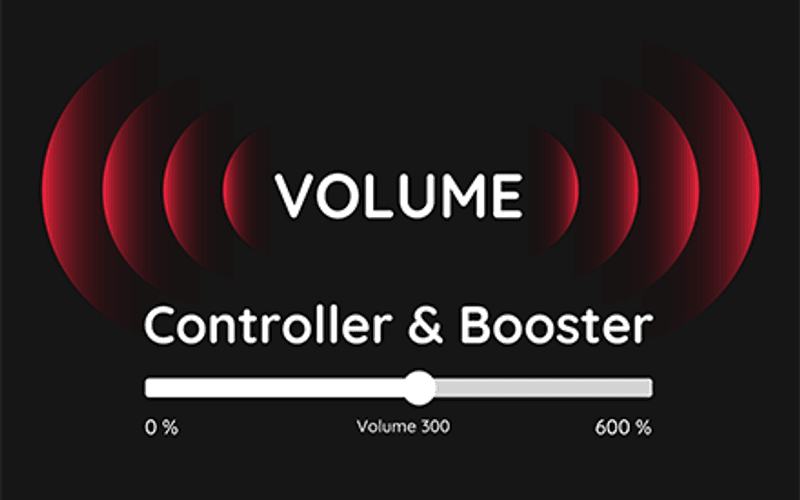
Once activated, a small slider will appear on your screen, allowing you to adjust the sound level to your preference. You can increase the volume beyond its usual limits.
After selecting the desired volume level with the Volume Sound Booster, the slider will visually display the current sound level for easy reference.
The Volume Sound Booster Tool is specifically designed to enhance the bass of your music. This extension is compatible with all Windows versions and safely increases the music volume beyond the standard maximum limit.
Volume Sound Booster is renowned for its capability to improve sound quality by utilizing advanced APO effects and techniques, making it possible to significantly boost the bass of any song to its fullest potential.
Volume Sound Booster is a straightforward, secure, and user-friendly extension designed for Chrome users.