Charge Audio: Volume & Bass EQ
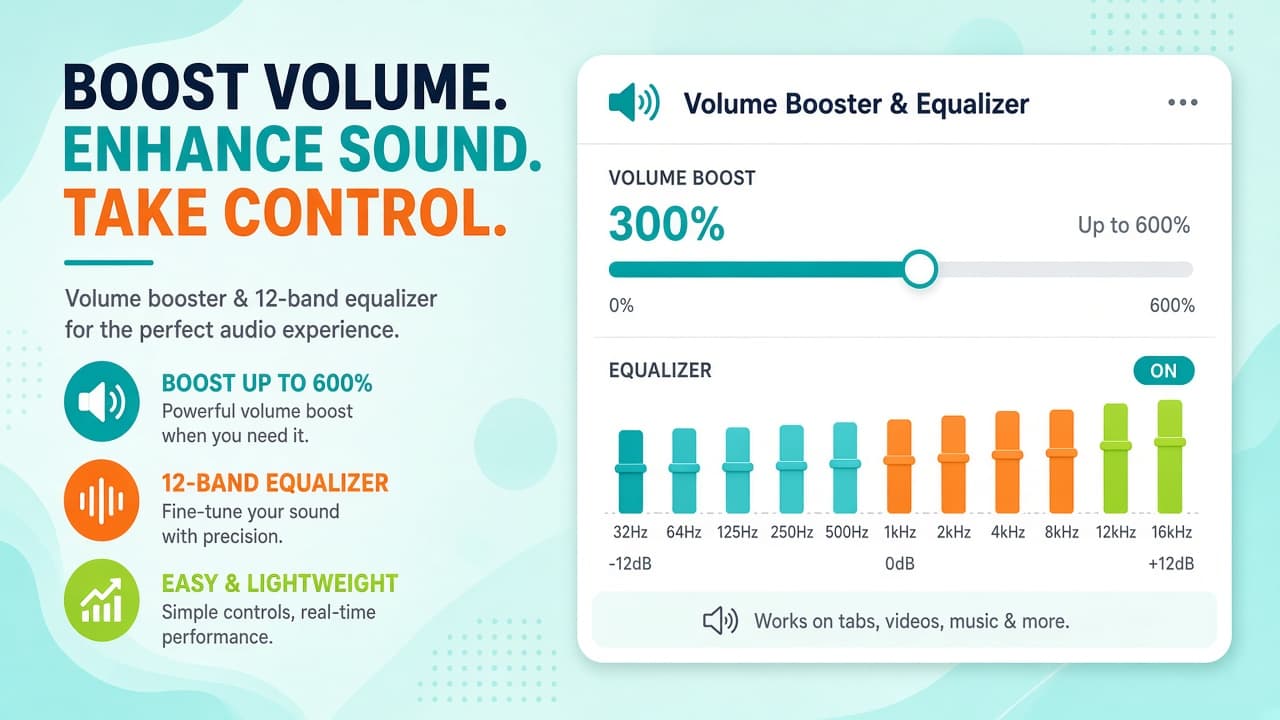
Boost Chrome volume to 600%, tune a 12-band EQ, fix one-ear audio, and smart-mute tabs on YouTube and Spotify - per site and tab.

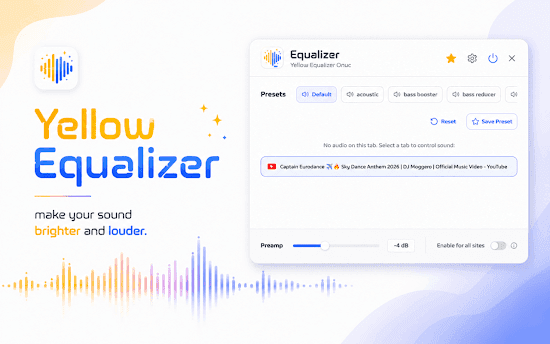
Sound Booster for Chrome: boost bass and raise volume on music and videos for better audio quality online.

How to boost the bass of a song with Volume Sound Booster?
To enhance the bass of a song, start by downloading the Sound Booster Chrome extension. You can easily download it using the button provided below or directly from the Chrome Web Store.
Once activated, a small slider will appear on your screen, allowing you to adjust the sound level to your preference. You can increase the volume beyond its usual limits.
After selecting the desired volume level with the Volume Sound Booster, the slider will visually display the current sound level for easy reference.
The Volume Sound Booster Tool is specifically designed to enhance the bass of your music. This extension is compatible with all Windows versions and safely increases the music volume beyond the standard maximum limit.
Volume Sound Booster is renowned for its capability to improve sound quality by utilizing advanced APO effects and techniques, making it possible to significantly boost the bass of any song to its fullest potential.
Volume Sound Booster is a straightforward, secure, and user-friendly extension designed for Chrome users.
Share your experience with Sound Booster. Your review helps other users make informed decisions about this extension.
Discover more extensions from the same category.
Boost Chrome volume to 600%, tune a 12-band EQ, fix one-ear audio, and smart-mute tabs on YouTube and Spotify - per site and tab.
10-band Chrome equalizer with 22 presets, volume booster, and per-tab control. Louder, clearer audio for YouTube, Spotify, and streaming.
Boost browser tab volume up to 600% in Chrome. Free sound amplifier for YouTube, music, podcasts, and video when 100% is too quiet.
Audio equaliser with most popular music genre presets. Make own settings of sound, bass, volume, acoustic
One-click install
Free to install, ready in seconds. Open it from Chrome or Edge and start exploring right away.