Help Us Grow & Improve
Leave a review, donate, or share - every bit helps!
Recommended extension

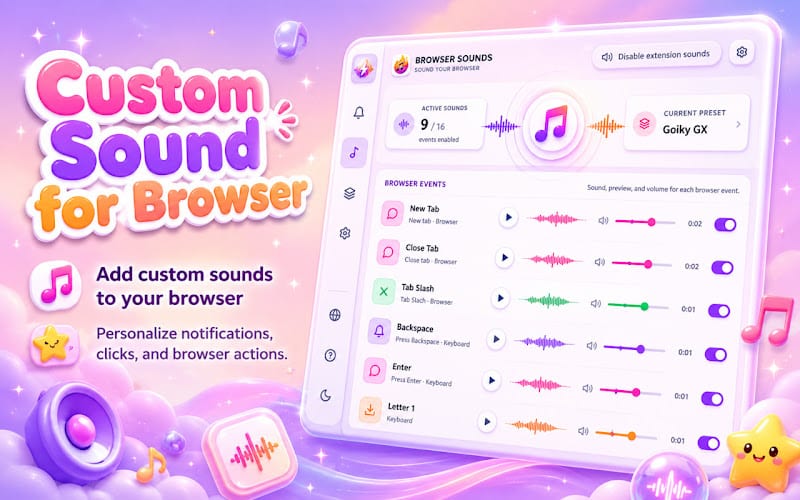
Custom Sound for Browser
Custom Sound for Chrome with unique browser sounds and atmospheric audio effects for everyday use.


Tools for YouTube™ - YouTube - Reviews



Leave a Review
Customize YouTube playback, appearance, and controls: speed, quality, EQ, themes, shortcuts, cinema mode, and side panel tools.
Tools for YouTube™ helps you customize how YouTube looks and plays. Adjust playback speed, quality, volume, themes, and player layout - all from a dedicated options page and an optional side panel while you browse YouTube.
Built for viewers who want more control, the extension offers autoplay rules, mini and pop-up players, video filters, loop mode, screenshot capture, and 40+ assignable keyboard shortcuts - with settings stored locally in your browser.
Why choose Tools for YouTube™?
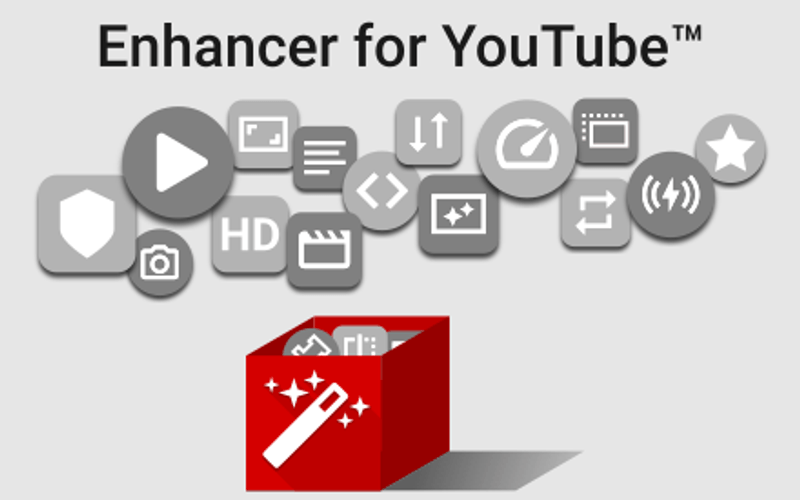
- Playback and audio tools: Default speed, quality selection, volume booster, 10-band EQ, loop, and reverse playlist.
- Player and layout options: Wide player, theater mode, cinema dimming, mini player, and customizable control bar.
- Autoplay control: Block or fine-tune autoplay, pause when switching tabs, and ignore rules for playlists.
- Productivity features: Side panel on YouTube tabs, 40+ shortcuts, JSON backup, and optional user scripts.
- Privacy-first design: No personal data collected or sold - all preferences stay local on your device.
Install Tools for YouTube™ in Chrome, open any YouTube page, and toggle the features you want for a tailored viewing experience.
Share your experience with Tools for YouTube™. Your review helps other users make informed decisions about this extension.