Help Us Grow & Improve
Leave a review, donate, or share - every bit helps!
Recommended extension

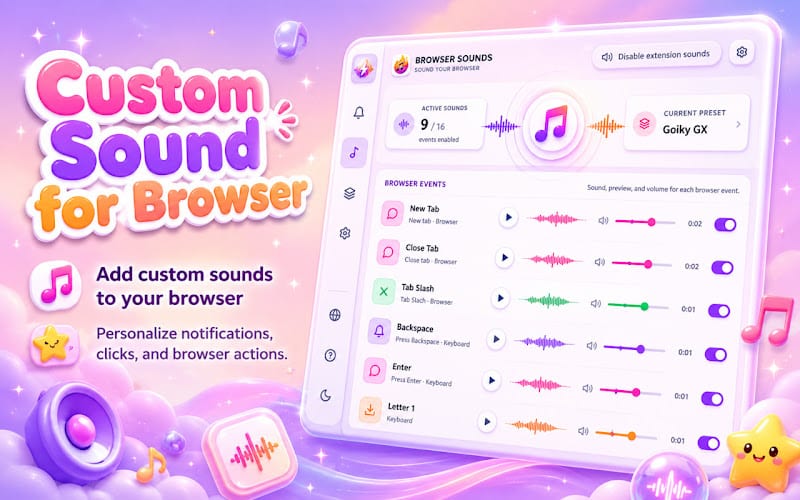
Custom Sound for Browser
Custom Sound for Chrome with unique browser sounds and atmospheric audio effects for everyday use.


Google Search Custom Sidebar - Search Tools - Reviews


Leave a Review
Customizable Google Search sidebar: quick filters (lang, time, filetype, country), site search, Verbatim & Personalization tools.
Google Search Custom Sidebar
Customizable Google Search sidebar: quick filters (lang, time, filetype, country), site search, Verbatim & Personalization tools
Google Search Custom Sidebar - Supercharge Your Search!
Tired of digging through menus for Google's advanced search operators?
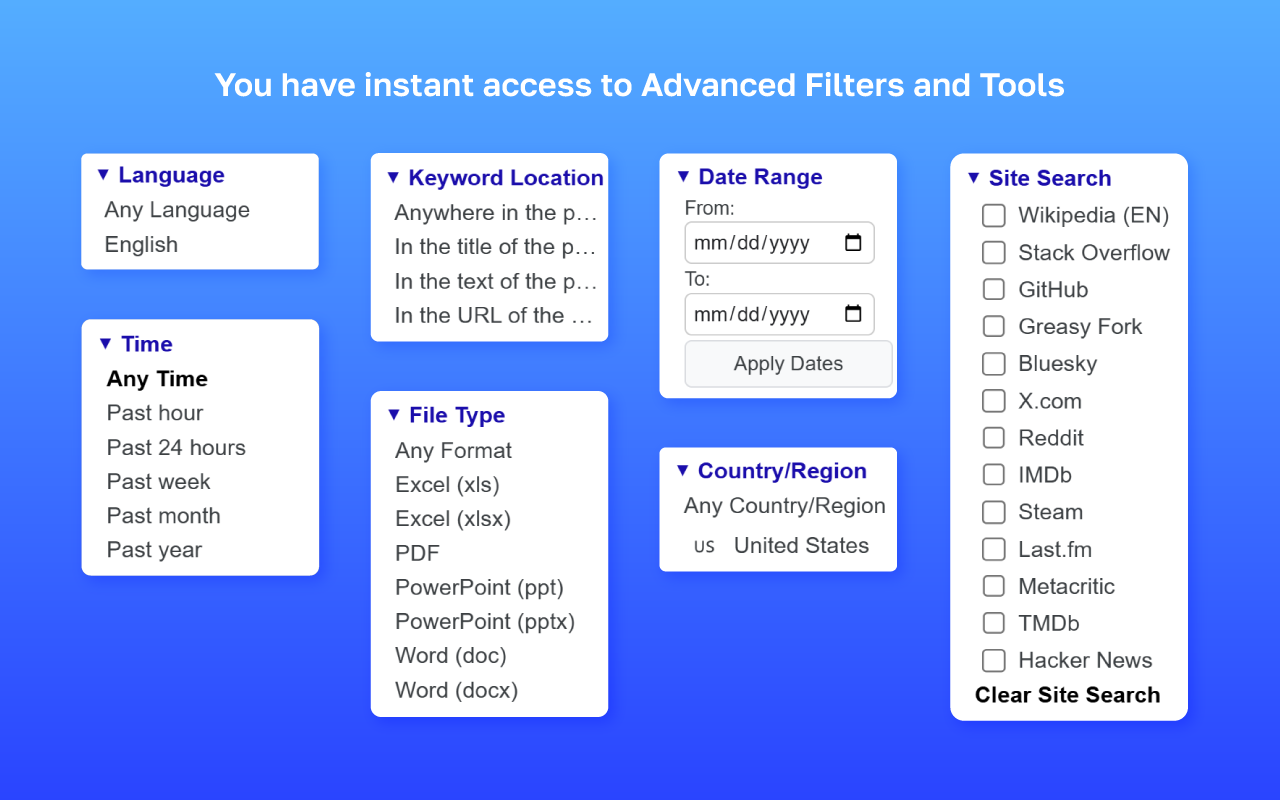
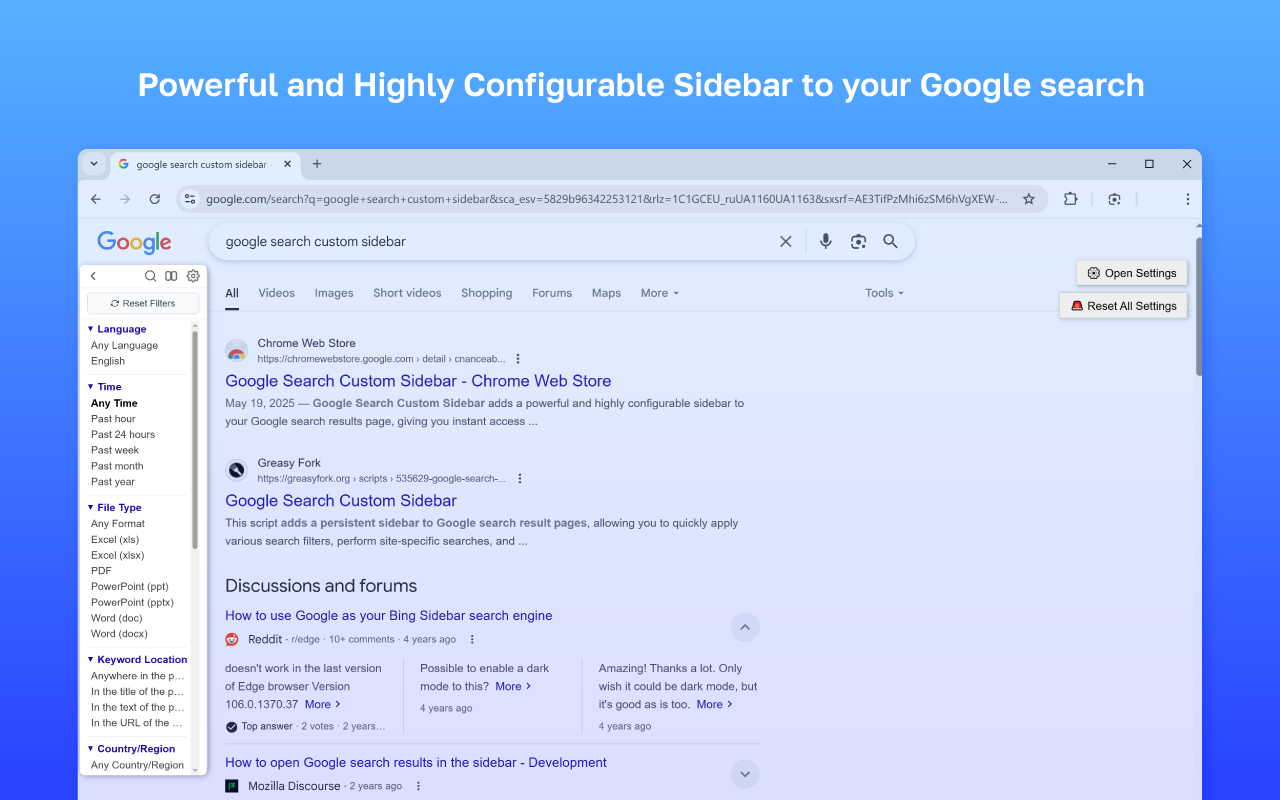
Google Search Custom Sidebar adds a powerful and highly configurable sidebar to your Google search results page, giving you instant access to advanced filters and tools-right where you need them.
Key Features
Quick Filters:
- Language: Filter results by specific languages.
- Time: Select from predefined time ranges (past hour, day, week, month, year) or set a custom date range.
- Filetype: Filter by file types like PDF, DOCX, XLSX, PPTX, and more.
- Country/Region: Limit results to specific countries.
- Keyword Location: Choose where your keywords should appear:
- Anywhere in the page (default)
- In the title
- In the text
- In the URL
Enhanced Site Search
- Quickly search within your favorite predefined websites.
- Checkbox Mode (optional): Select multiple sites using checkboxes for combined searches (e.g., site:a OR site:b).
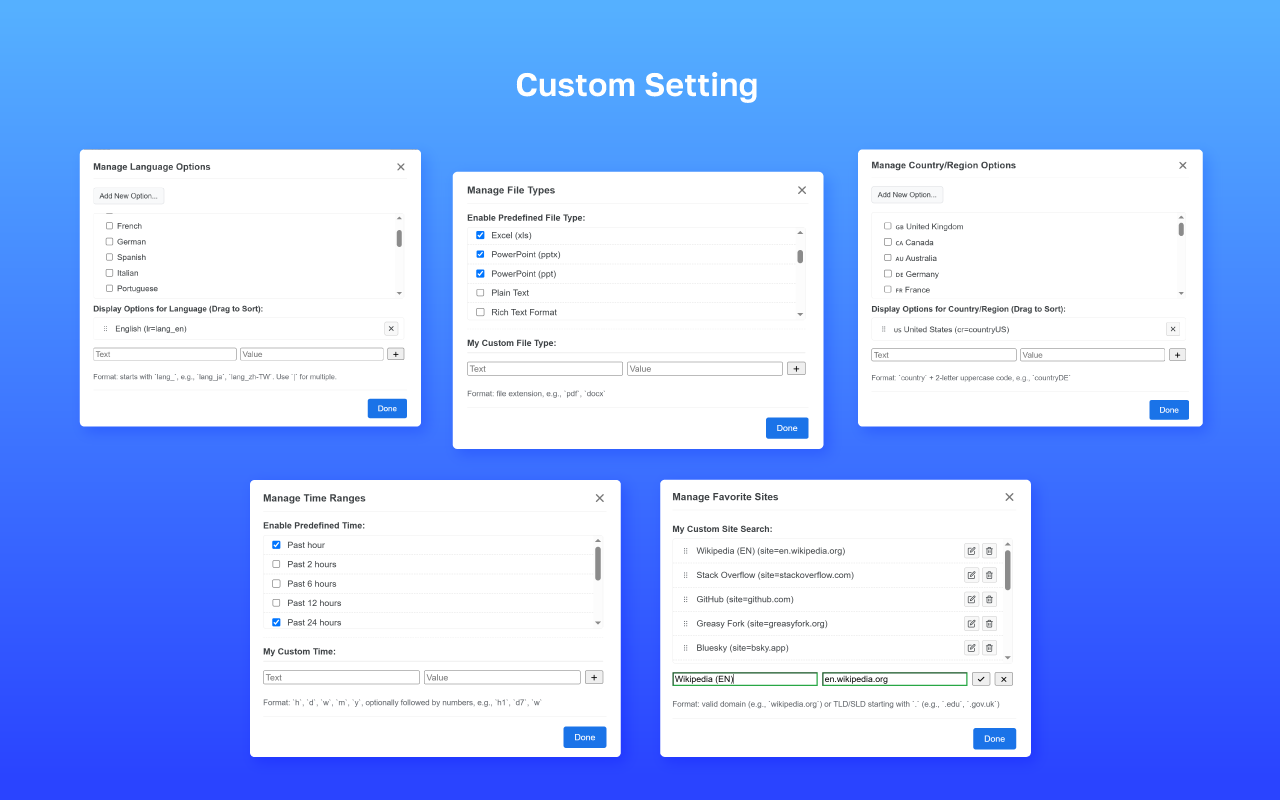
- TLD/SLD Support: Add custom domains like.edu,.gov.uk, or others to your site list.
Essential Tools
- Verbatim Toggle: Instantly switch to Google's exact-match “Verbatim” mode.
- Personalization Toggle: Enable or disable personalized search results.
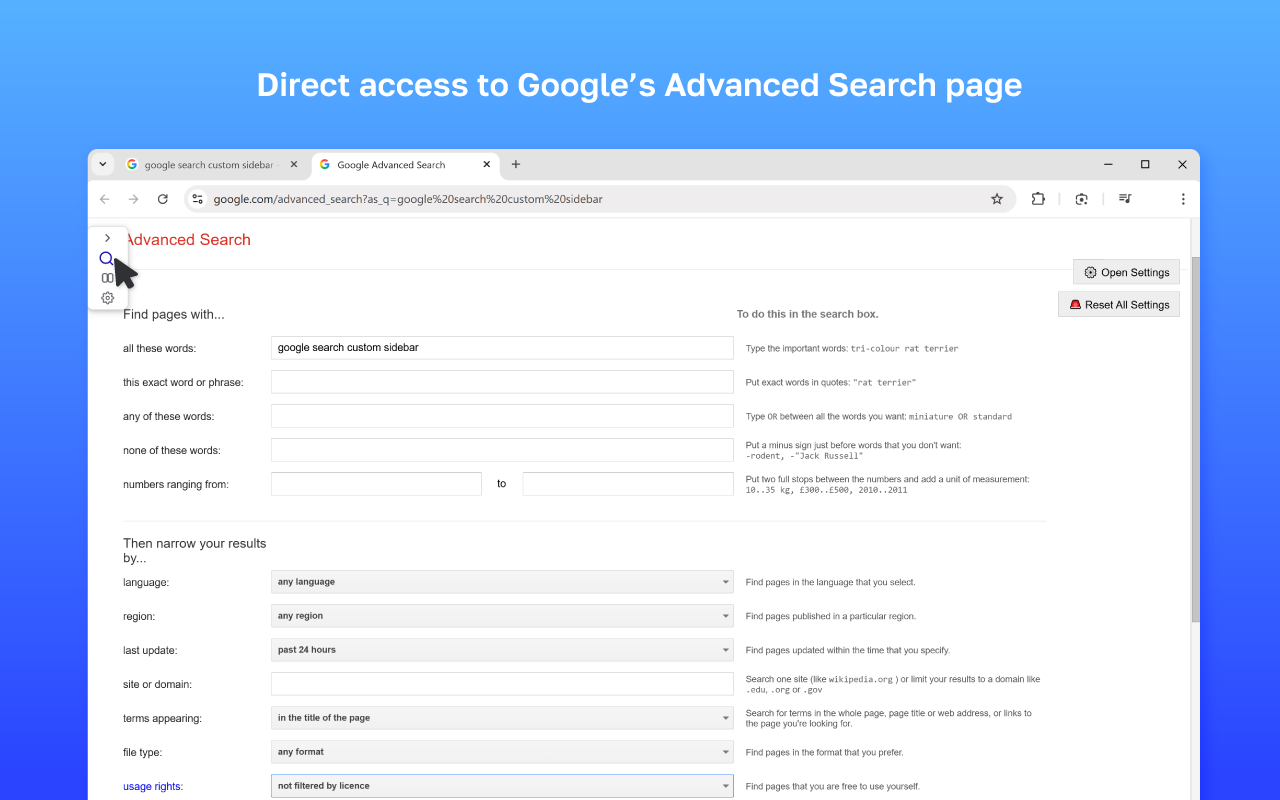
- Advanced Search Link: Direct access to Google’s Advanced Search page with your current query pre-filled.
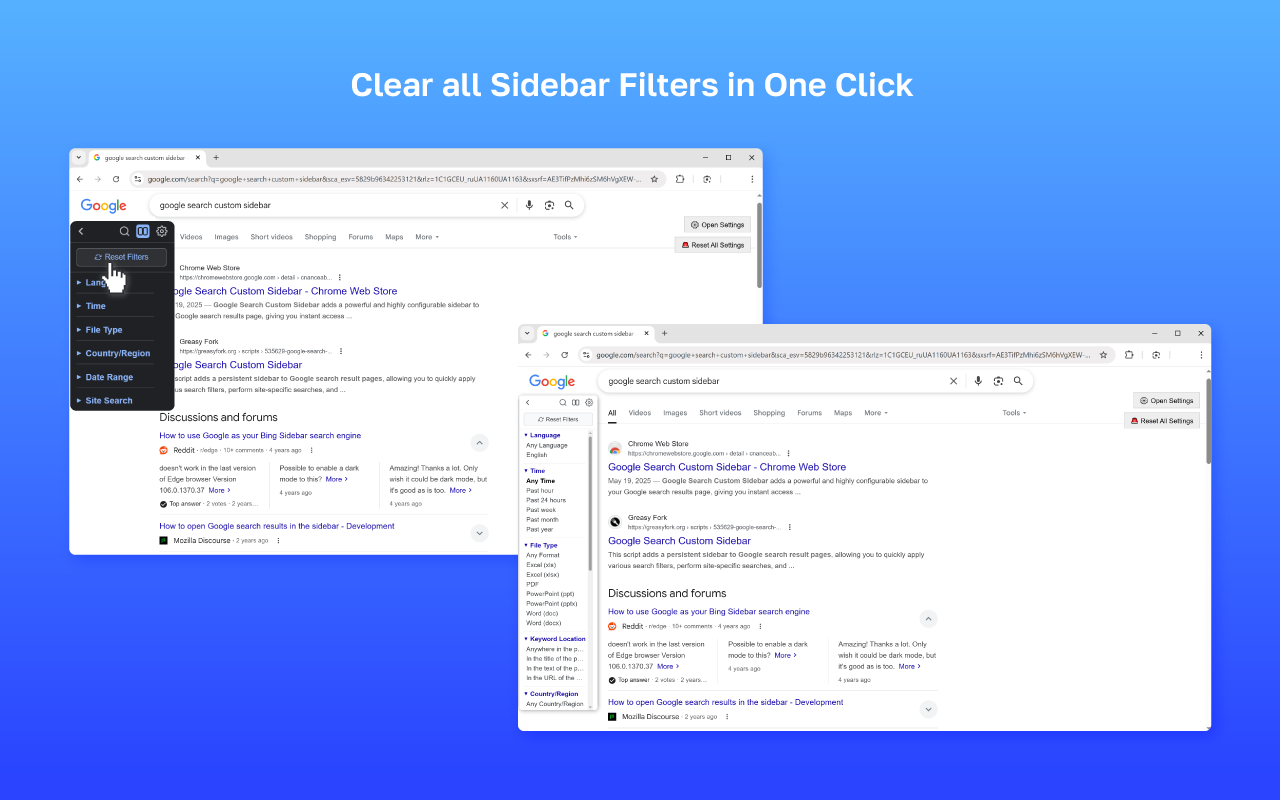
- Reset Filters: Clear all sidebar filters in one click.
Highly Customizable:
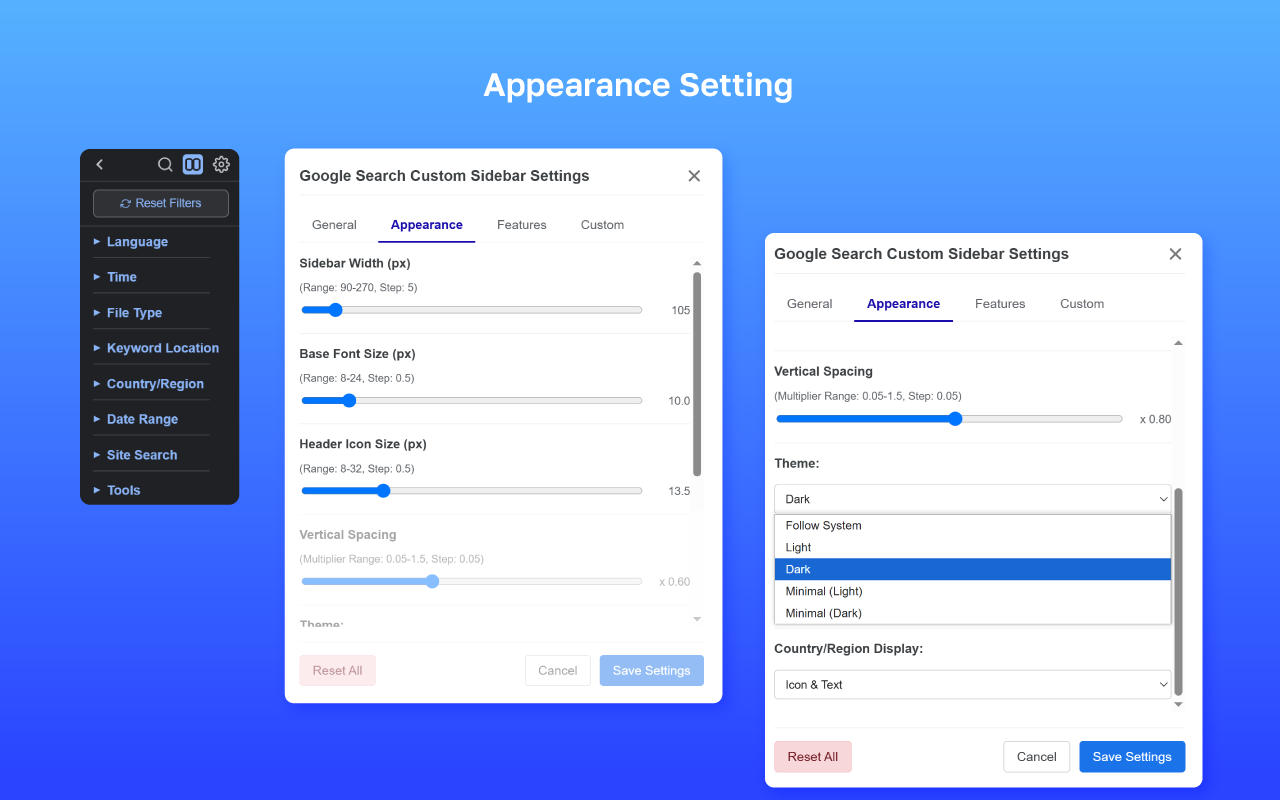
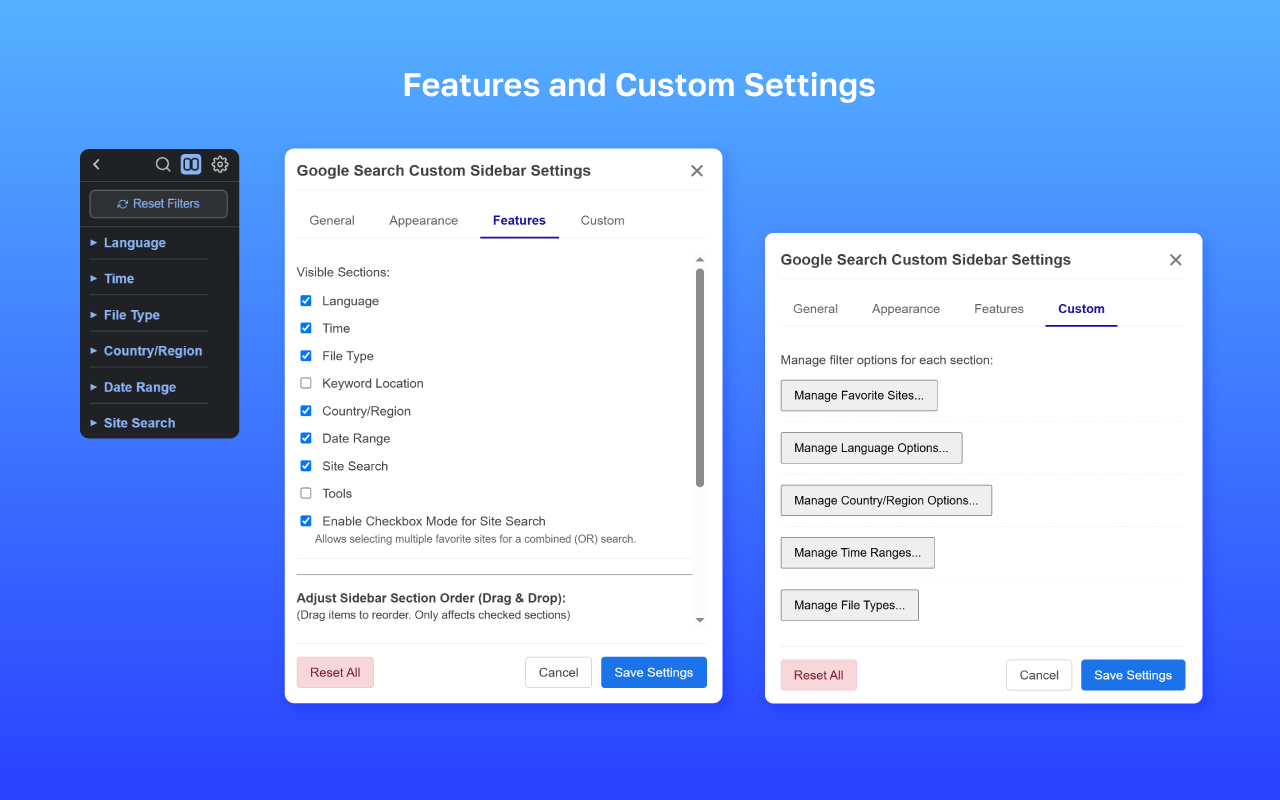
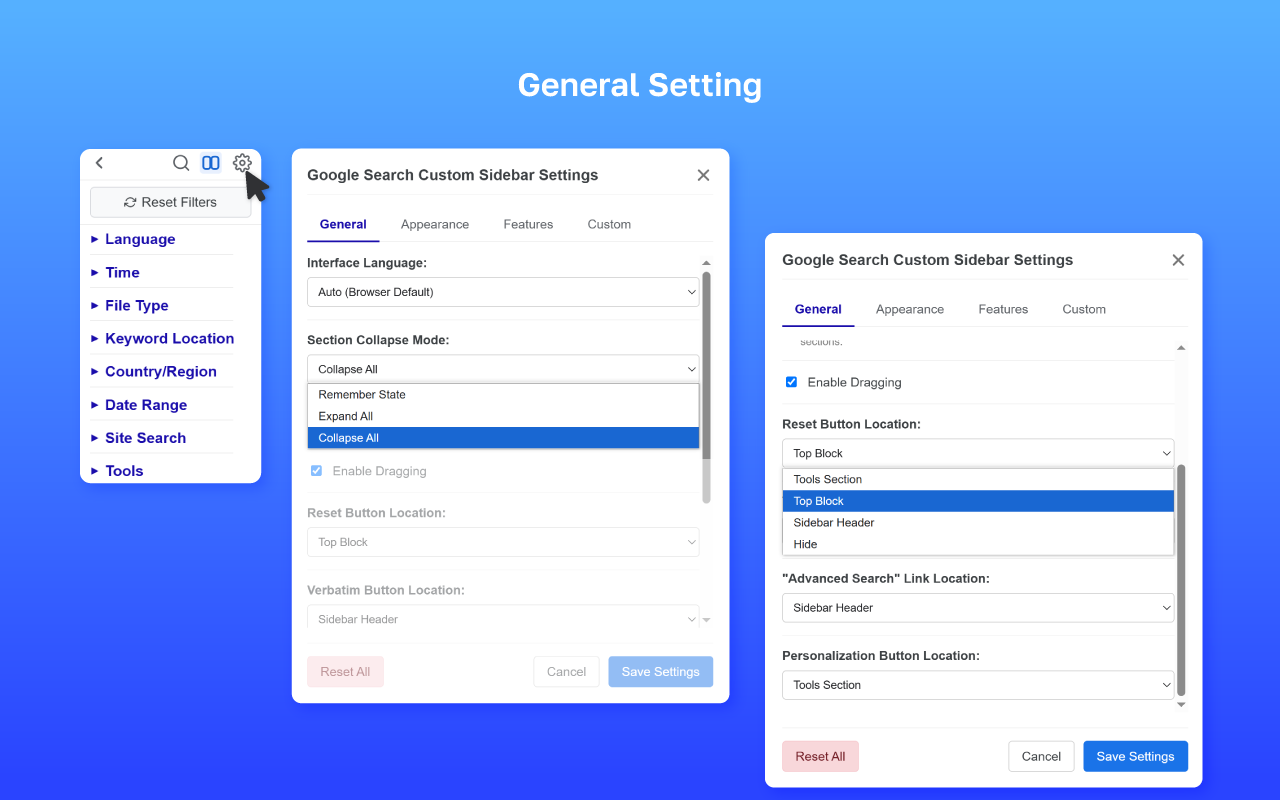
- Section Control: Show, hide, and reorder sidebar sections (Language, Time, Filetype, etc.).
- Appearance: Adjust sidebar width, font size, hover effects, and choose from Light, Dark, Minimal Light, Minimal Dark, or follow system theme.
- Button Placement: Position control buttons (Reset, Verbatim, Advanced Search, Personalization) in the Sidebar Header, Top Block, Tools Section, or hide them entirely.
- Custom Filter Options: Define your own languages, time ranges, filetypes, countries, and favorite sites.
- Accordion Mode: Option to allow only one section to be open at a time.
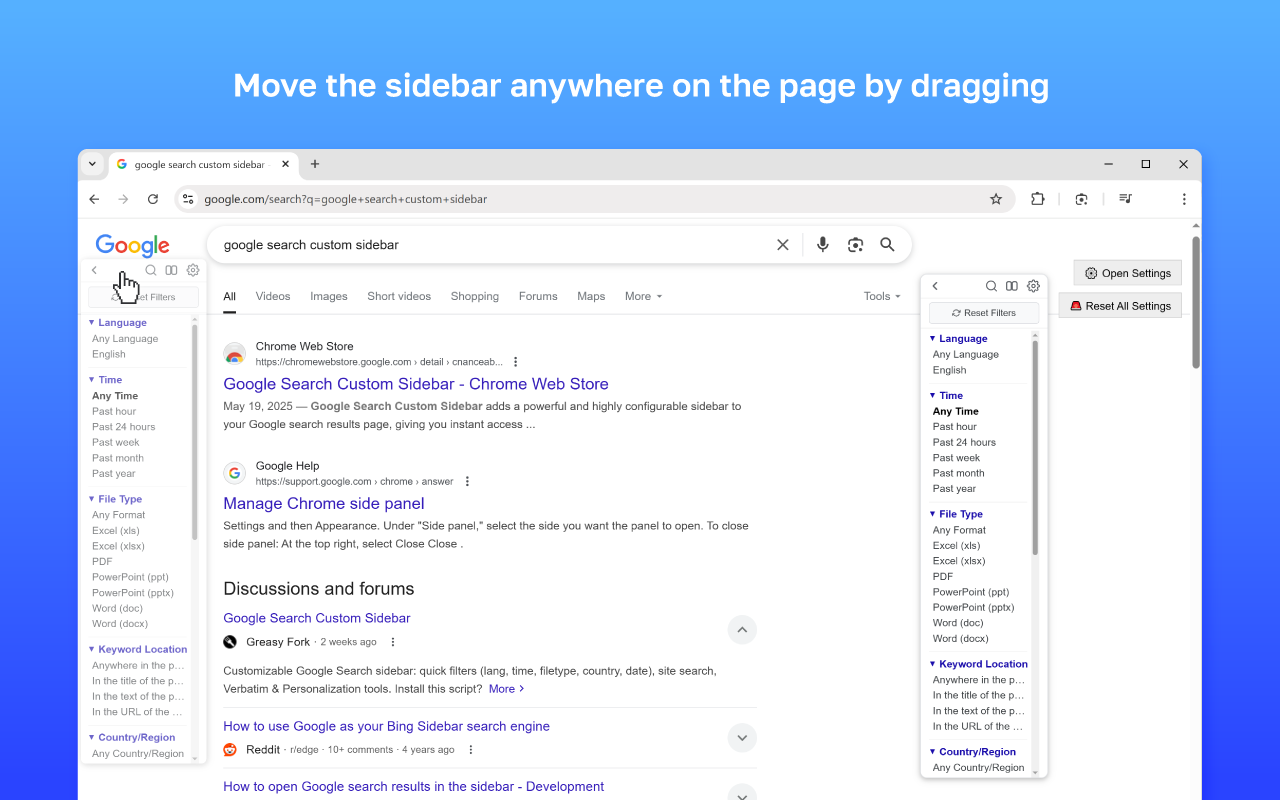
- Draggable Sidebar: Move the sidebar anywhere on the page by dragging.
How to Use:
- The sidebar automatically appears on Google search result pages.
- Click the gear icon (⚙️) in the sidebar header to open settings and customize everything to your needs.
Share your experience with Google Search Custom Sidebar. Your review helps other users make informed decisions about this extension.