Help Us Grow & Improve
Leave a review, donate, or share - every bit helps!
Recommended extension

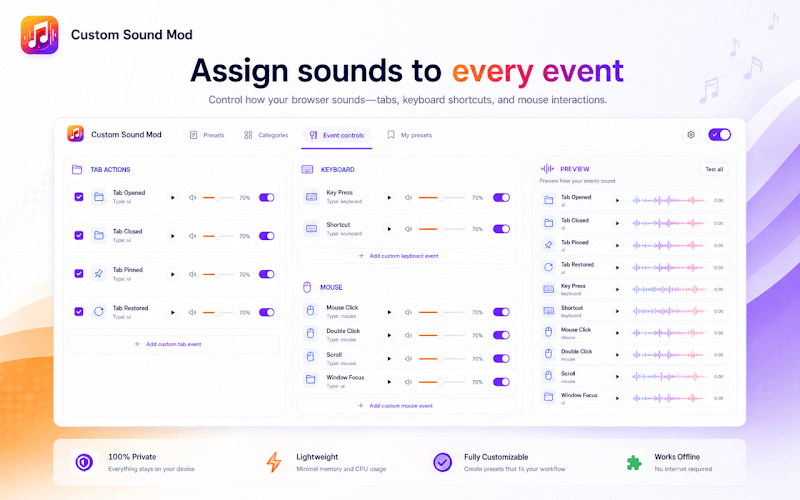
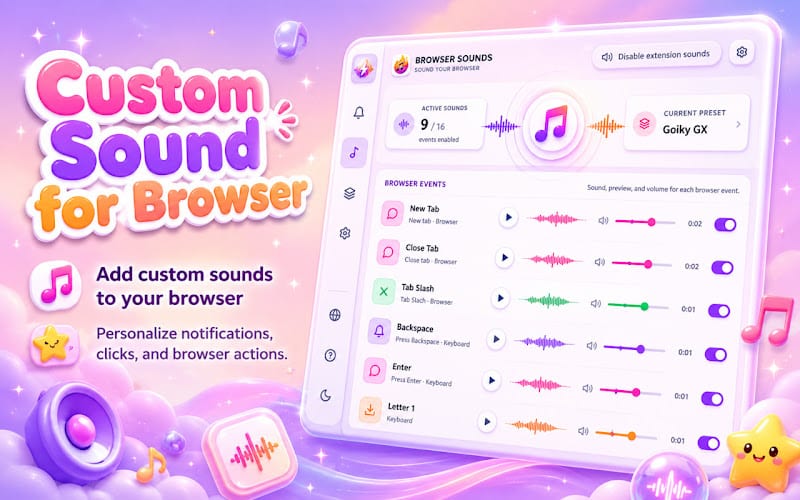
Custom Sound for Browser
Custom Sound for Chrome with unique browser sounds and atmospheric audio effects for everyday use.


Keyboard Click Sounds - Just for Fun - Reviews



Leave a Review
Customize typing with keyboard click sounds in Chrome. Fun keypress audio, themes, and effects for every keystroke.
Keyboard Click Sounds makes everyday typing more enjoyable by playing short, satisfying click sounds whenever you press keys in your browser. Pick mechanical, laptop, or minimal presets - or upload your own audio.
Choose from 14 built-in sound presets, fine-tune volume per preset, set an auto schedule, blacklist websites, and track typing stats locally. Sounds play through Chrome offscreen audio with no account required.
Why choose Keyboard Click Sounds?
- 14 sound presets: Mechanical, laptop, minimal, and more ready-made keyboard sounds.
- Custom uploads: Add MP3 or WAV clips, trim them, and map audio to keypress events.
- Smart controls: Auto schedule, website blacklist, excluded modifier keys, and Alt+S toggle.
- Typing stats: Track keystrokes, estimated WPM, and most-used presets locally.
- Privacy-first: No account, analytics, or cloud sync - settings stay on your device.
Install Keyboard Click Sounds in Chrome, pick a preset, and make every keystroke feel more tactile and fun.
Share your experience with Keyboard Click Sounds. Your review helps other users make informed decisions about this extension.