
Equalizer Yellow
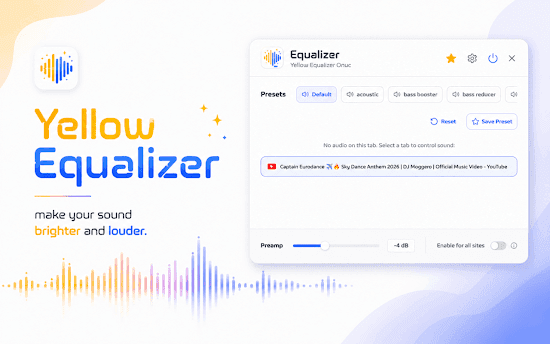
10-band Chrome equalizer with 22 presets, volume booster, and per-tab control. Louder, clearer audio for YouTube, Spotify, and streaming.
Browse our complete collection of Chrome extensions. Find tools, games, productivity apps, and more to enhance your browsing experience.
125 extensions
10-band Chrome equalizer with 22 presets, volume booster, and per-tab control. Louder, clearer audio for YouTube, Spotify, and streaming.
Extension List Exporter for Chrome: export extension names and URLs in multiple formats. Quick backup and easy sharing.
Extensions Switcher for Chrome: enable or disable extensions in one click. QuickSwitch helps manage tools and stay productive.
Fast Delete Messages for Chrome: remove all Facebook messages in two clicks and clear your inbox effortlessly.
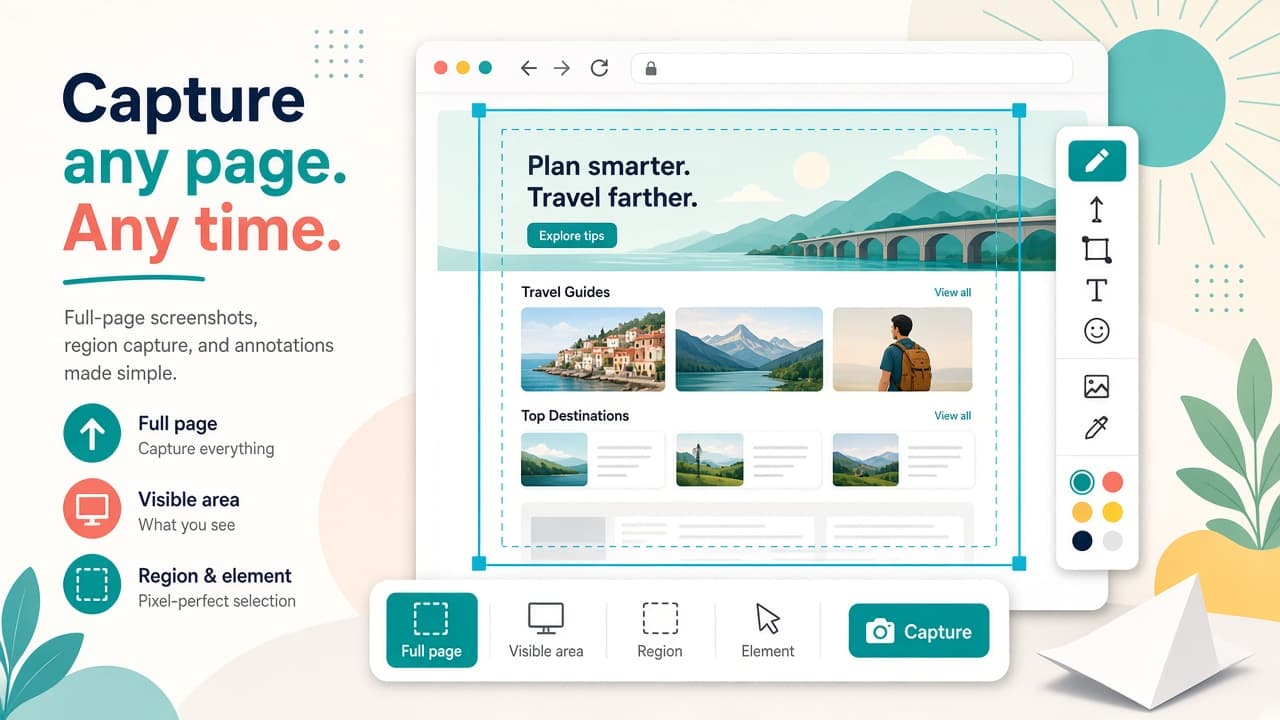
Full-page screenshots and screen recorder for Chrome with annotation. Capture page, region, or elements; record with webcam; export GIF/MP4 locally.
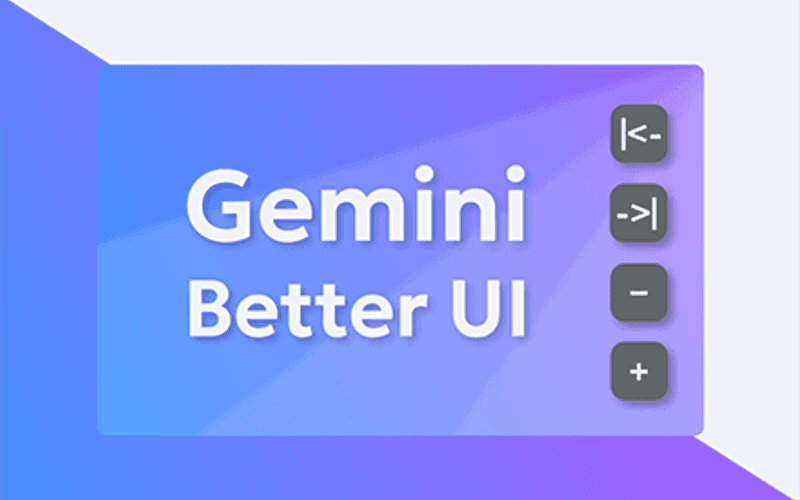
Customize Gemini with Better UI: adjustable chat width + 5 Canvas layouts. Clean, flexible, and powerful. No setup required.
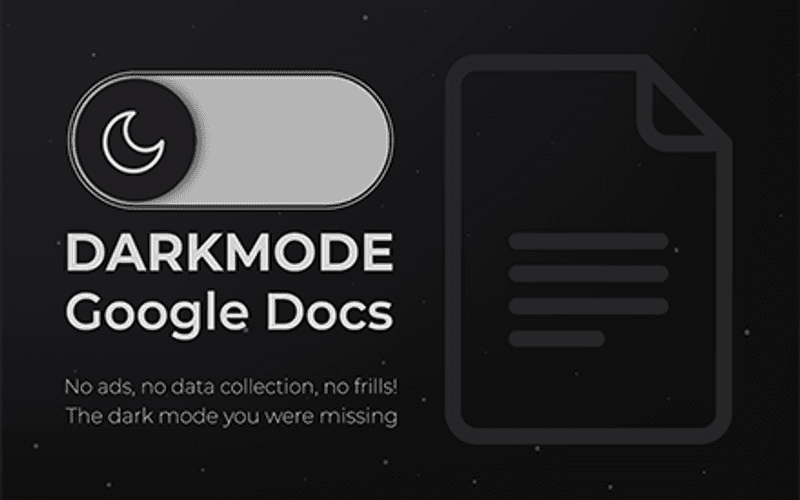
Turns Google Docs dark without changing your file. Made in hours so my eyes stop bleeding from bright docs
Enhances Google Gemini with a toolbar for snippets and canvas content download
Customizable Google Search sidebar: quick filters (lang, time, filetype, country), site search, Verbatim & Personalization tools.
Adds search engines to Google's results page
Extract Google SERP data in one click. View, filter, and export search results as JSON, CSV, Markdown, or URL lists from Chrome.
Use custom cursors in Chrome with third-party extensions for a personalized browsing experience!
Delete All Facebook Messages guide for Chrome: clear your entire inbox fast with a simple extension and quick steps.
Adds a convenient dropdown menu to switch between different search engines while preserving your search query
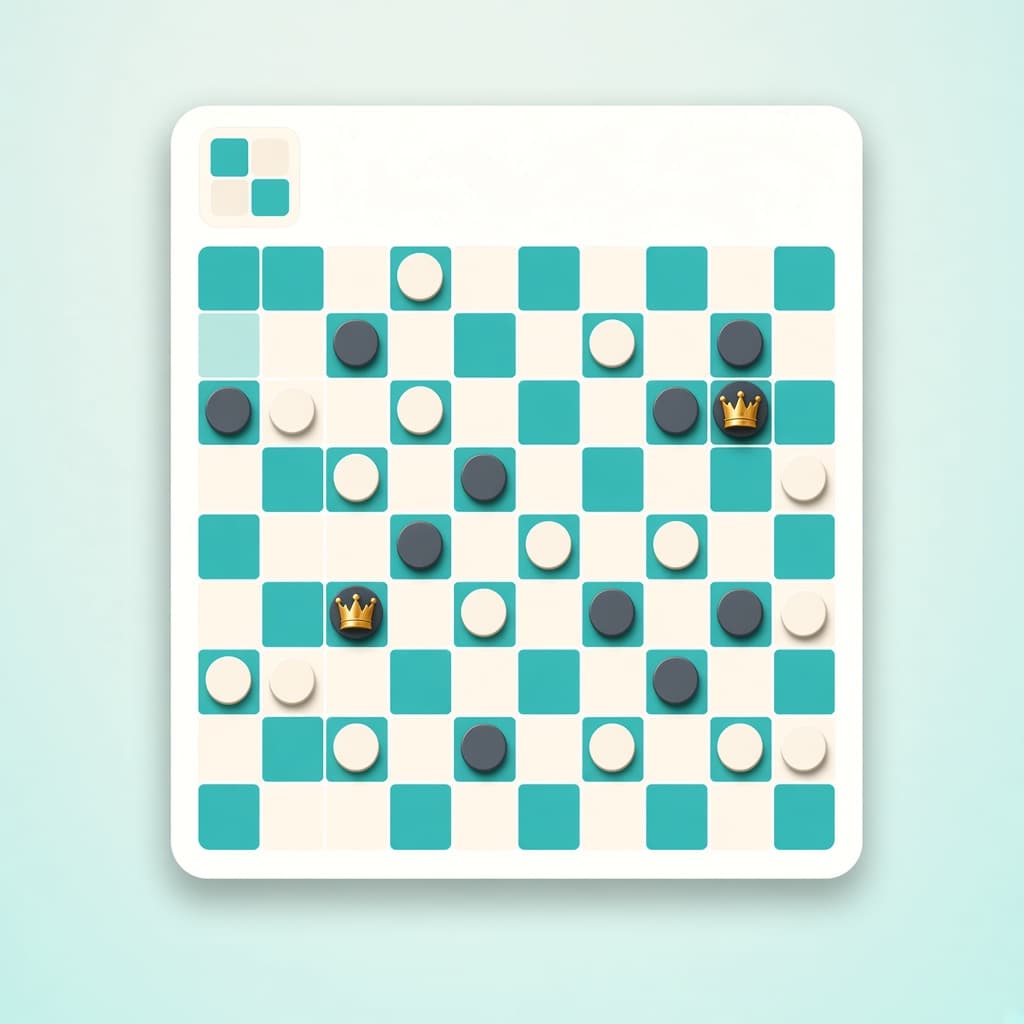
Play international draughts offline in Chrome. 10x10 board, 20 men, flying kings, majority capture - vs bot, levels 1-100, themes.
Customize typing with keyboard click sounds in Chrome. Fun keypress audio, themes, and effects for every keystroke.
Kitty for Google Chrome: playful cat animations roam your screen. Add warmth and fun to browsing with cute companions.
Join rapper Lil Rooster in a fun clicker game as he embarks on a challenging quest for success, needing your help along the way.
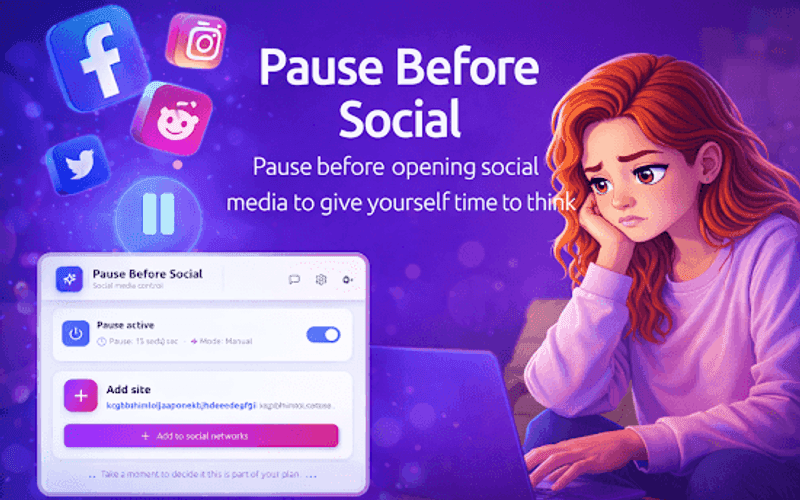
Pause before opening social media in Chrome. A short countdown helps you think twice, scroll less, and browse more intentionally.
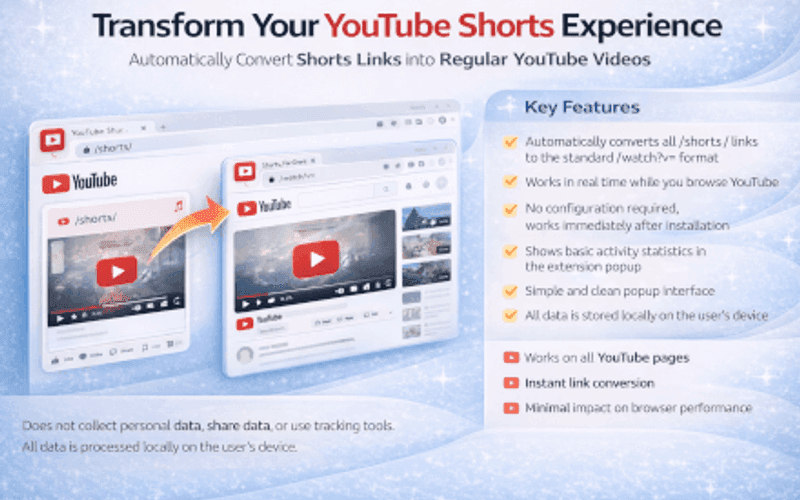
LockYt for Chrome: block YouTube Shorts, recommendations, and comments. Turn YouTube into a focused workspace for productivity.